Window ground
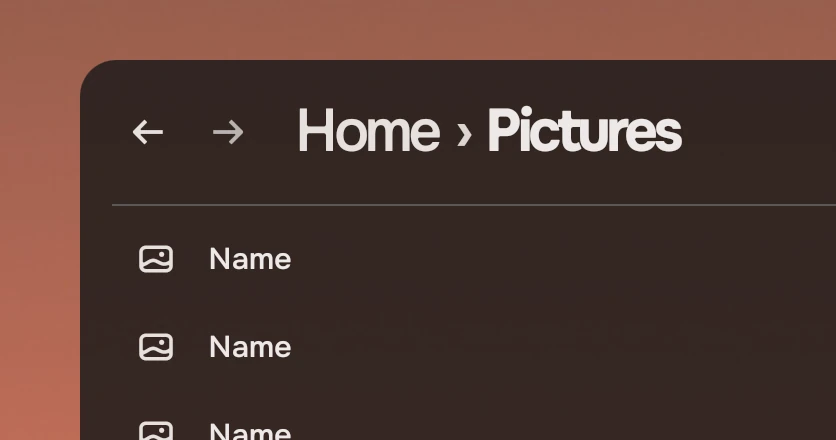
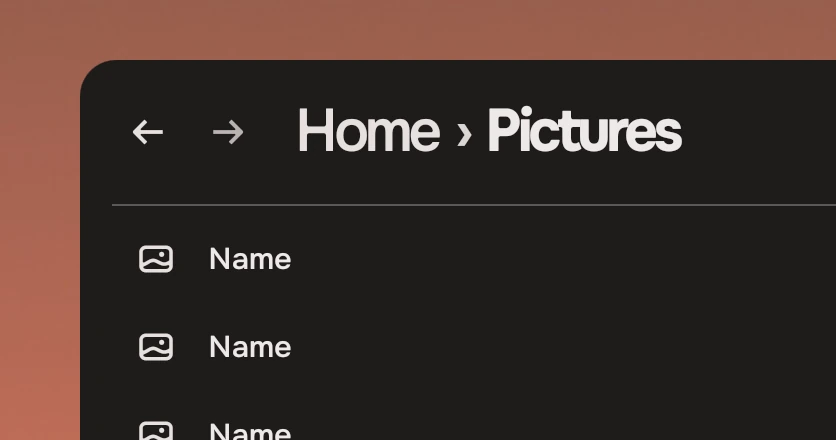
The ground an app window draws: the shell's ground at the person's see-through setting, with the window's corners.
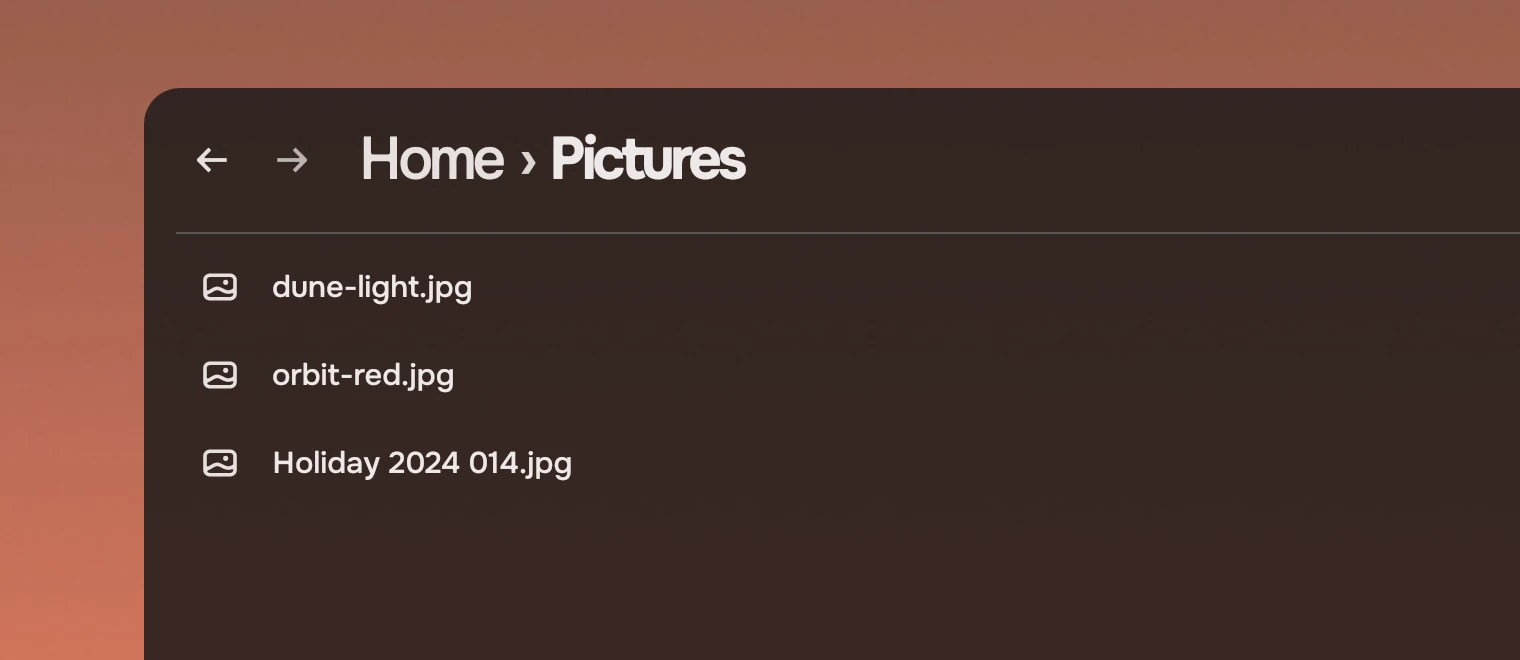
Put WindowGround first in every app window's root, and draw the rest over it. Files, Music, Praxis and Settings each drew this by hand before it was a part. The compositor blurs what is behind the window; the ground goes over that. For the surfaces inside the window, see materials.
Anatomy
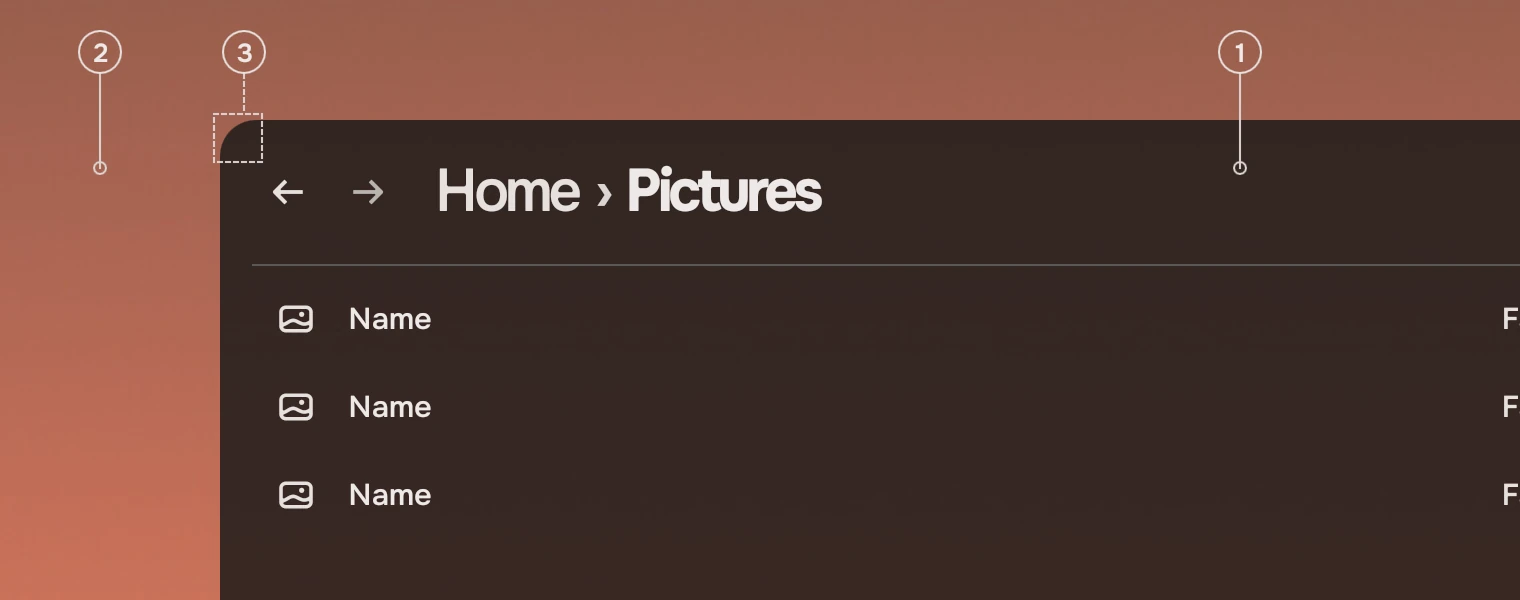
- GroundThe
windowGroundcolour, drawn at1 - windowSeeThroughopacity. It follows the wallpaper and the person's setting by itself. - WallpaperWhat shows through the ground, more as the setting goes up.
- Corner18 pixels, the
windowradius. Where the compositor rounds the window itself, setradius: 0.
States
The ground has no states of its own; what changes it is the person's see-through setting.
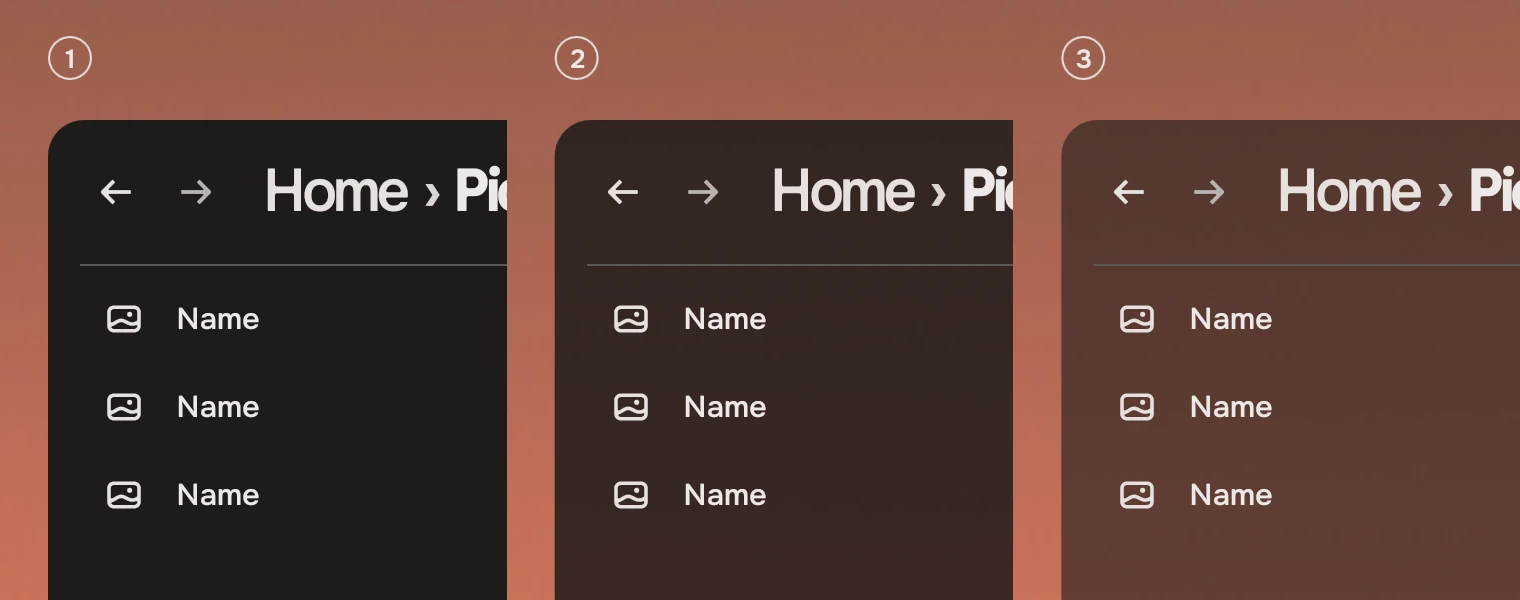
- SolidNothing shows through: the setting is off.
- Default15 % see-through, so the ground is drawn at 85 %.
- MoreA person who chooses more, such as 40 %, sees more of the wallpaper. The ink is solved for the ground, so text still reads.
In the Tacit shell the setting is scaled with the wallpaper, so a bright wallpaper does not lighten the ground. The part reads the result.
Sizes
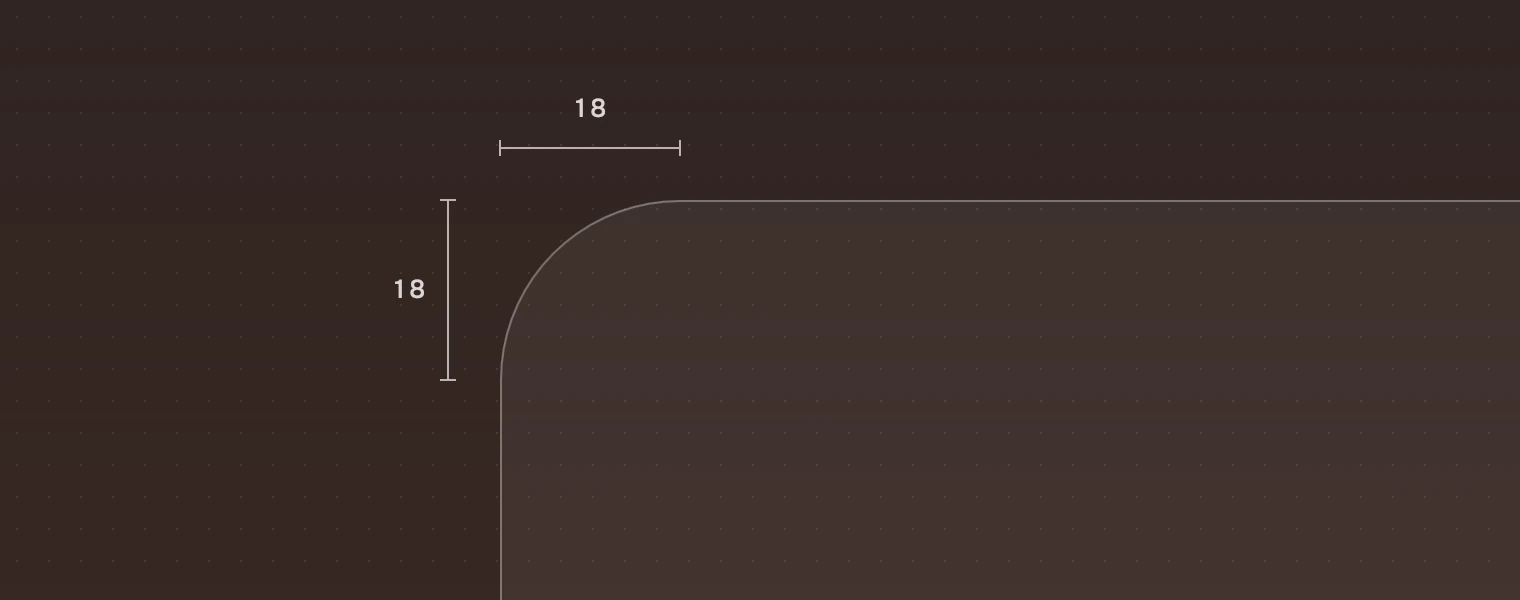
| Part | Value |
|---|---|
| Corner | 18 (radius.window) |
| Ground | windowGround at 1 - windowSeeThrough; 85 % by default |
Accessibility
- The ground is only a surface and says nothing to a screen reader.
- Text sits on the ground in inks solved for it. Do not draw text in a colour of your own; use the text inks.
Do and don't
Code
import QtQuick
import Quickshell
import Tacit.Kit

FloatingWindow {
    color: "transparent"
    WindowGround {}
    PageHeader { width: parent.width; crumbs: ["Home"]; here: "Pictures" }
}
| Property | What it does |
|---|---|
radius | The corner, 18 by default. Set 0 where the compositor rounds the window |
WindowGround is a Rectangle, so its other properties exist, but color is bound to the ground and the setting.
Experimental, in Tacit.Kit 0.1.
Text and figures: CC BY 4.0. Tacit.Kit: LGPL-3.0 code, OFL fonts. The Tacit name.