Check
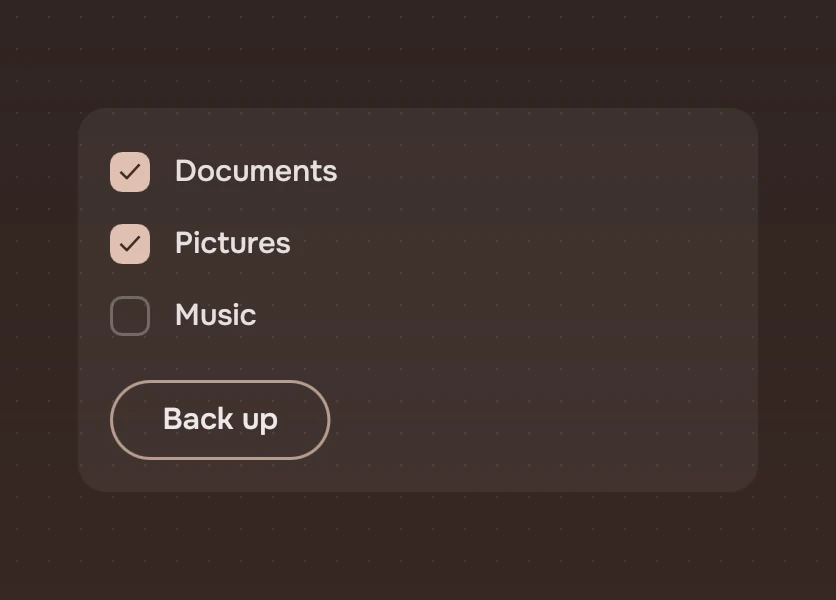
A box that is ticked or not, with its name, for a form or a list where several can be on. A click asks for the opposite.
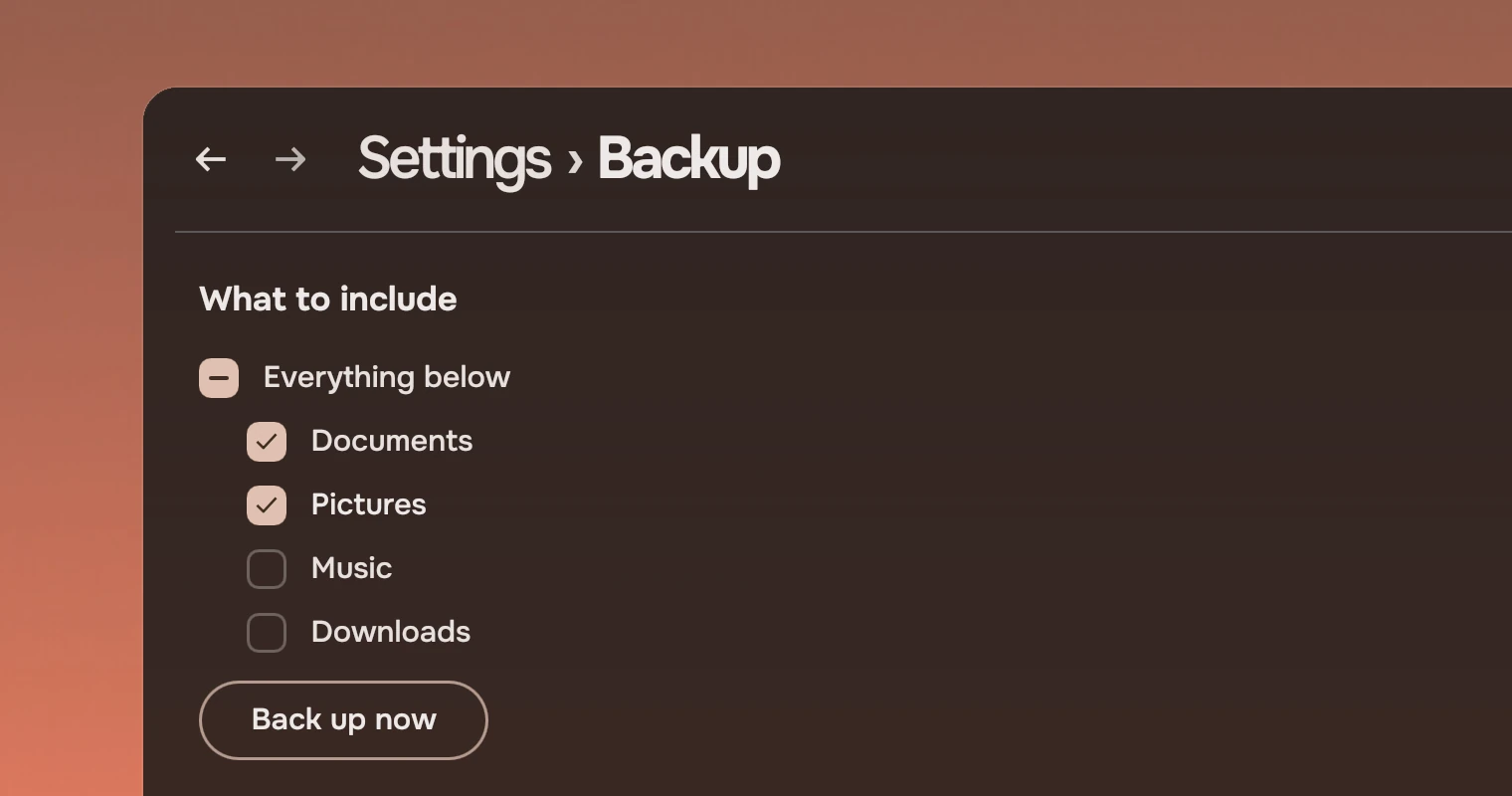
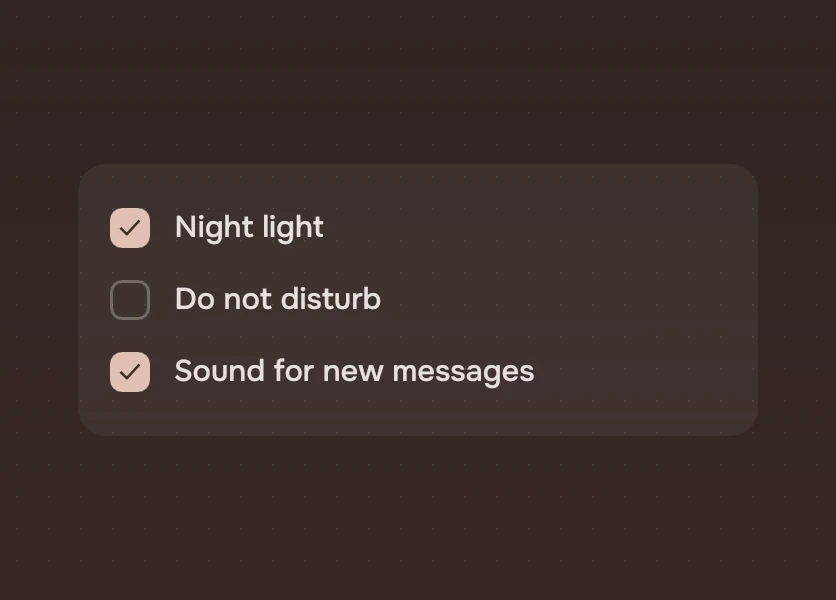
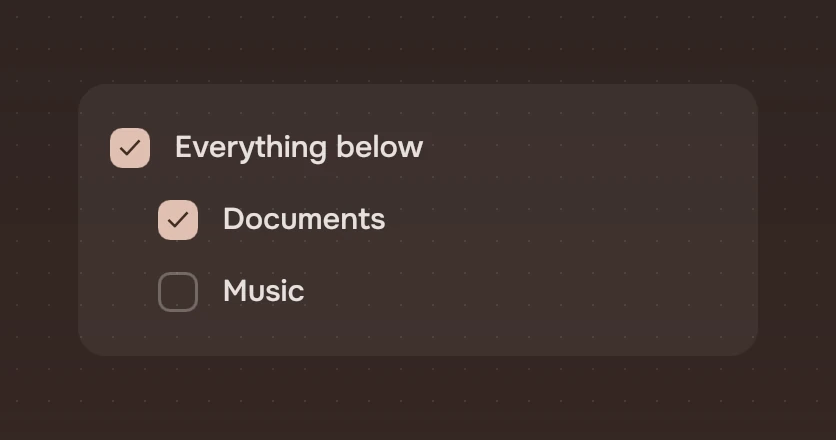
Use a check for one of several things that can each be on or off, in a form or a list of choices, or for a parent that stands for a group. The ticks are read together, usually when the person presses a button. Two parts look close to it and do other jobs:
- A switch is for one setting that takes effect the moment it is flipped. A check waits: it is a field in a form, and the app reads it when the form is sent.
- Choices is for one of a few. With a check, any number can be on; with choices, exactly one is.
Anatomy
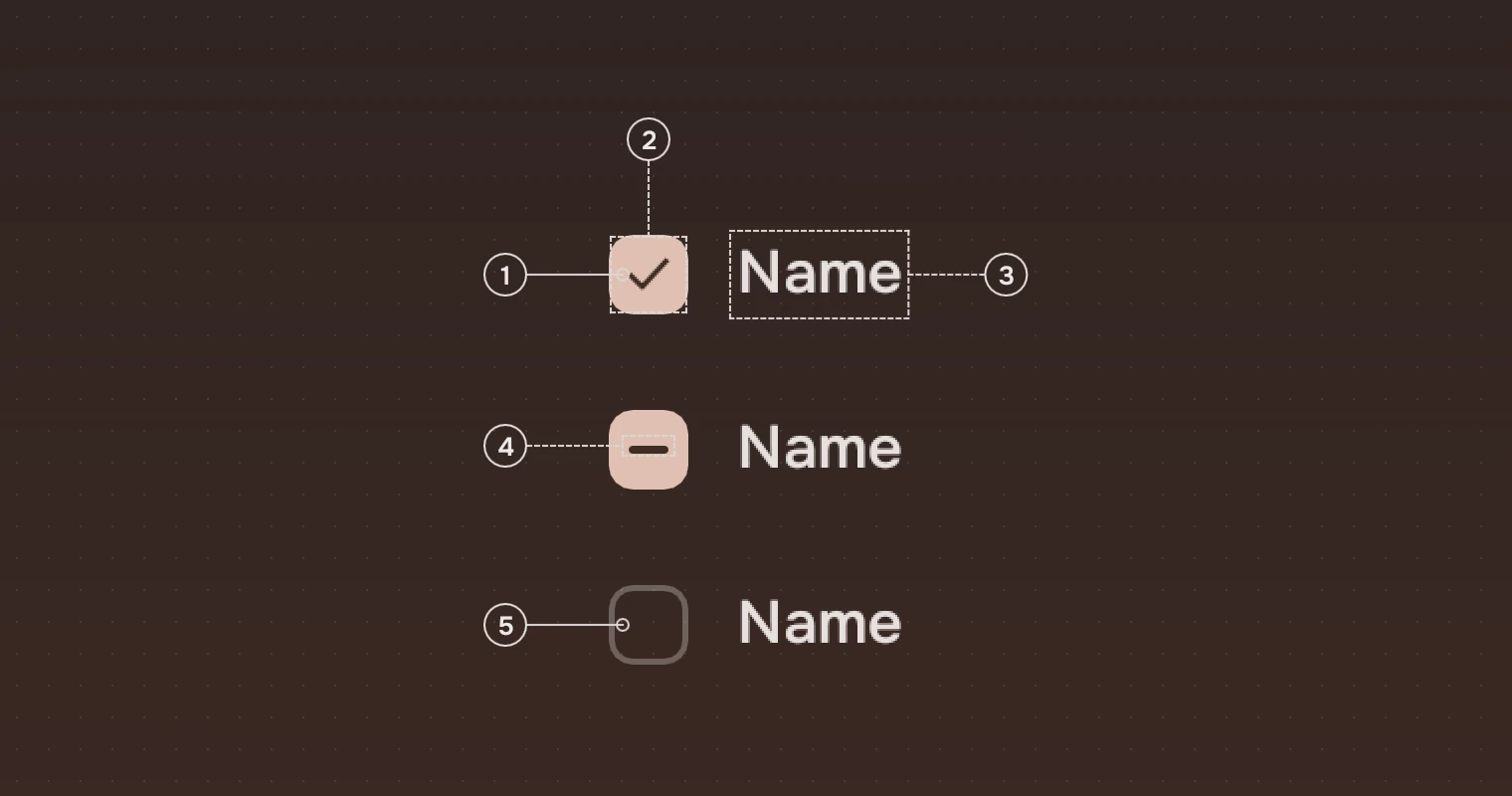
- BoxTicked or partly ticked: a fill in the accent. Not ticked: no fill, a 1.5-pixel outline in the main ink at 30 %.
- TickThe
checksymbol, 16 pixels, dark (the ink on the accent). - LabelThe secondary ink; the main ink while the pointer is over the check.
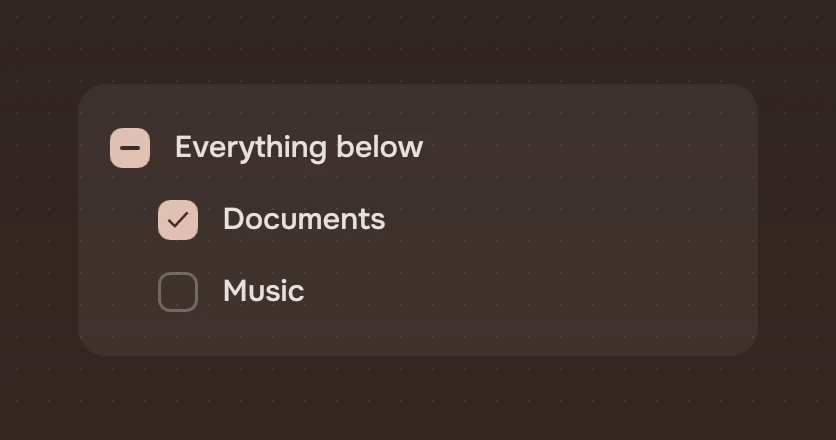
- DashA partly ticked box shows a dash, 10 by 2, in place of the tick. This is
mixed: a parent over children of which only some are ticked. - OutlineThe box that is not ticked is read by its outline, so it shows in grey as well.
The whole row, box and label, is the target. The label is also what a screen reader says.
States
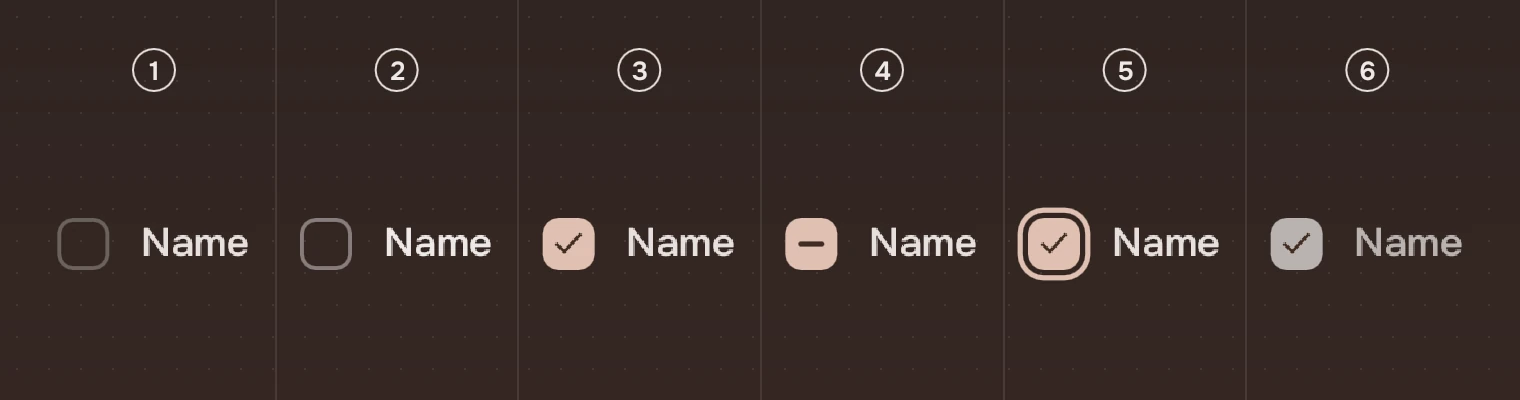
- Not tickedThe outline and the label in the secondary ink.
- Pointer over itThe outline steps up to 45 % and the label goes to the main ink; the pointer is a hand. See States.
- TickedThe accent box and the dark tick.
- Partly tickedThe accent box and the dash.
- Keyboard focusThe ring around the box, not the label.
- UnavailableBox, tick and label in the faint ink, no response.
The box changes colour over 80 ms (hover), and the tick appears at once. With reduced motion on, it changes at once.
A click or Space asks for the opposite and the app sets checked. A partly ticked box asks for ticked.
Sizes
| Part | Value |
|---|---|
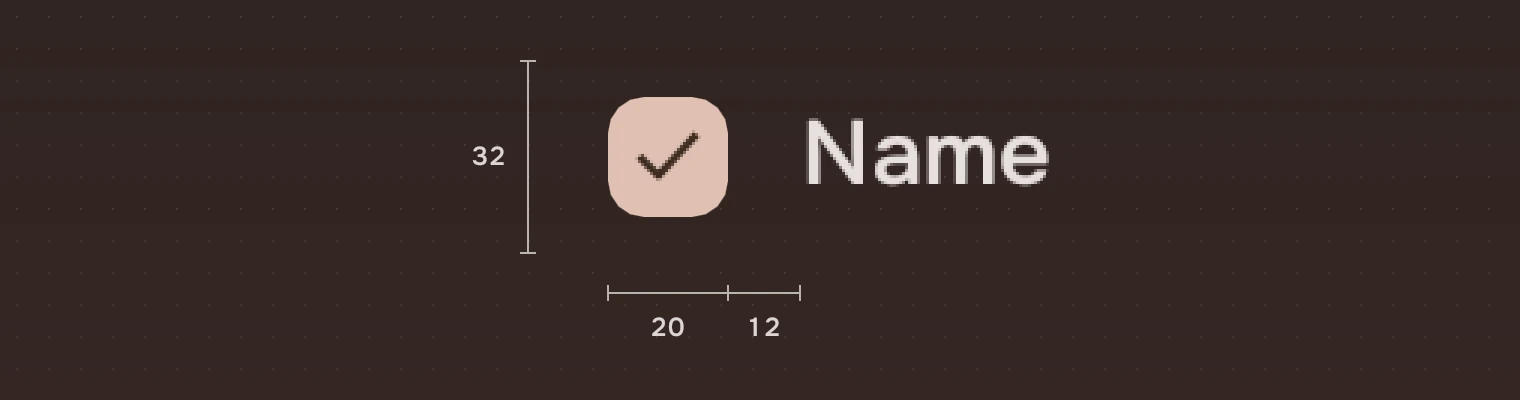
| Box | 20, corner #6 (radius.art) |
| Row height | 32 (height.railRow) |
| Space between box and label | 12 (space.m) |
| Tick | 16 pixels |
| Dash | 10 by 2 |
| Outline | 1.5 pixels, the main ink at 30 %; 45 % under the pointer |
Put the children of a parent 24 pixels in from it, and keep 4 pixels between rows.
Keys and pointer
| Do this | To |
|---|---|
| Tab | Move the focus to the check |
| Space | Ask for the opposite (a partly ticked box asks for ticked) |
| Click on the box or the label | The same |
Accessibility
- A check is a check box with a name, and says whether it is checked, not checked or partly checked ("Some are on"). A screen reader can also toggle it.
- The state is told by shape: a fill with a tick, a fill with a dash, or an outline. Colour is not the only mark.
- Unavailable is the faint ink, and the check leaves the Tab order. A screen reader hears it as disabled.
Writing
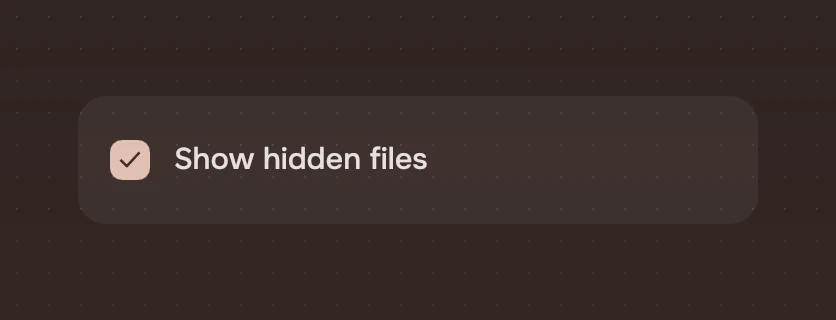
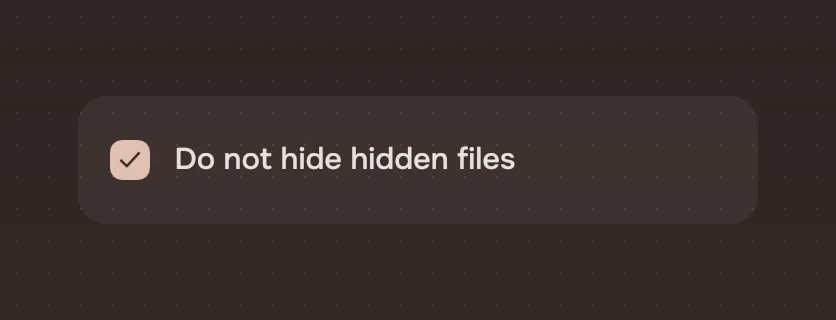
Name what is included, as a noun or a short phrase: "Pictures", "Show hidden files". The tick says yes and the empty box says no, so write the name for the case where it is ticked. Do not write it as a negative ("Do not hide hidden files"): a tick then means no.
Do and don't
Code
import Tacit.Kit

Column {
    Check {
        label: "Documents"
        checked: backup.documents
        onToggled: value => backup.documents = value
    }
    Check {
        label: "Everything below"
        mixed: backup.some
        checked: backup.all
        onToggled: value => backup.setAll(value)
    }
}
| Property | What it does |
|---|---|
checked | Ticked or not. The app sets it when it hears toggled |
mixed | Some of a group are on: the dash. A click asks for ticked |
label | The name, shown beside the box and said by a screen reader |
enabled | False: the faint ink, no response and out of the Tab order |
toggled(checked) | Sent with the value asked for by a click or Space |
Experimental, in Tacit.Kit 0.1.
Text and figures: CC BY 4.0. Tacit.Kit: LGPL-3.0 code, OFL fonts. The Tacit name.