Text area
Several lines to type in, inside a panel. It starts three lines high and grows with the words.
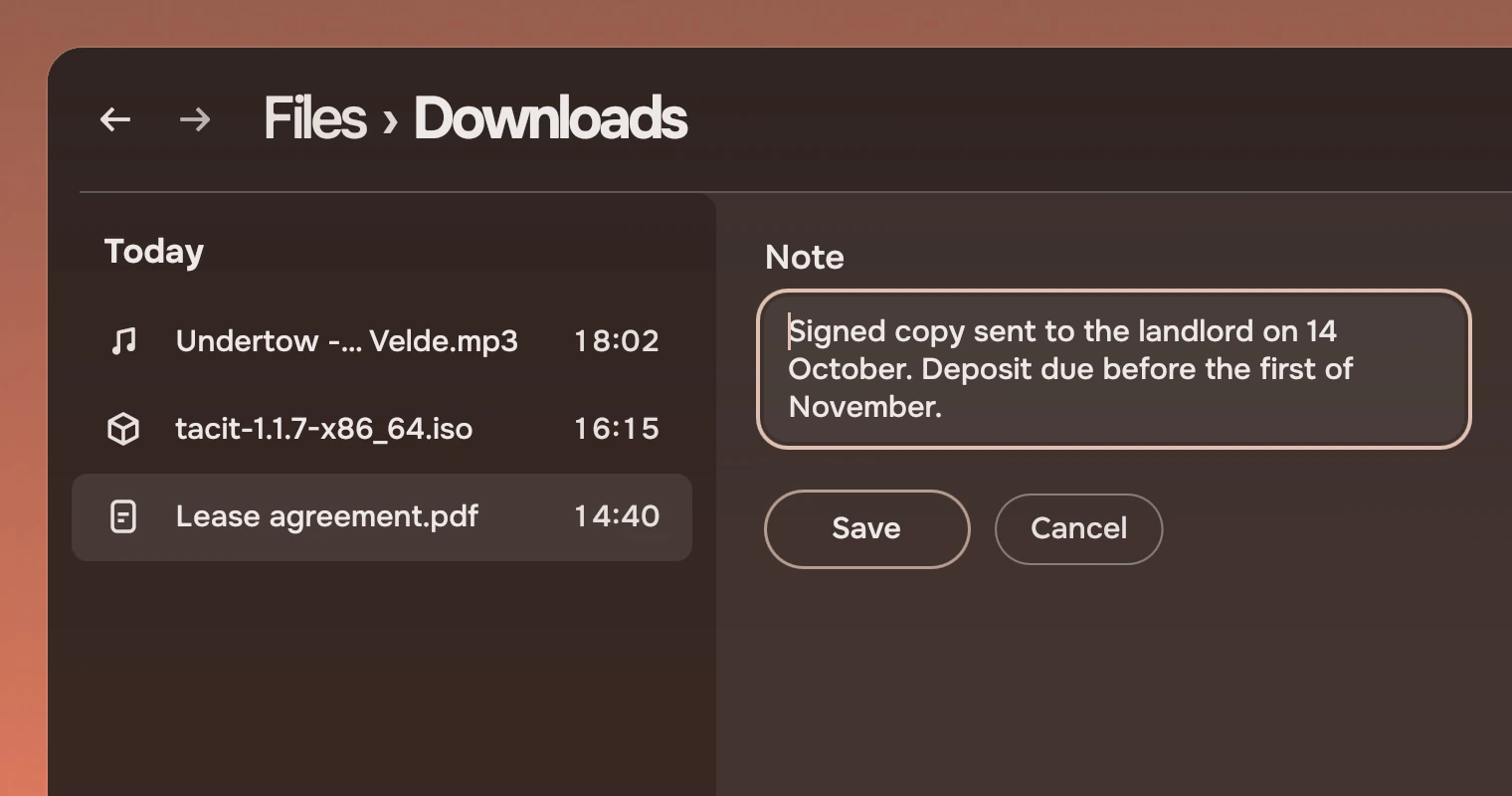
Use a text area where a person types a few lines: a note, a message, a description. It is the field's look with a message box's behaviour. For one line, use a field. For a value from a list, use a select.
Anatomy
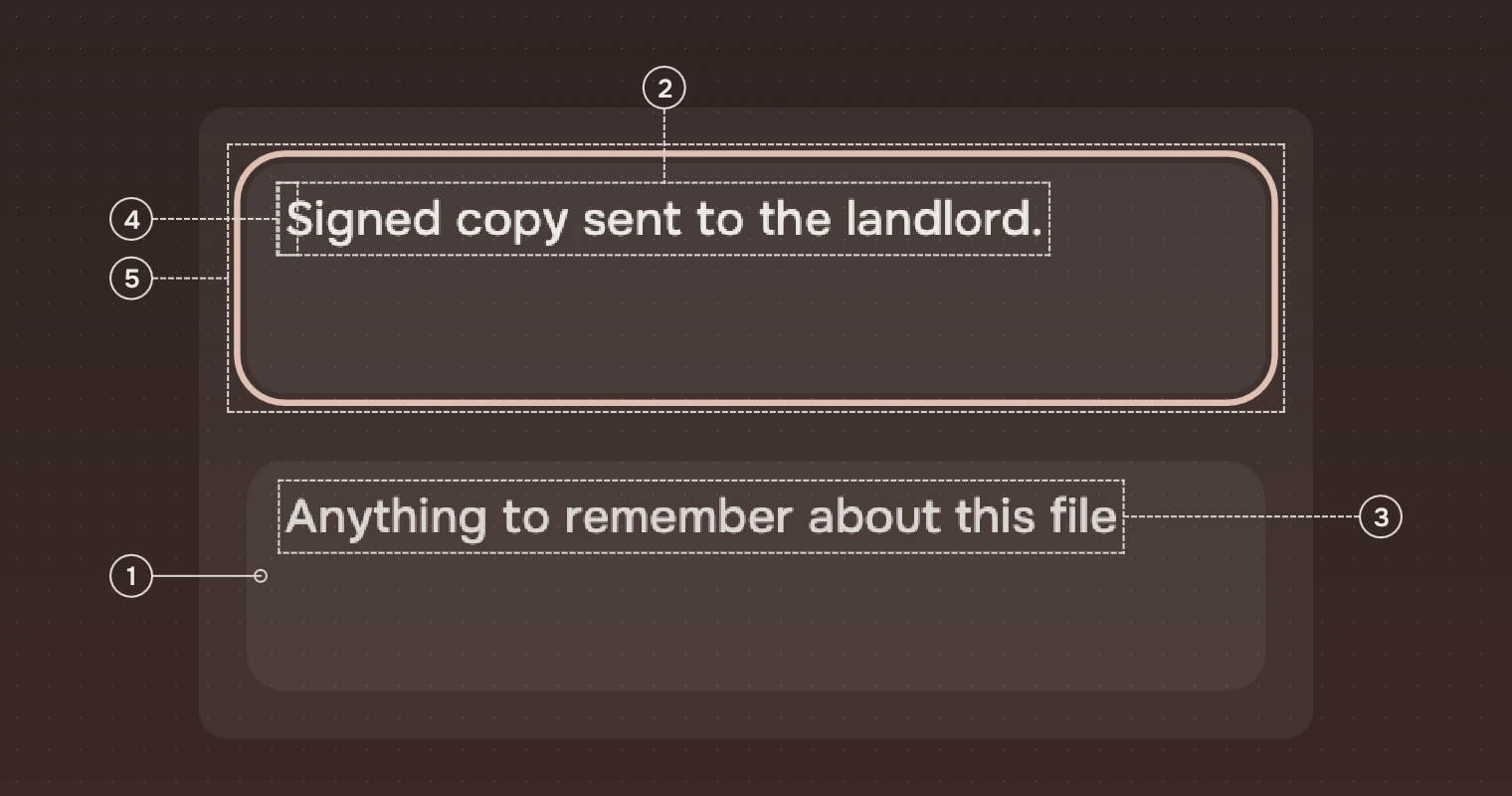
- BoxA rounded box, 12 pixels in the corner, a wash of the main ink at 6 % on the panel.
- WordsWhat was typed, in the main ink, 15 pixels, regular. They wrap at the width.
- HintShown while the box is empty, in the meta ink.
- Caret1.5 pixels wide, in the accent (in the risk ink while the box is in error).
- RingThe accent ring, 2 pixels, 2 pixels outside the box. It is always shown while the box has the keyboard: it is where typing goes.
States
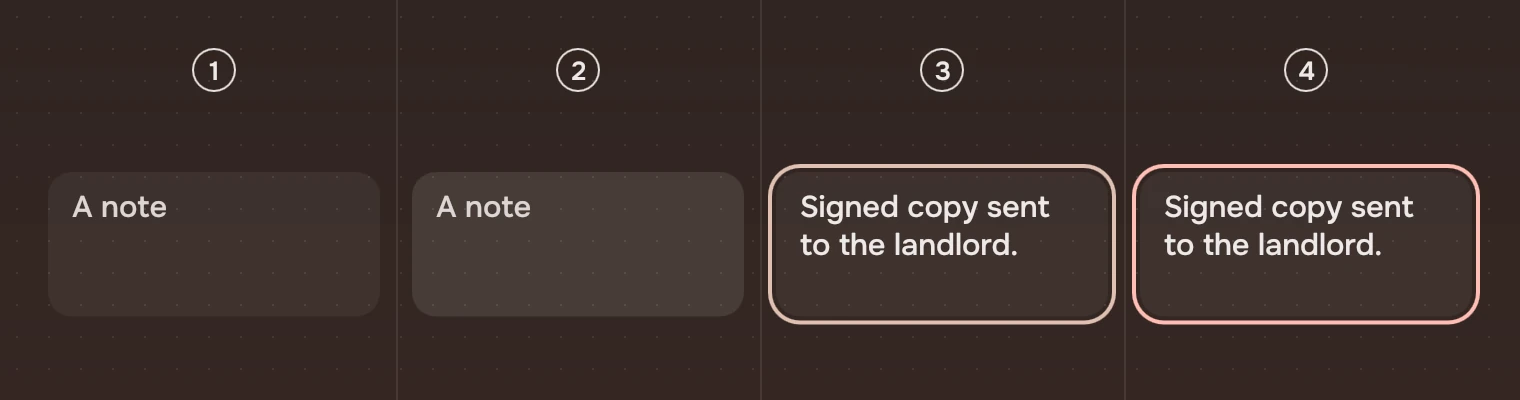
- Rest, emptyThe 6 % wash and the hint.
- Pointer over itThe wash steps up by 5 points, over 80 ms (see States). The pointer is an I-beam.
- TypingThe ring and the caret. The wash does not step up while it has the keyboard.
- ErrorThe ring, always shown, and the caret in the risk ink.
Unavailable (enabled: false) draws the words and the hint in the faint ink and takes no pointer, no key and no stop for Tab.
Growth
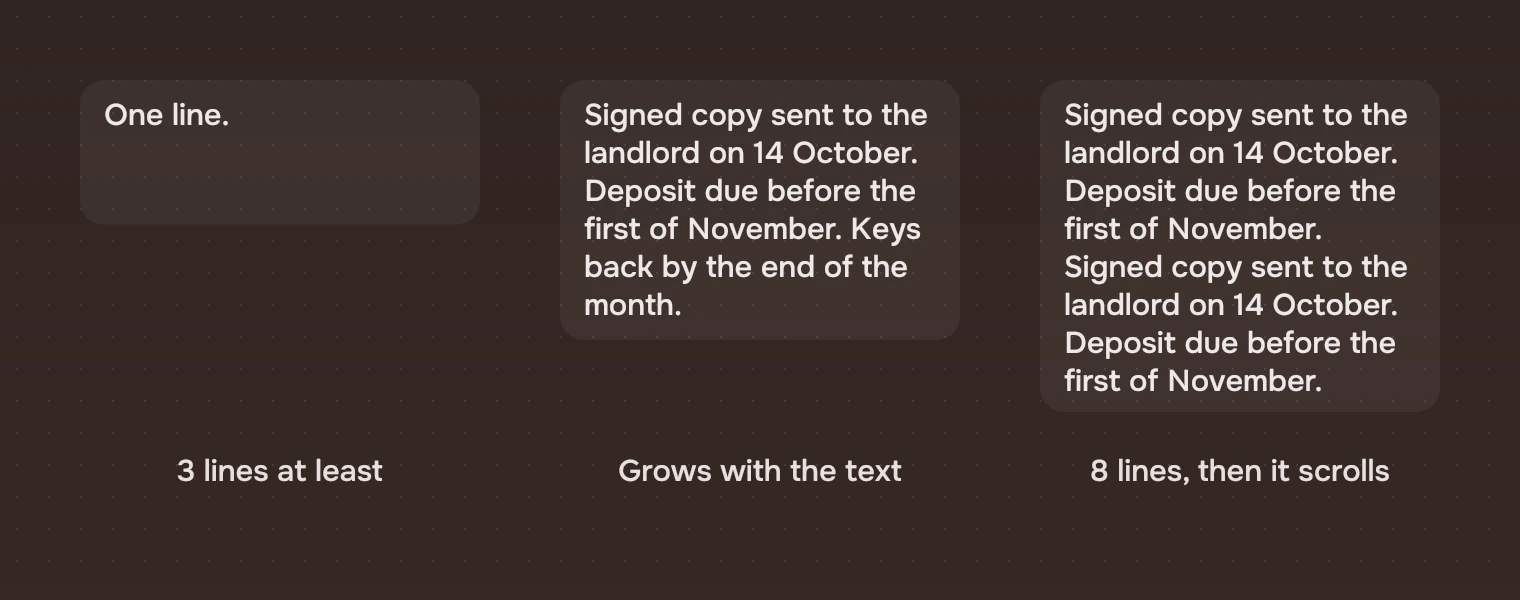
The box is minLines high (3 by default) and grows as the words need it, on the 250 ms arriveSmall motion, up to maxLines (8). Past that it scrolls, and keeps the caret in view. With reduced motion on, it changes height at once.
Sizes
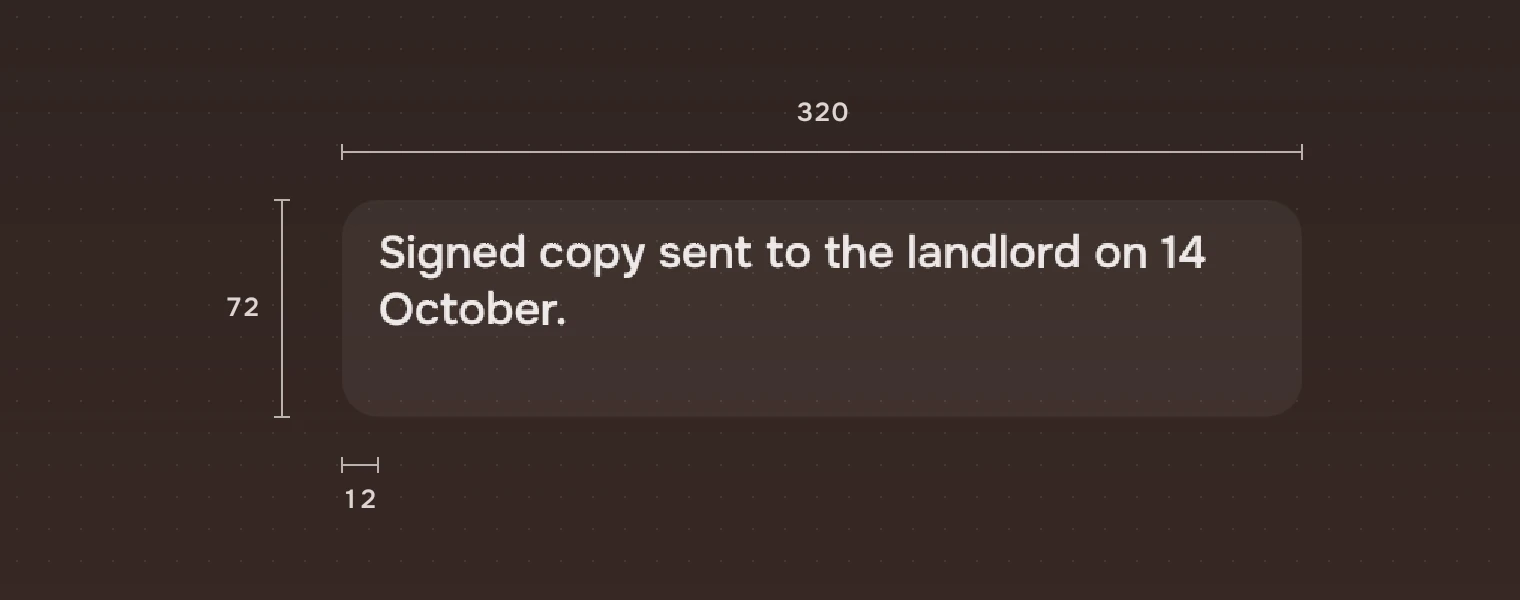
| Part | Value |
|---|---|
| Height | 72 for three lines, 166 for eight: 8 above and below, and 18.75 a line |
| Width | 320 unless you set it |
| Padding | 12 each side, #8 above and below (space.m, space.s) |
| Corner | 12 (radius.slab) |
| Words | 15 pixels (row), regular; the hint in the meta ink |
| Wash | 6 % (wash.action); 11 % under the pointer |
| Caret | 1.5 pixels, accent |
| Ring | 2 pixels, 2 outside |
Keys and pointer
A text area edits text as any multi-line input does. These keys are the part's own.
| Do this | To |
|---|---|
| Enter | Start a new line |
| Ctrl + Enter | Send what was typed (submitted). The app decides what that does |
| Esc | Ask to be dismissed (dismissed). The app closes the panel or gives the focus away |
| Tab | Move on to the next control. It does not type a tab |
| Click | Put the caret there; the ring shows |
Accessibility
- A screen reader finds the text area as a multi-line text entry, named by
label, with the typed text. Set the label: the hint disappears as soon as someone types. - The ring shows whenever the box has the keyboard, so the place of typing never depends on the caret.
- An error is told by the ring and caret in the risk ink and, to a screen reader, as "Error: the entry is not valid". Say what is wrong in a line under the box as well.
- Unavailable is the faint ink, and a screen reader hears it as disabled.
Writing
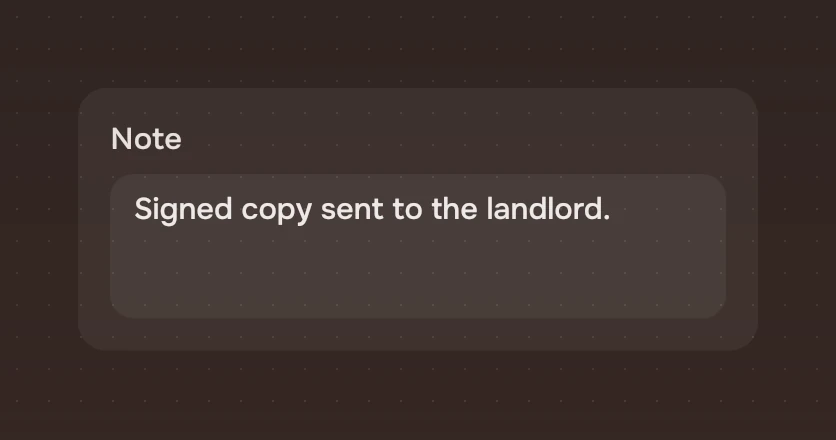
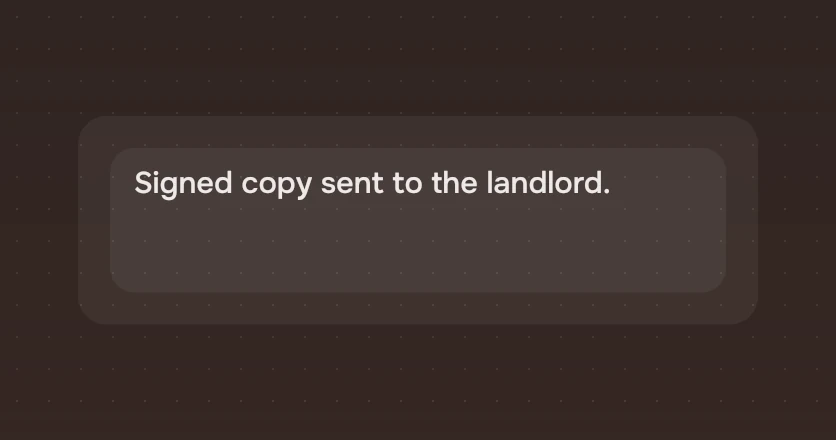
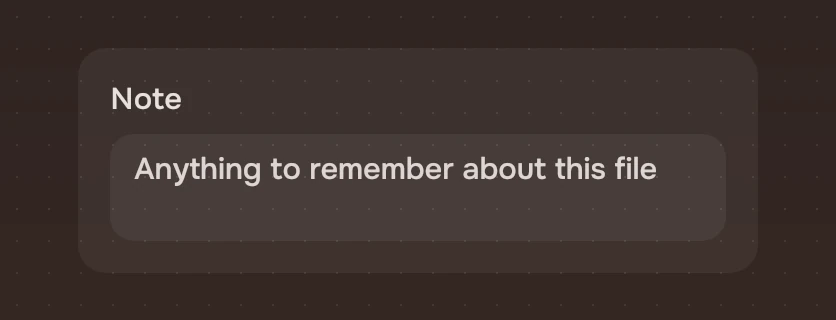
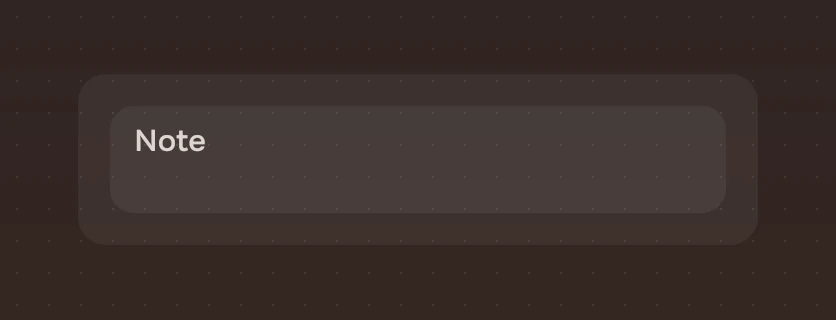
Put a visible label above the box, in a word or two: "Note". Use the hint for what to write, with an example: "Anything to remember about this file". It must not repeat the label. Tell people how to send if it is not obvious: Enter makes a new line, so a form that sends on Ctrl + Enter needs a button too.
Do and don't
Code
import Tacit.Kit

Column {
    spacing: 8
    TacitText { text: "Note"; ink: "sec" }
    TextArea {
        width: parent.width
        label: "Note"
        hint: "Anything to remember about this file"
        text: file.note
        onSubmitted: text => file.saveNote(text)
        onDismissed: panel.close()
    }
}
| Property | What it does |
|---|---|
text | What is typed |
hint | Shown while empty |
label | What a screen reader says. Set it |
minLines, maxLines | The least and the most lines high: 3 and 8. Past maxLines it scrolls |
error | The ring and caret in the risk ink |
enabled | False: the faint ink, no keyboard, no pointer |
input | The text input itself, for selection and keys |
submitted(text) | Ctrl + Enter was pressed |
dismissed() | Esc was pressed |
edited() | The text was changed |
focusIn() | Gives the box the keyboard |
Experimental, in Tacit.Kit 0.1.
Text and figures: CC BY 4.0. Tacit.Kit: LGPL-3.0 code, OFL fonts. The Tacit name.