Tooltip
The name of a thing that has no words of its own, shown when the pointer rests on it.
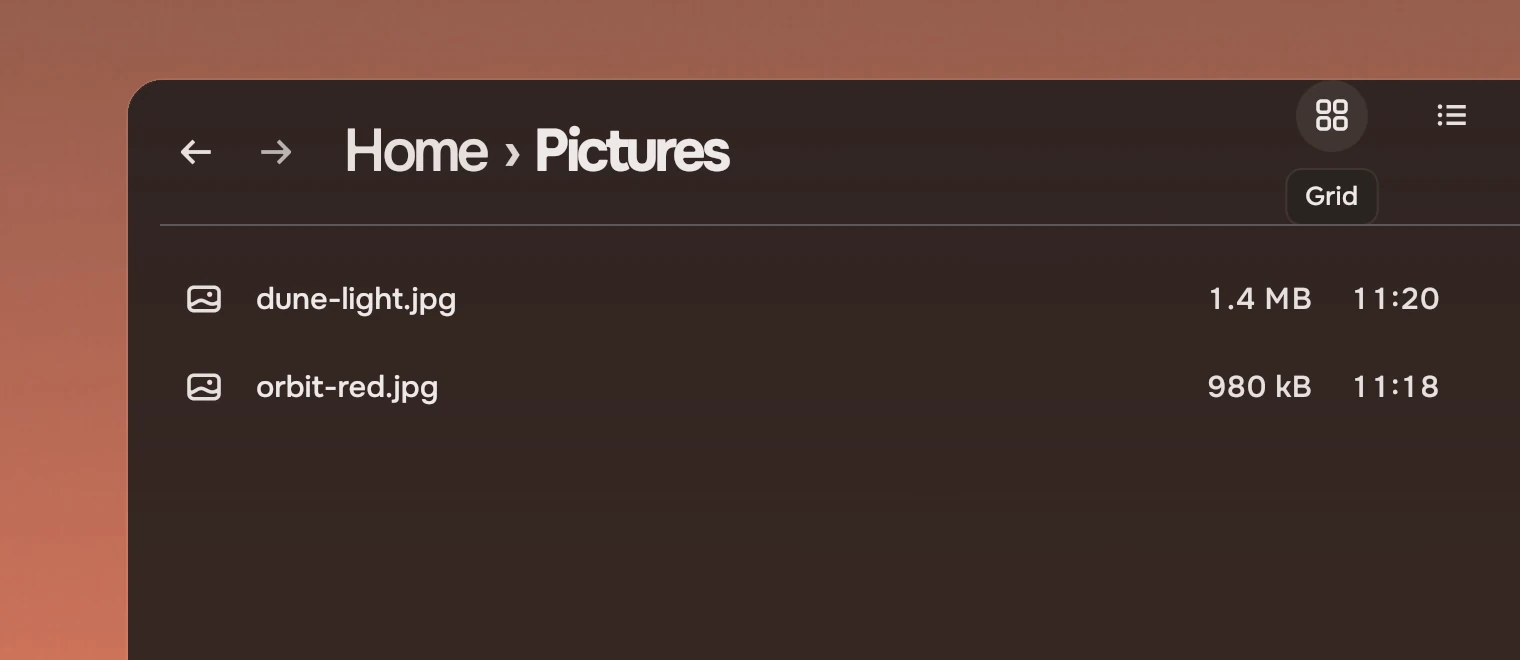
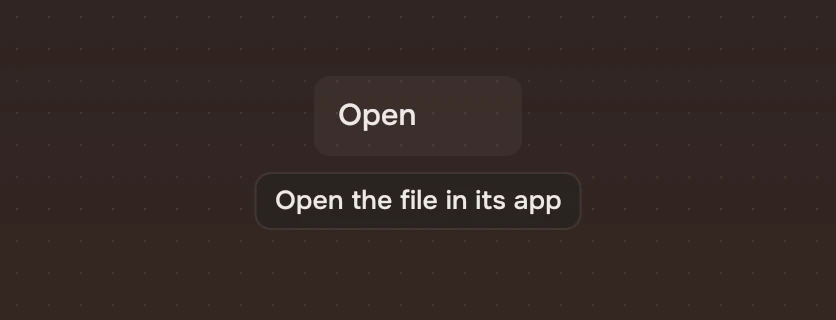
Use it on a symbol button and on a folded rail's places, where the symbol is all there is to read. Never on a thing that already shows words. There are two parts: Tooltip goes inside the thing and decides when; TooltipSurface is the look and can be used alone.
Anatomy
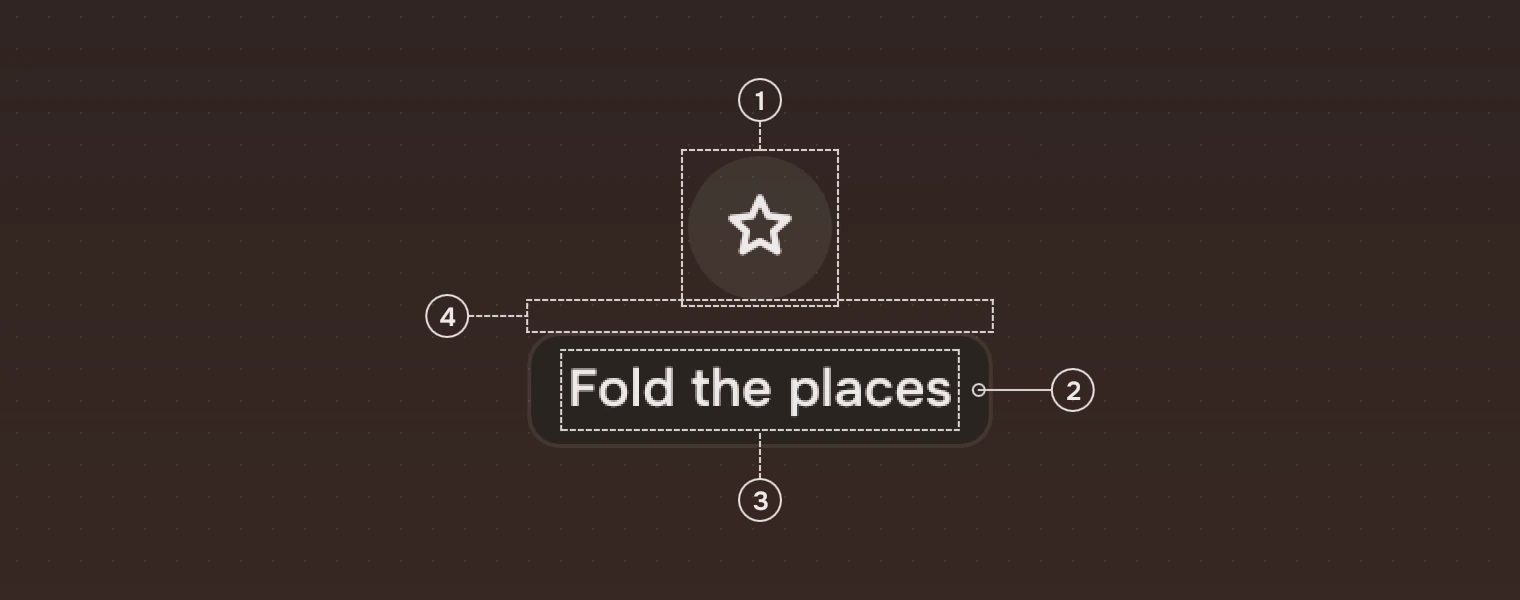
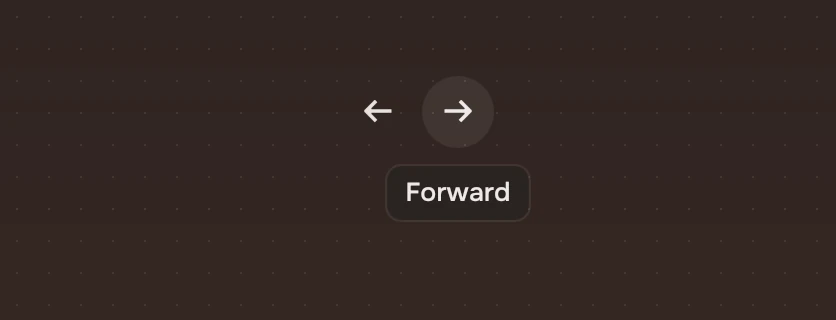
- The thing it namesA symbol button, here under the pointer.
- SurfaceThe menus' overlay colour, which is solid, with a 1-pixel edge of the main ink at 8 %.
- WordsThe name, 13 pixels, in the main ink.
- Gap8 pixels, and the surface is centred under the thing.
States
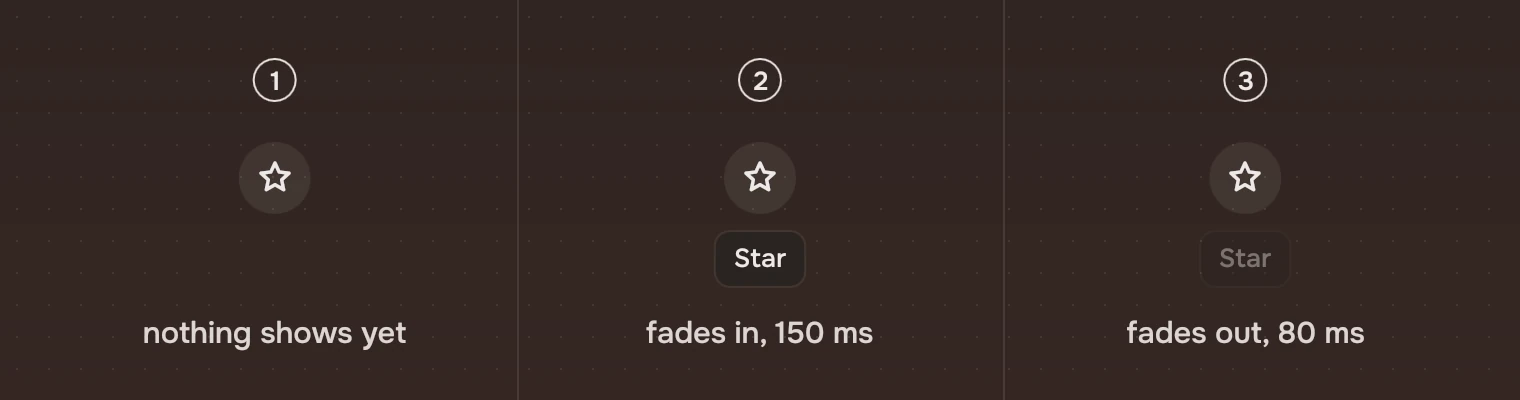
- Pointer arrivesNothing shows yet.
- After 600 msThe tooltip fades in over 150 ms (the
fadeFastmotion). - Pointer leavesIt fades out over 80 ms (the
hovermotion).
Sizes
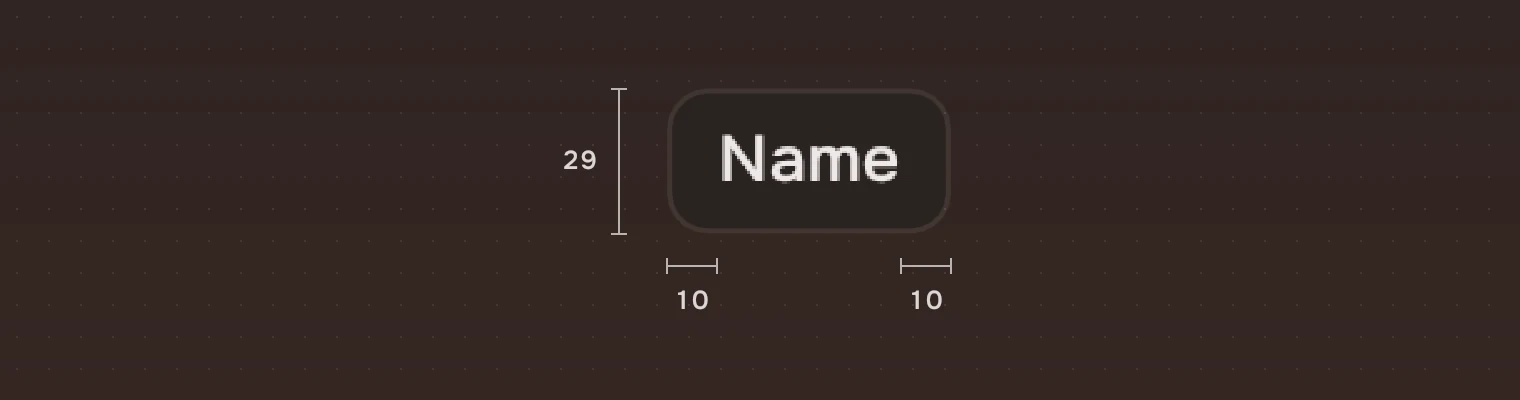
| Part | Value |
|---|---|
| Text | 13 pixels (meta), the main ink |
| Space either side | 10 |
| Space above and below | 6 |
| Height | 29, which is the text's line and 12 |
| Corner | 8 |
| Distance from the thing | 8 under it |
| Delay | 600 ms |
| Fade in | 150 ms |
| Fade out | 80 ms |
Keys and pointer
A tooltip shows when the pointer rests on its thing. A keyboard user sees it too where the part asks for it: an icon button with tip set shows it while the button has the keyboard, and a folded rail place does the same. A bare Tooltip follows shown, so an app that adds one to its own thing sets shown for the keyboard as well.
Accessibility
- A tooltip is not the accessible name. Give the thing its own name: an icon button requires
label, and itstipshould say the same words. - It holds no action and cannot be reached; text in it is not needed to use the page.
Writing
The name of the thing, as short as it can be: "Grid", "Forward", "Fold the places". No full stop. If the name needs more than a few words, the thing should show words of its own.
Do and don't
Code
import Tacit.Kit

IconButton {
    symbol: "left_panel_close"
    label: "Fold the places"
    tip: "Fold the places"        // the button adds the tooltip itself
    onActivated: rail.folded = !rail.folded
}
| Property | What it does |
|---|---|
text | The name |
shown | Whether the pointer rests on the thing; the tooltip waits 600 ms after it turns true |
TooltipSurface.text | The look on its own, for a figure or a custom place |
For a thing that is not an icon button, put a Tooltip inside it and bind shown to its pointer and keyboard state: Tooltip { text: "Grid"; shown: item.hovered }.
Experimental, in Tacit.Kit 0.1.
Text and figures: CC BY 4.0. Tacit.Kit: LGPL-3.0 code, OFL fonts. The Tacit name.