Inline link
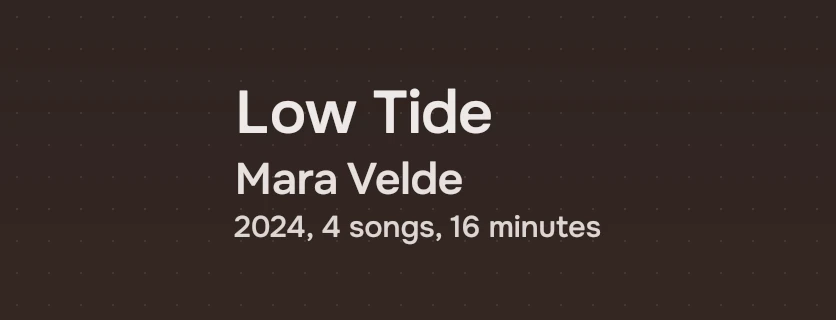
Words in a line of text that go somewhere: the artist's name on an album's page. It has no underline and no colour of its own.
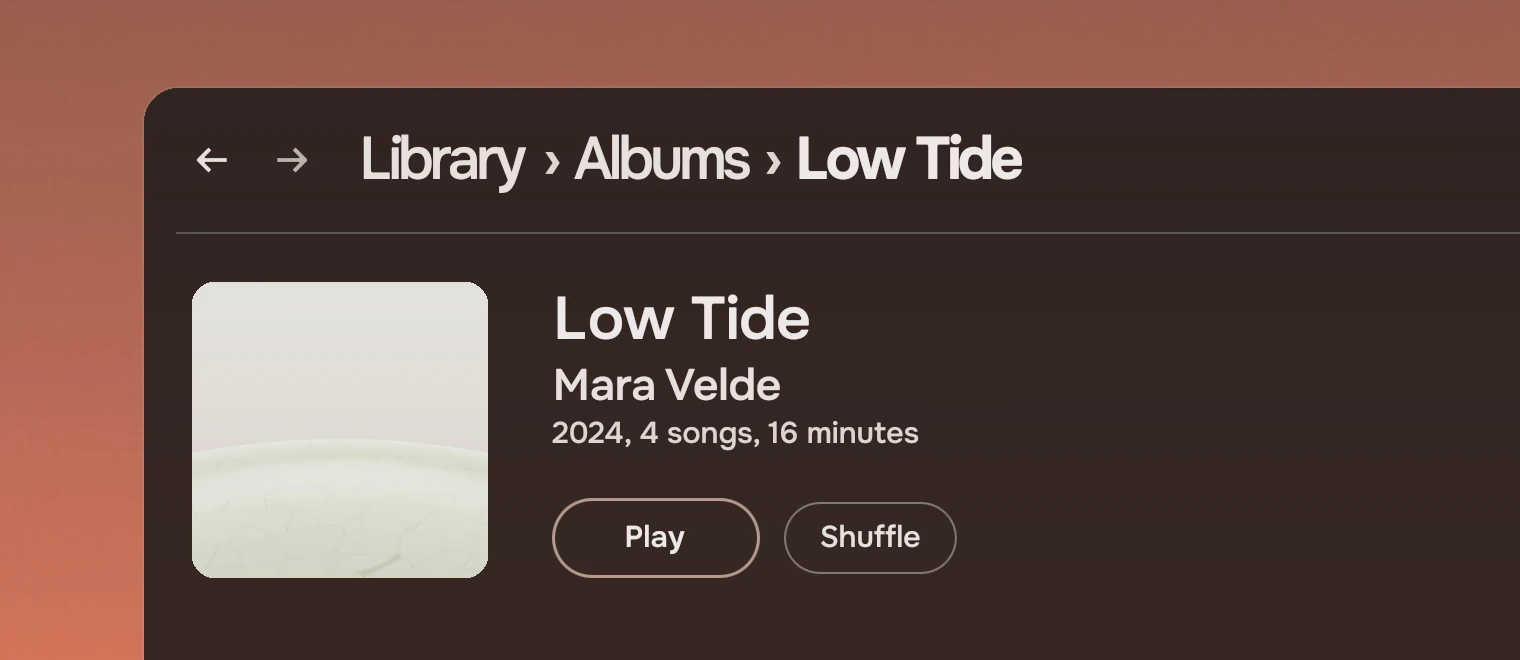
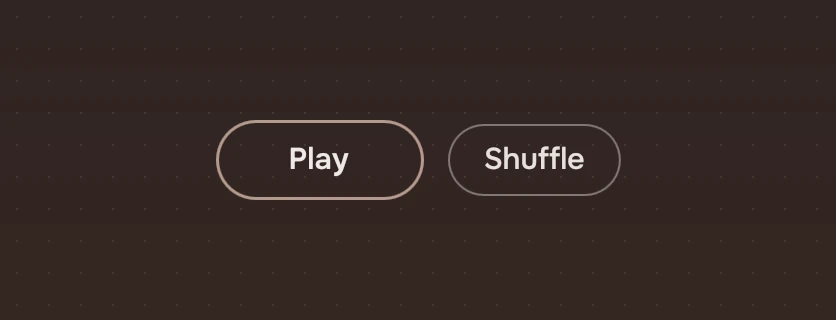
Use it for a name or a word in a line that opens that thing's own page: the artist under an album's title, the album under a song's. The words are the link, so it fits where a button would break the line. For an action, such as Play, use a Slab or an action as words. For a parent in the path to the page, the page header has its own. For a symbol that goes somewhere, use an icon button.
Anatomy
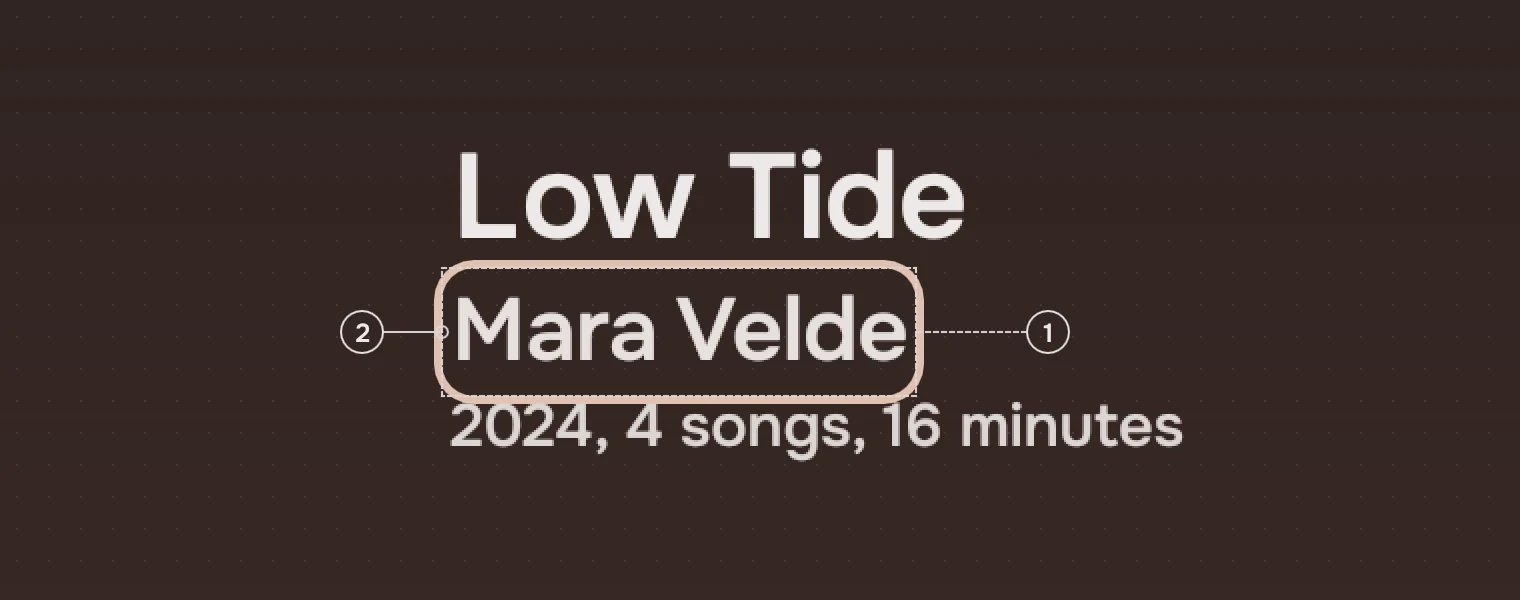
- WordsThe link's text, set like the text around it:
size,weightandinkare text's. At rest the ink is the secondary one. The link is exactly as wide and high as its words. - RingThe keyboard's focus ring, 2 pixels wide and 2 outside the words, so its outer edge is 4 out. Shown only after a key.
There is no underline, no accent and no symbol: the link is told by where it stands and by the pointer, so use it only where the words are plainly a name.
States
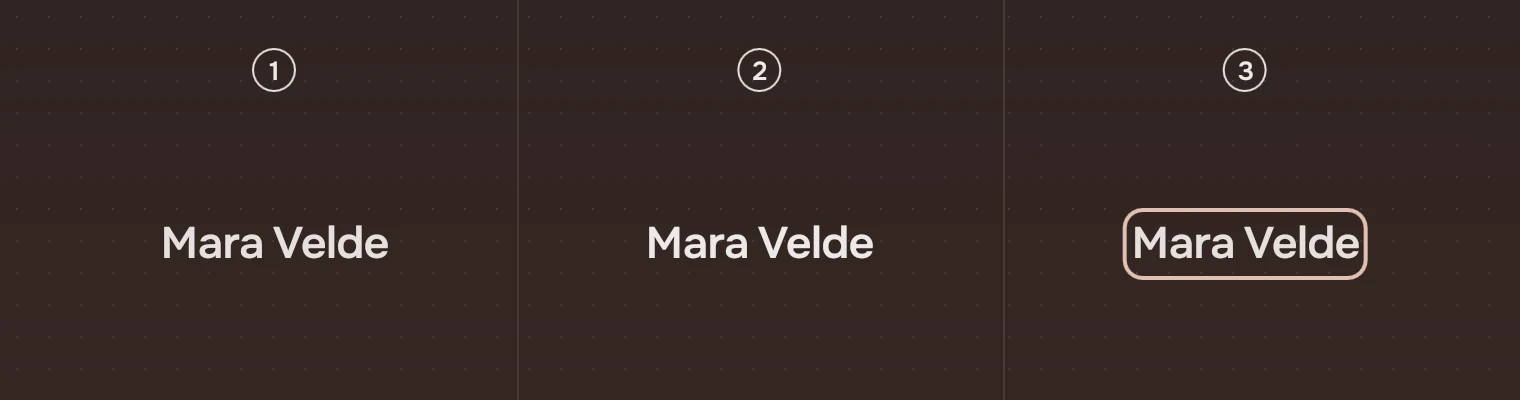
- RestThe words in the secondary ink.
- Pointer over itThe words in the main ink, and the pointer is a hand.
- Keyboard focusThe ring around the words.
There is no pressed state and no unavailable one: a link that cannot be followed is not a link, so set it as plain text. States gives the washes and the ring for every part.
Sizes
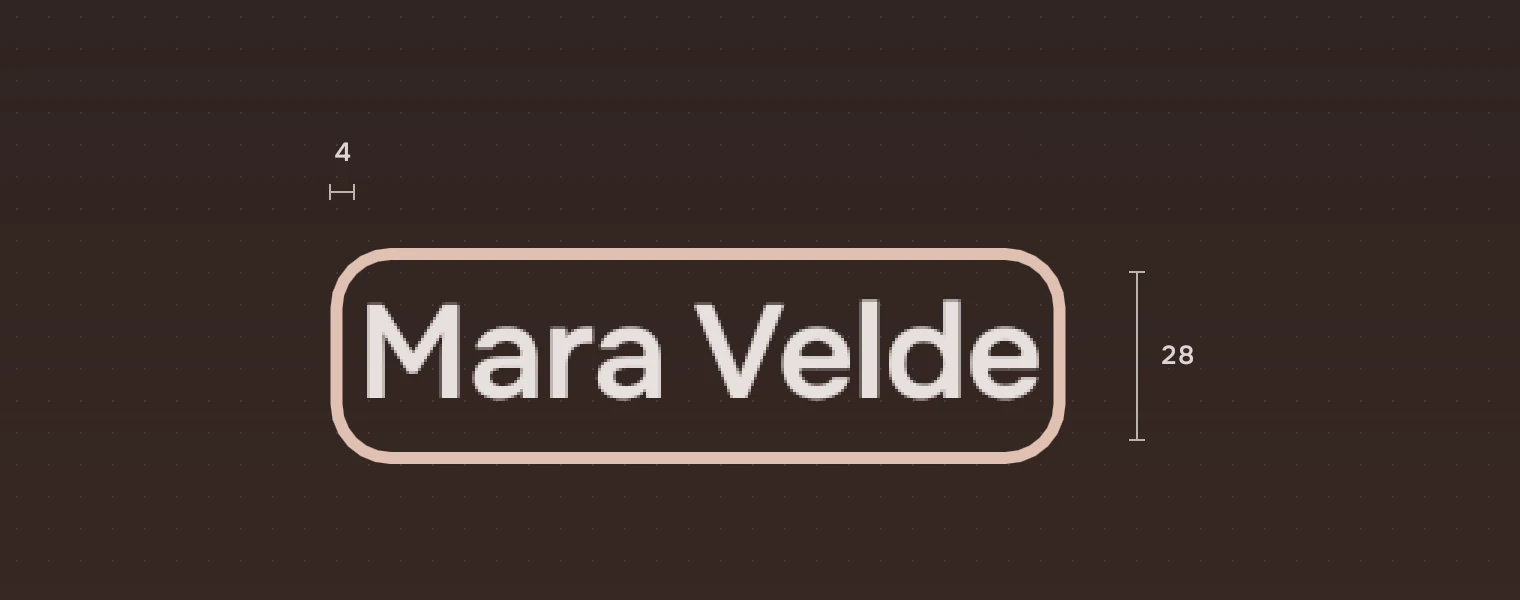
| Part | Value |
|---|---|
| Size | As high and wide as its words, 28 high at section |
| Focus ring | 2 pixels wide, 2 outside the words; corner 10 |
A link is smaller than the 24-pixel target the kit asks for elsewhere, because it is the words of a sentence, which the standard (WCAG 2.2, 2.5.8) excepts. Do not use it where a target of its own is needed.
Keys and pointer
| Do this | To |
|---|---|
| Tab | Move the focus to the link |
| Enter or Space | Follow it |
| Click | Follow it |
| Pointer over it | The words go to the main ink; the pointer is a hand |
Accessibility
- A screen reader hears a link named by its words, and can follow it.
- At rest only the secondary ink tells the link from the text around it, and not by much, so the link must be a name whose place makes it plain, such as the artist under a title. Never put an inline link in running prose where it would read as plain text.
- Each link is one Tab stop, so a page with many is slow by keyboard: do not repeat the same link down a list.
Writing
Use the name of the place it goes to, as that place calls itself: "Mara Velde", not "the artist" and never "Click here". One name for each link; do not wrap a verb into it. The words must make sense read alone, as a screen reader's list of links reads them.
Do and don't


Code
import Tacit.Kit

InlineLink {
    text: album.artist
    size: "section"; weight: "medium"
    onActivated: open(album.artist)
}
| Property or signal | What it does |
|---|---|
text | The words; also what a screen reader says |
size, weight | The text's size and weight, as text names them |
ink | The ink at rest ("sec" by default); under the pointer it is always the main one |
elide | Where a too-long name is cut (none by default) |
activated() | Sent by a click, Enter or Space |
Experimental, in Tacit.Kit 0.1. It marks a link only by the pointer and the keyboard.
Text and figures: CC BY 4.0. Tacit.Kit: LGPL-3.0 code, OFL fonts. The Tacit name.