Scrolling
How a touchpad and a mouse wheel move a list. Glide follows fingers one to one, glides on after a flick, and takes one eased step for each wheel notch.
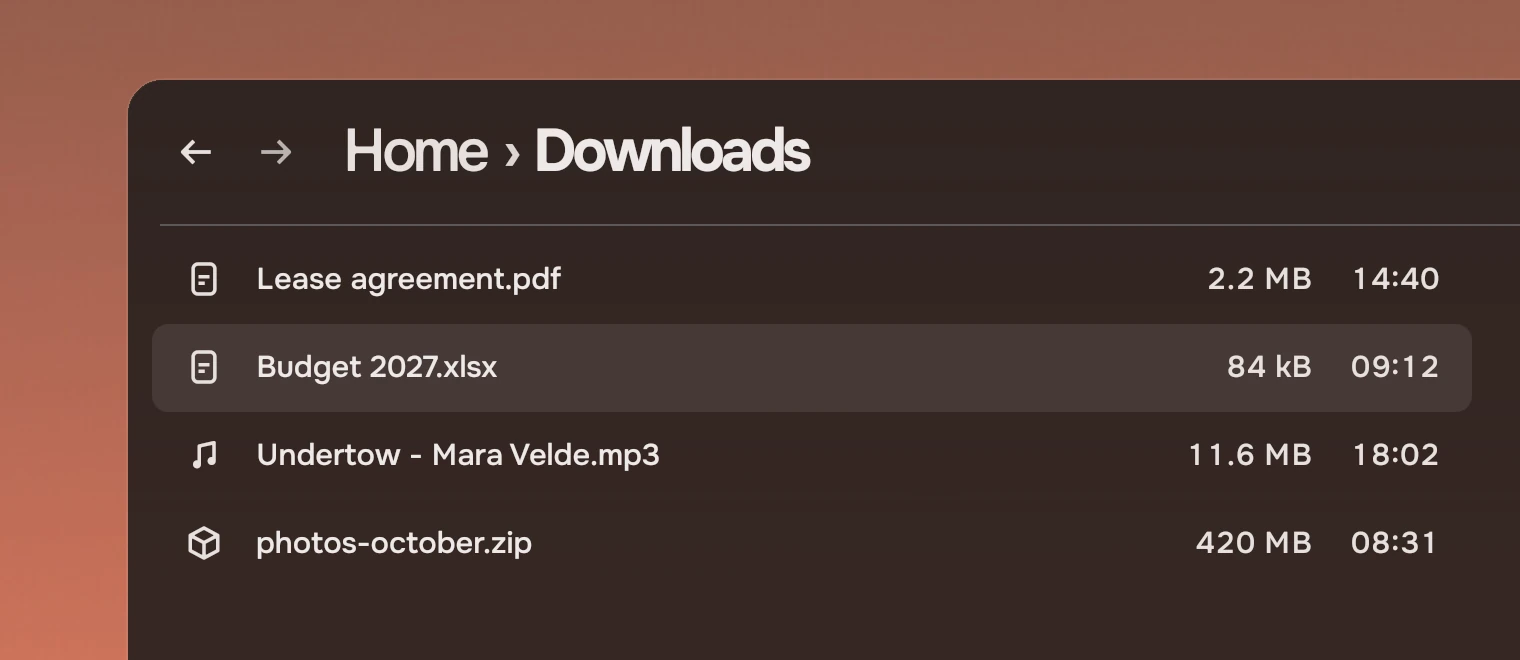
Glide goes over any Flickable: a list, a page. The kit's row list, rail and picture grid already have one. An app only adds it to a view of its own. For the bar that shows where you are in a long view, see ScrollBar.
How it moves
A touchpad and a wheel send different things, and they move the view differently.
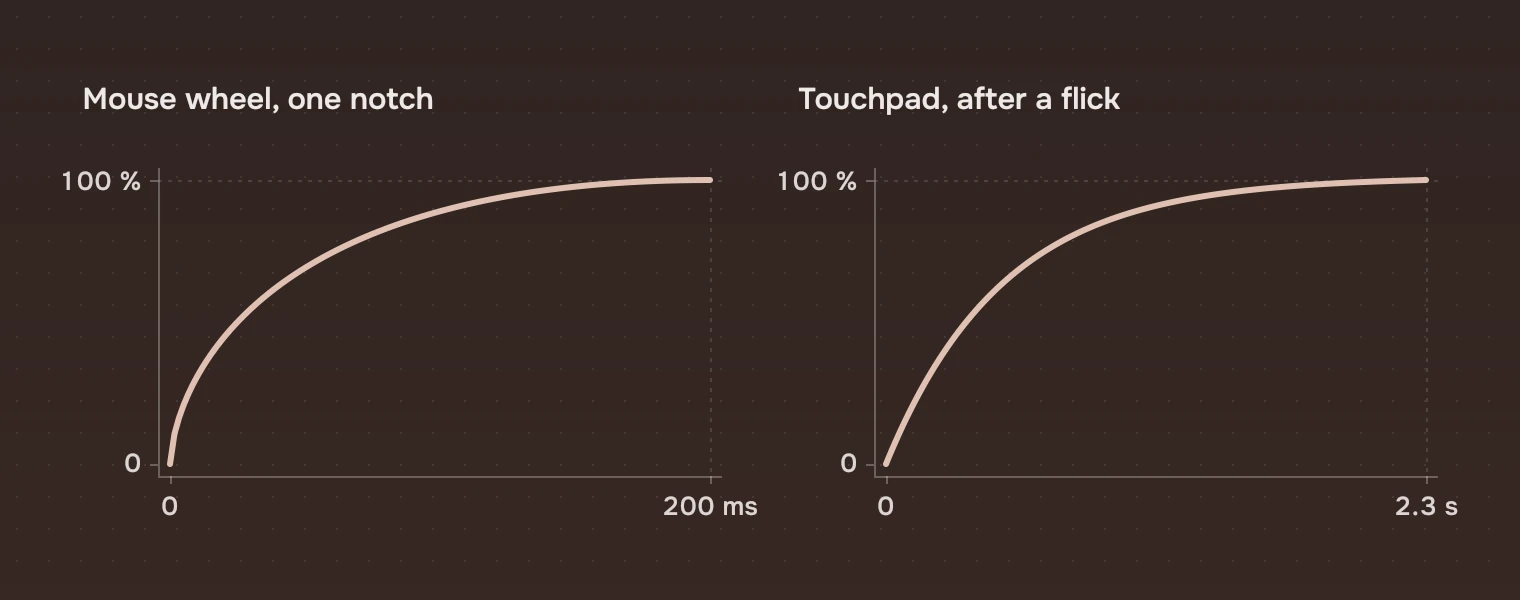
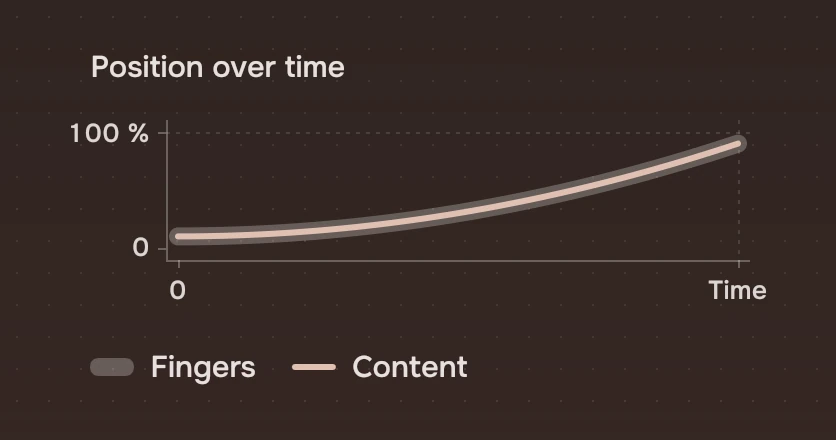
- TouchpadThe view follows the fingers exactly, with no easing. When the fingers lift while still moving, it carries on at the speed of the last 80 ms and slows by a factor of 0.998 every millisecond. It stops when the speed is under 0.02 pixels a millisecond. A slow scroll stops where the fingers stop.
- Mouse wheelOne notch moves the view
mouseSteppixels, 120 by default, over 200 ms, fast at first and settling (the curve 0, 0, 0, 1, 1, 1). More notches add to where the last one is going.
The glide is drawn above for a flick at 2 pixels a millisecond, which travels about 990 pixels over 2.3 seconds. A scroll that is mostly sideways is left to the view, and chain hands what a view cannot take at its end to the view around it.
States
Glide has three states, as properties you can read.
| Property | Meaning |
|---|---|
touching | Fingers are on the pad |
velocity | The speed of the glide, in pixels a millisecond, in the direction of contentY |
active | The view is being moved by Glide: fingers, glide or a wheel step |
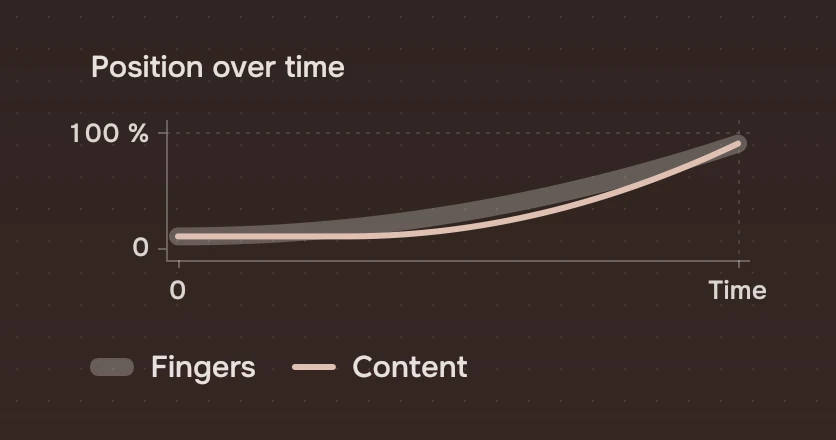
A view that eases its own contentY should turn that easing off while active is true; two easings on one value fight.
Keys and pointer
Glide handles the wheel and the touchpad only. It takes no clicks, which pass through it, and no keys. Keyboard scrolling is the list's own: in a row list the arrow and page keys move the selection and the view follows.
Accessibility
- Scrolling here does not change what is read or focused; a screen reader reads the same items.
- The wheel moves in whole steps, which keeps a notch predictable for someone who counts them.
- The wheel step takes its time from the
scrollmotion token (200 ms), so withKit.reducedMotionon a notch moves the view at once. The touchpad glide is not switched off by it yet: after a flick the view still carries on. This is the one place the kit does not follow reduced motion fully.
Do and don't
Code
import Tacit.Kit

Item {
    ListView {
        id: list
        anchors.fill: parent
        model: files
        delegate: ListRow { width: list.width; name: modelData }
    }
    Glide { view: list }             // over the view, in its parent
}
| Property | What it does |
|---|---|
view | The Flickable to move (required) |
mouseStep | Pixels for one wheel notch; 120 |
chain | Hand on what the view cannot take at its end to the view around it |
velocity, touching, active | What it is doing now (read only in use) |
Experimental, in Tacit.Kit 0.1. The touchpad glide does not yet follow reduced motion.
Text and figures: CC BY 4.0. Tacit.Kit: LGPL-3.0 code, OFL fonts. The Tacit name.