Select
One value from a list, shown closed as the current value on a field. It opens a menu under itself to change it.
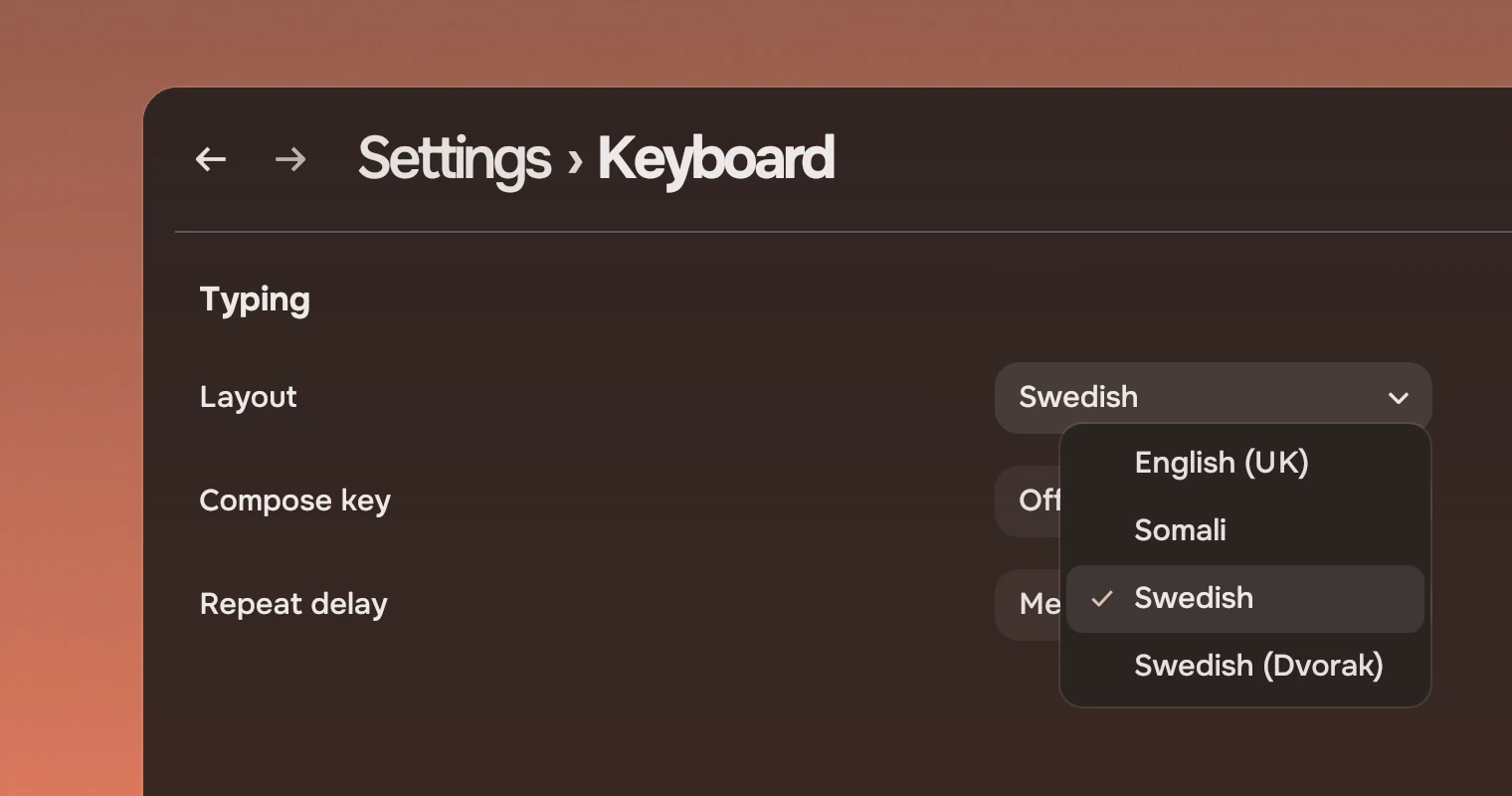
Use a select for one value out of a list that is long, or when the form has no room to show every value. It takes a field's place in a form or a settings row, and shows only the current value. Two parts do close jobs:
- Choices shows every value at once, as a column. Use it for up to six; use a select past that.
MenuButton(on the menu page) is words with a chevron in a header, for what to show: a sort order, a filter. It is not a field and has no empty state. A select is a field: it sits among fields, names a value in a form, and ↑ and ↓ change the value on it without opening.
Anatomy
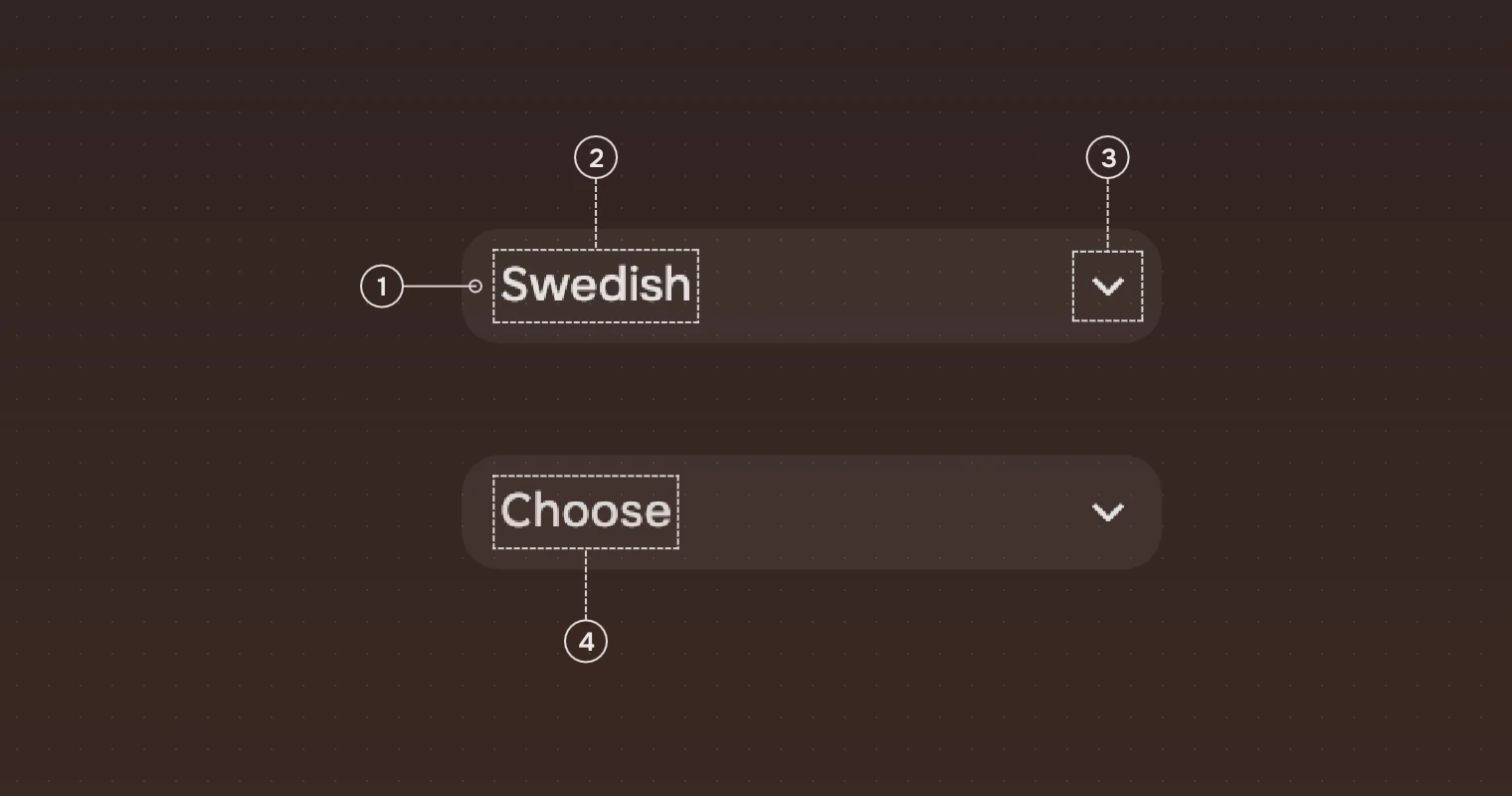
- SelectA rounded box, 12 pixels in the corner, a wash of the main ink at 6 % on the panel, as a field is.
- ValueThe current option, in the secondary ink, cut with an ellipsis if it is too long.
- ChevronThe
expand_moresymbol, 18 pixels, at the end. It says the box opens. - HintWhile nothing is chosen (
current: -1), the hint in the meta ink in place of the value. It is "Choose" unlesshintsays otherwise.
States
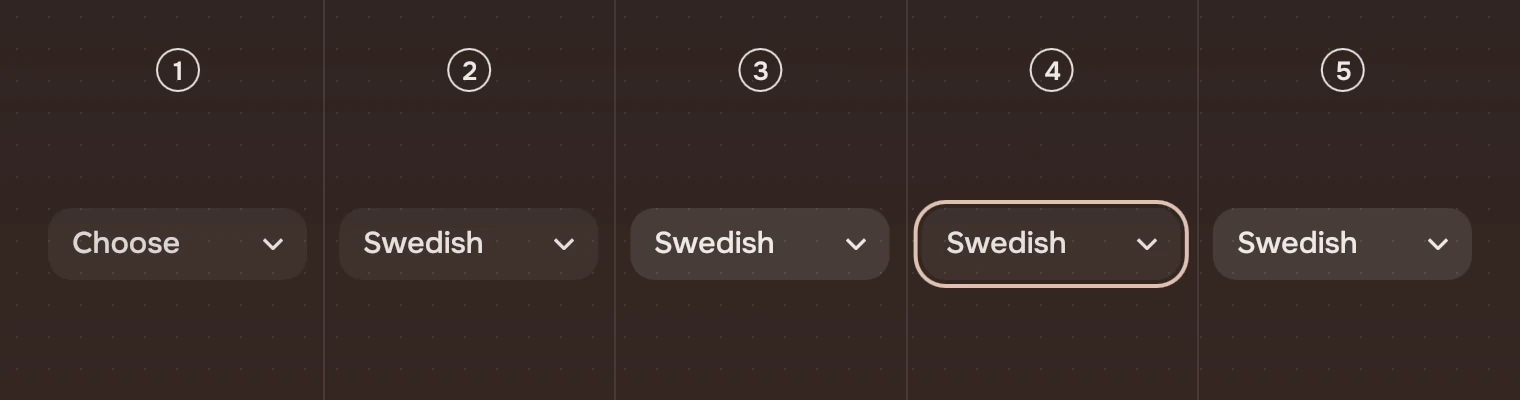
- EmptyThe hint in the meta ink.
- RestThe value in the secondary ink.
- Pointer over itThe wash steps up by 5 points and the value and chevron go to the main ink. See States.
- Keyboard focusThe ring around the box.
- OpenThe same as the pointer over it, while the menu is open.
Unavailable (enabled: false) draws the value and chevron in the faint ink and takes no pointer, no key and no stop for Tab. The wash comes and goes over 80 ms (hover).
Open
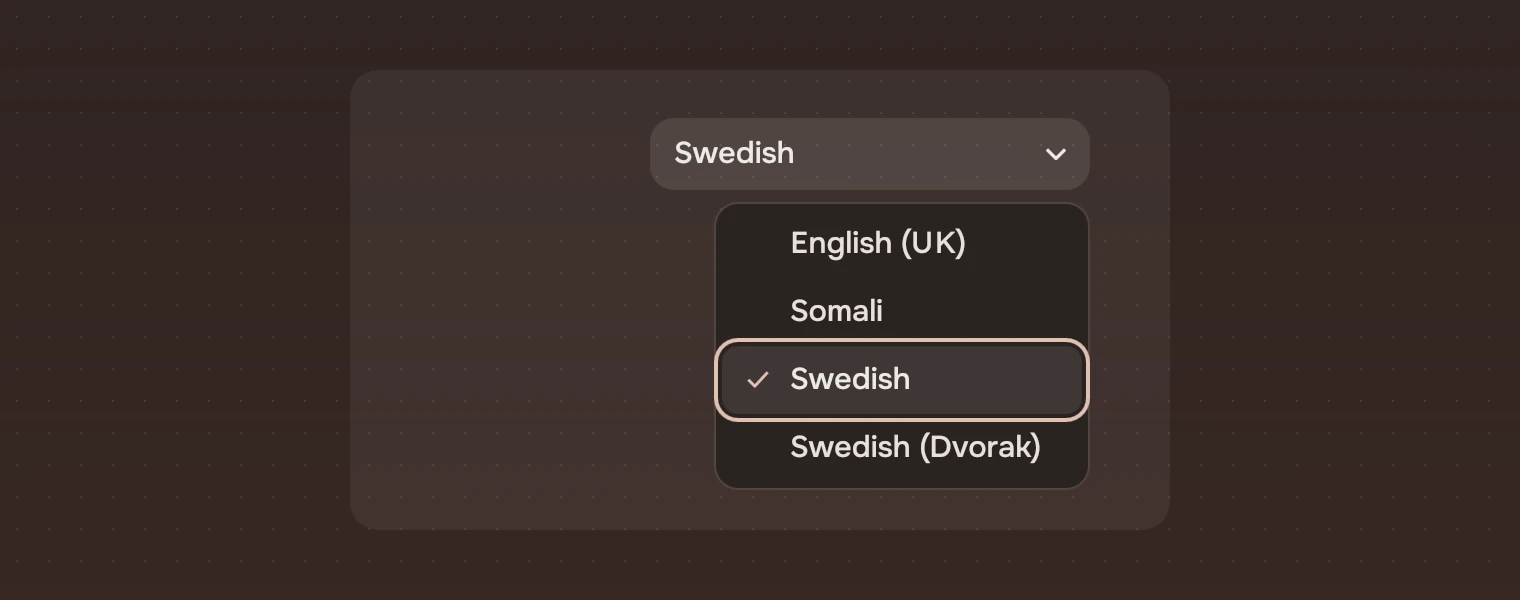
The menu is the kit's menu, opened 6 pixels under the select and aligned to its right edge, so it may be wider than the select. The current option is ticked and has the cursor. Picking a line closes the menu and sends picked; Esc closes it and the select has the keyboard again.
Sizes
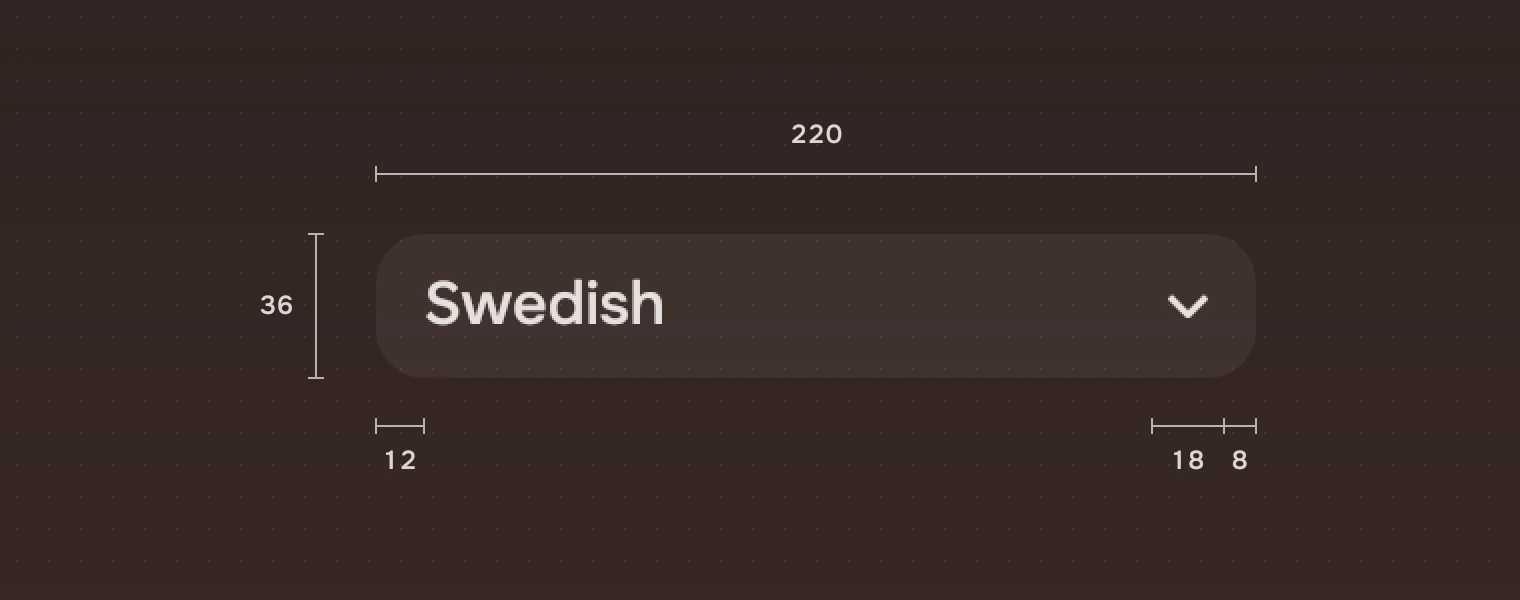
| Part | Value |
|---|---|
| Height | 36 (height.field) |
| Width | 220 unless you set it |
| Padding | 12 before the value (space.m) |
| Chevron | 18 pixels, 8 from the end |
| Corner | 12 (radius.slab) |
| Wash | 6 % (wash.action); 11 % under the pointer or open |
| Menu | 6 pixels under the select, aligned to its right edge |
Keys and pointer
The select is one Tab stop.
| Do this | To |
|---|---|
| Tab | Move the focus to the select |
| ↑, ↓ | Closed: choose the previous or next option without opening |
| Home, End | Closed: choose the first or the last option |
| Enter, Space, Alt + ↓ | Open the menu |
| ↑, ↓, Enter | In the menu: move, and pick |
| Esc | Close the menu |
| Click | Open the menu |
Accessibility
- A screen reader finds a combo box named by
label, with the current option as its value. It can open it. - The ring shows when the select has the keyboard, and the menu's lines are menu items with a ring, ticked on the current option.
- The hint is in the meta ink, which reaches about Lc 75 on a panel. Unavailable is the faint ink and leaves the Tab order.
Writing
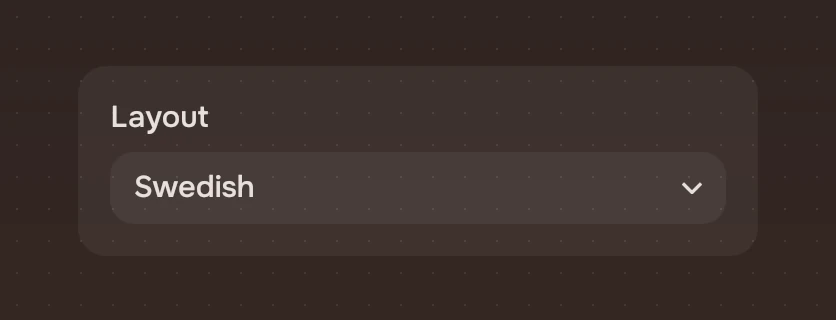
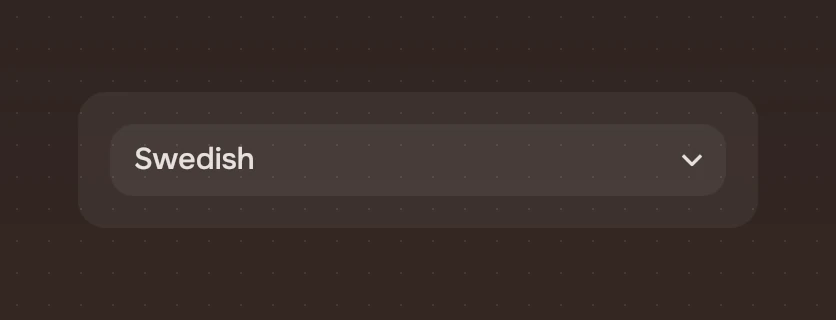
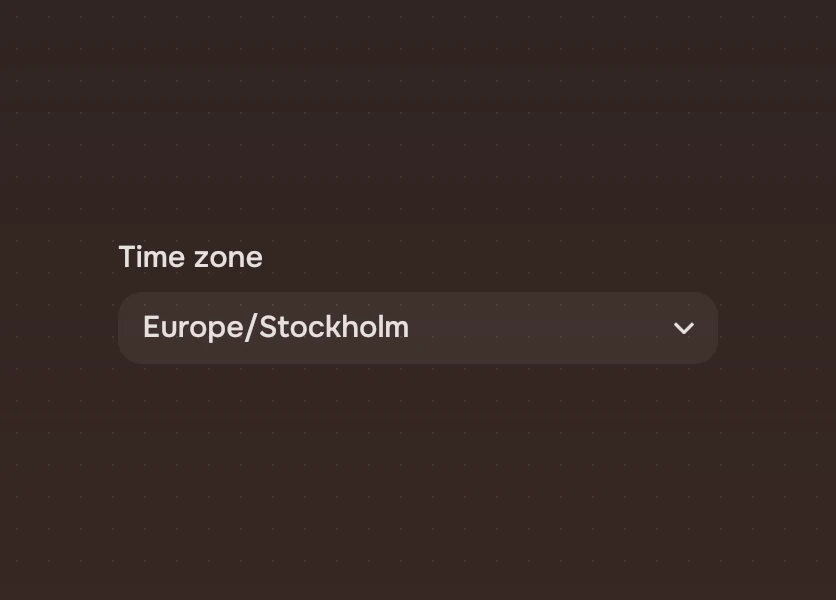
Put a visible label before or above the select, in a word or two: "Layout". The value is the option's name as it is in the list. Use a hint for the call to act when nothing is chosen ("Choose a layout"), and leave the default when the label says enough. Put the options in the order a person looks for them: alphabetical, or by how often they are used; do not rely on the order of data.
Do and don't
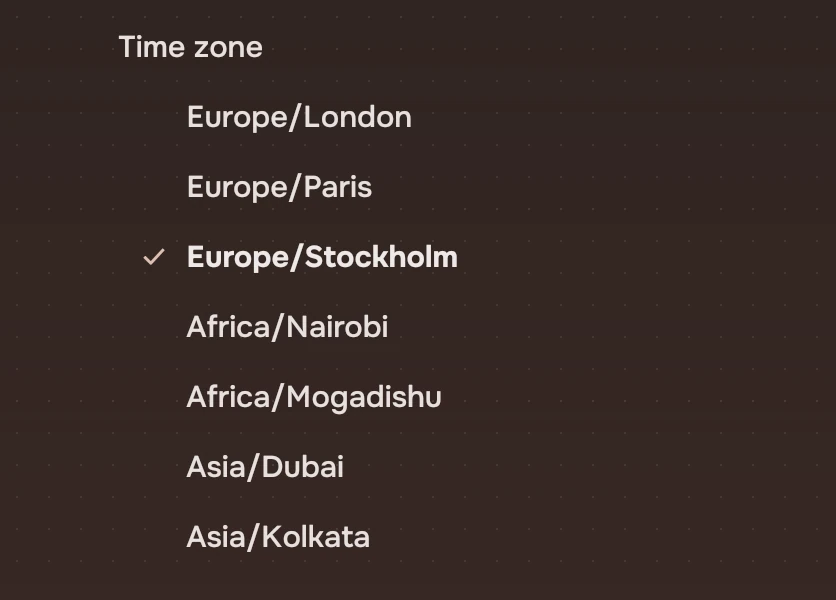
Code
import Tacit.Kit

Select {
    label: "Layout"
    options: ["English (UK)", "Somali", "Swedish", "Swedish (Dvorak)"]
    current: keyboard.layout
    onPicked: index => keyboard.layout = index
}
| Property | What it does |
|---|---|
options | The lines: a list of names, or of { label, detail } |
current | The index of the chosen option, or -1 for none. The app sets it when it hears picked |
hint | Shown while current is -1. "Choose" by default |
label | The name, said by a screen reader. Set it |
text | The current option's name (read-only) |
enabled | False: the faint ink, no keys, no pointer, out of the Tab order |
picked(index) | Sent when an option is picked, by the menu or by ↑ and ↓ |
Experimental, in Tacit.Kit 0.1.
Text and figures: CC BY 4.0. Tacit.Kit: LGPL-3.0 code, OFL fonts. The Tacit name.