Docked panel
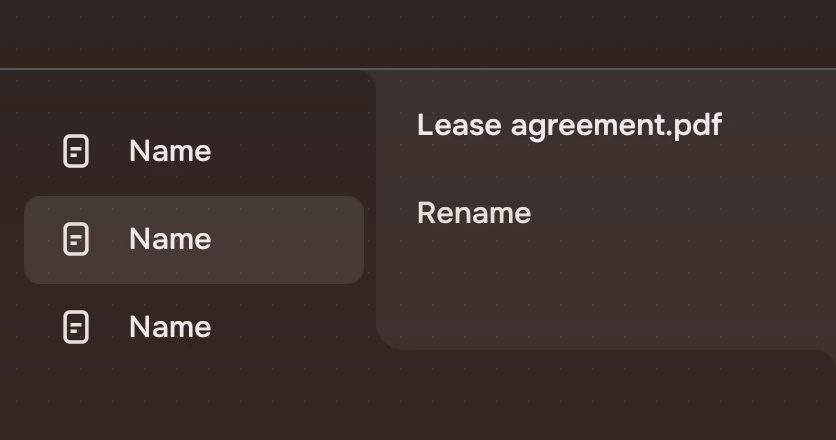
The panel that shows what is selected: its name, its one main action and its other actions. It hangs from the page header's line into the window's right edge, as one shape with both.
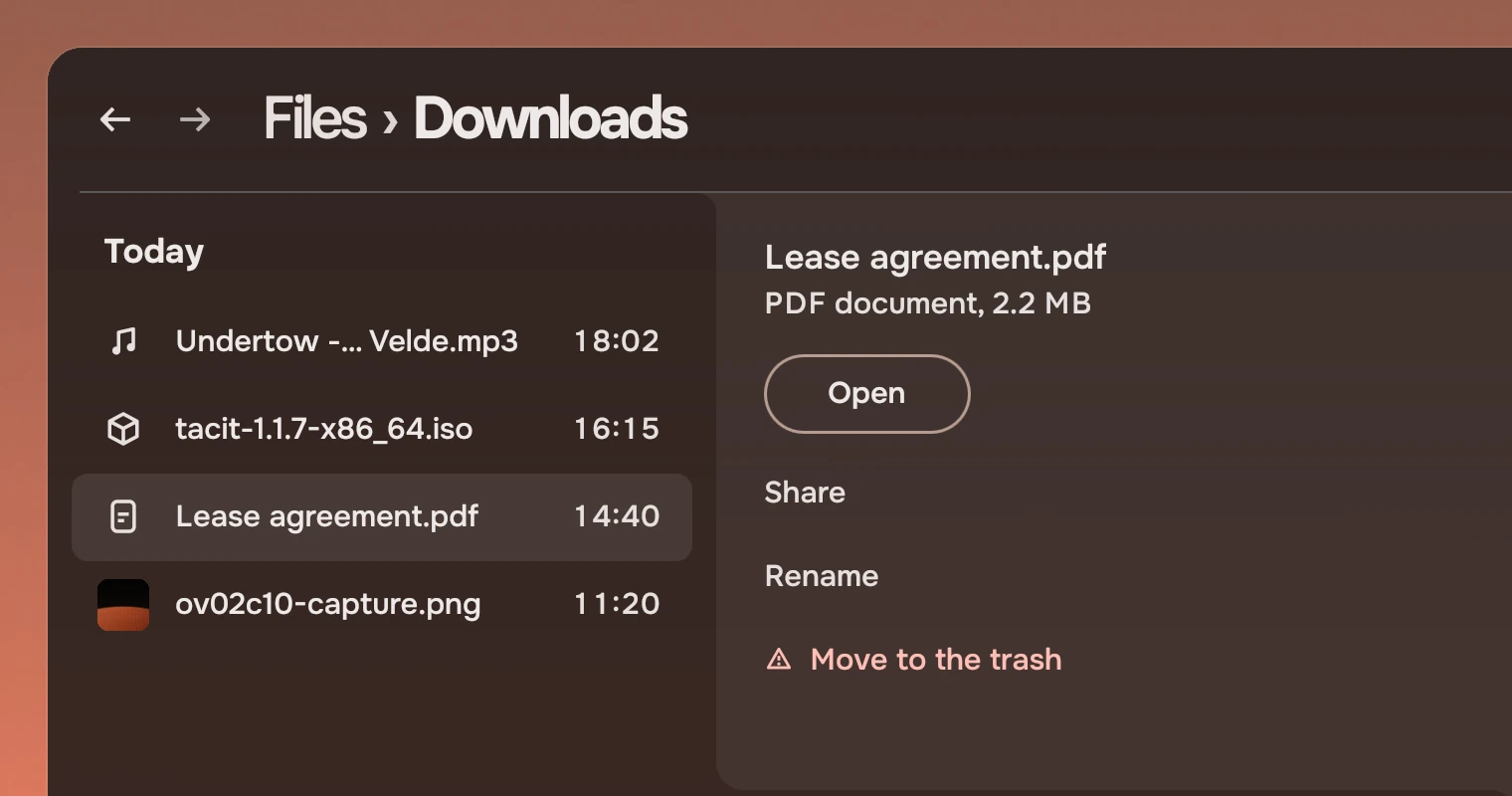
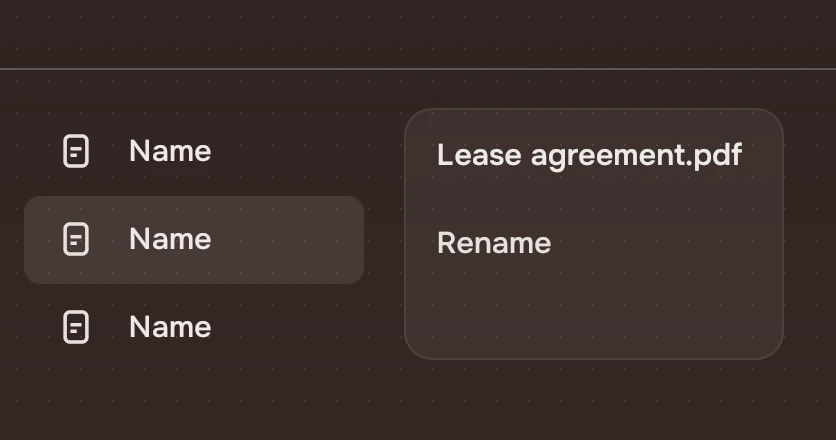
Use the panel to show the selection's content and what you can do with it, while the list stays in view. For a short list of choices at a point, use a menu. The panel is not a dialog: nothing waits on it, and it closes when the selection goes.
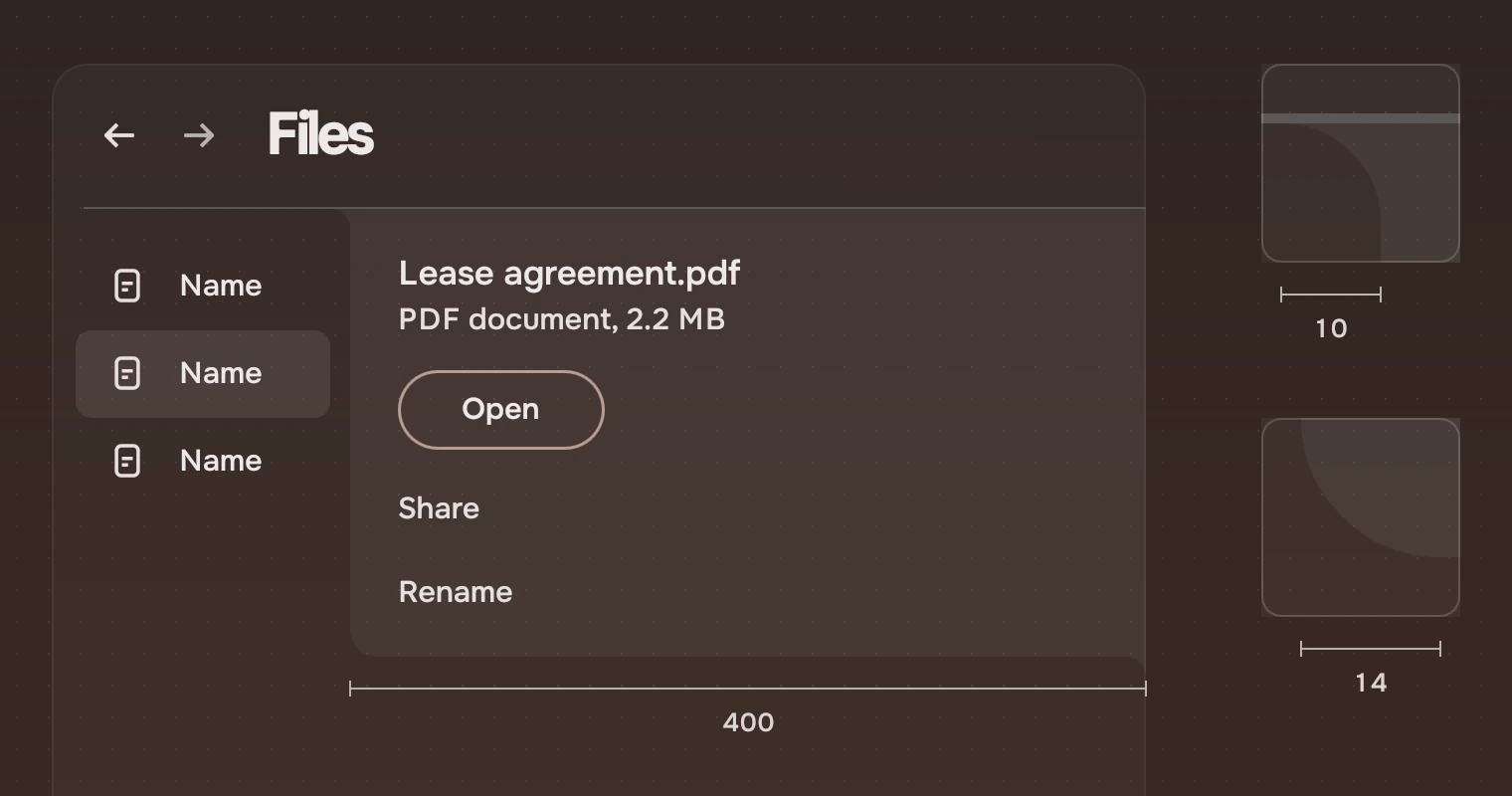
Two parts make it. DockedPanel is the panel, with its arriving and leaving and its content slot. Docked is the shape alone: a body with a free rounded corner and coves that flare it into the edges it hangs from. The shell's notch and sidebars use the same shape. The panel fixes the corner at 14 and the cove at 10; only Docked lets you set the cove.
Anatomy
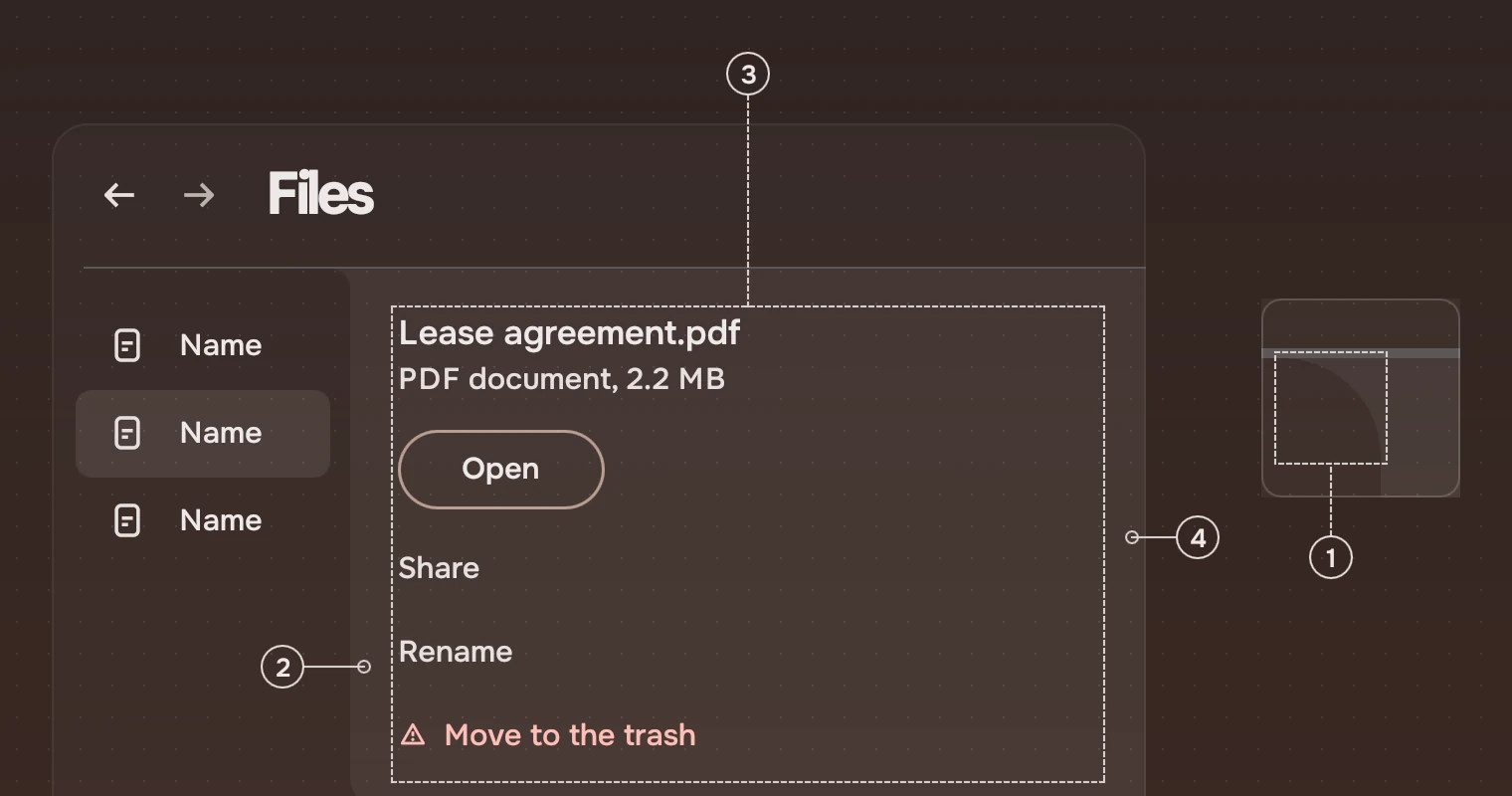
- CoveThe panel flares into the header's line with a concave curve of 10 pixels. The outline runs on without a seam: there is no border along a docked edge.
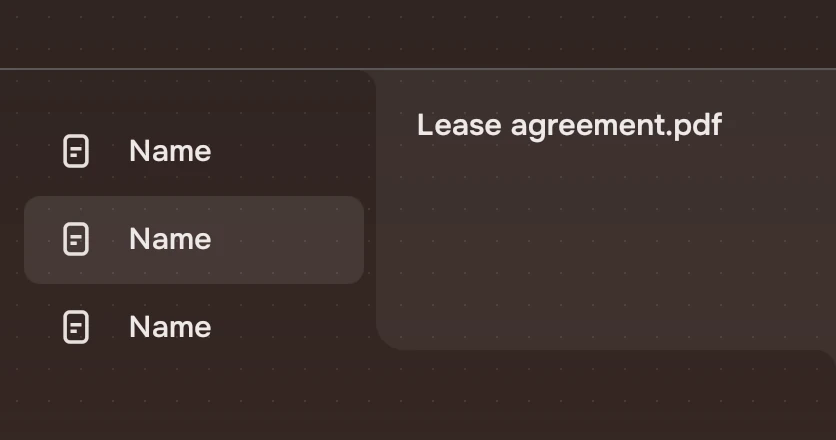
- BodyThe page lifted by a wash of 6 % of the main ink, with a free corner of 14 pixels on its lower left. It is see-through, so it keeps the wallpaper's hue and glow as the page does.
- ContentYou put it in. Name, the one forward Slab, then actions as words, the risk last. It sits 24 pixels from the panel's edges in the examples.
- Docked edgeThe panel runs into the window's right edge. A second cove, under the panel, flares into it.
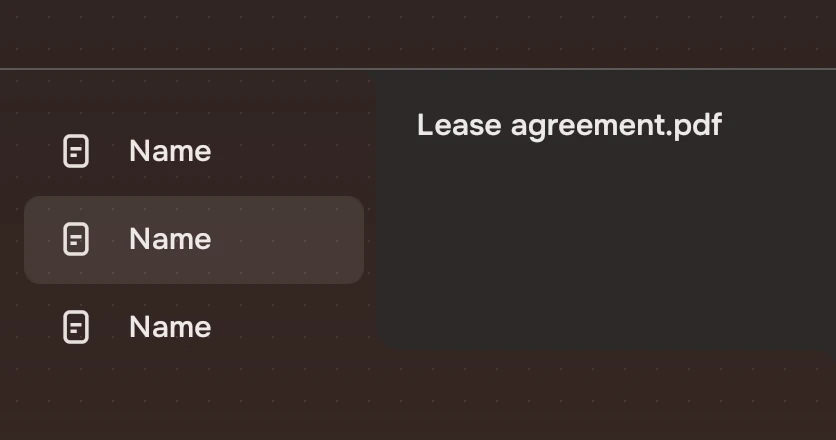
A solid colour would read as a flat patch laid over the page, so the panel has none.
Opening and closing
The panel grows from the window's edge and leaves faster. Its content travels with the edge and fades in after it starts.
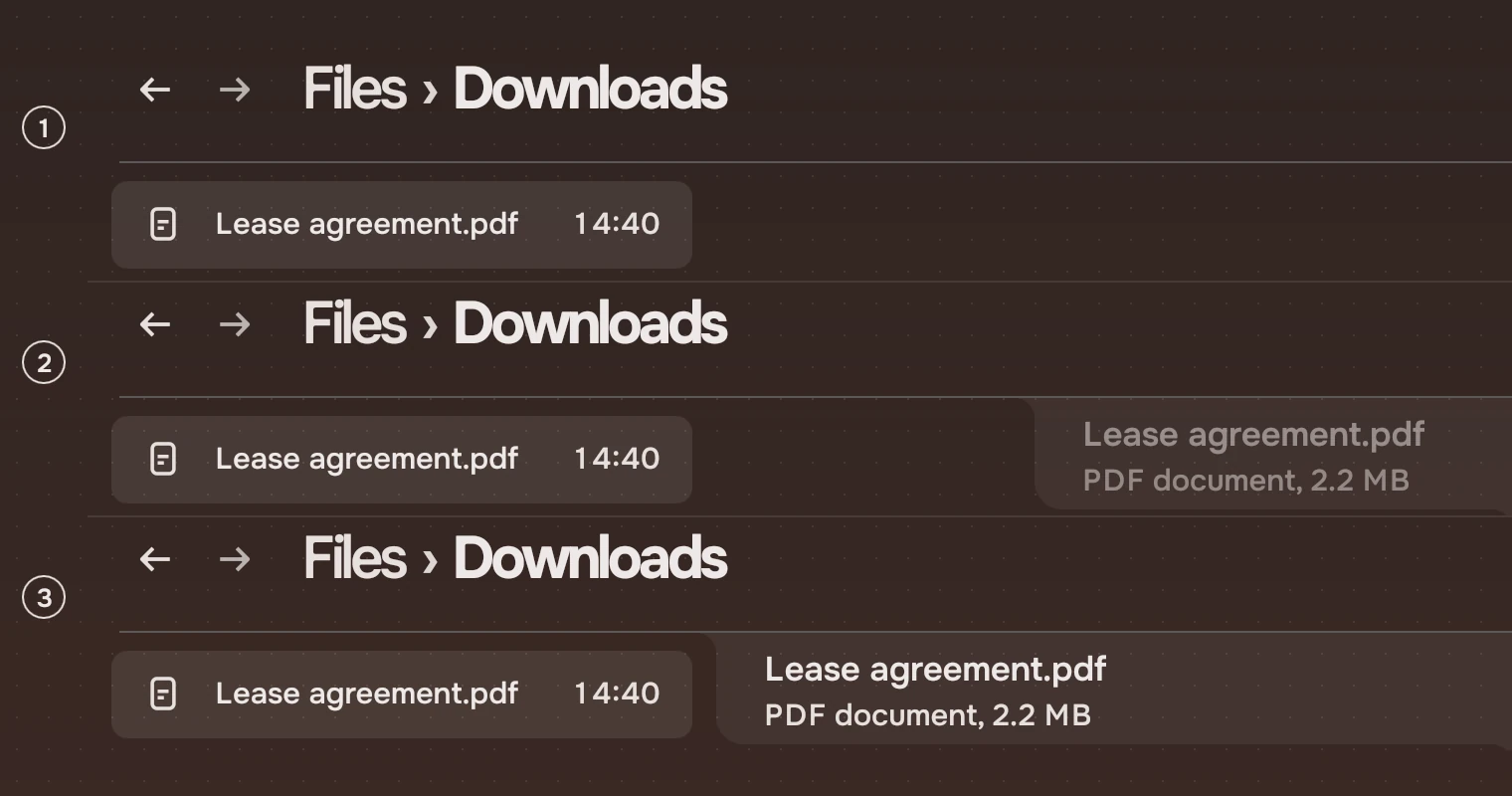
- ClosedNo panel. The list has the full width.
- ArrivingThe width grows over 300 ms on the arrive curve. The content fades in over 200 ms, starting 120 ms after (
follow). - Open400 wide. The list's right edge is the panel's left edge, so the list narrows once and the page clips its rows at the panel's edge.
It leaves over 200 ms on the leave curve, and its content fades out in 120 ms, at once. Closing is quicker than opening so the keyboard is never behind. With Kit.reducedMotion it does both in 0 ms.
Sizes
| Part | Value |
|---|---|
| Width | 400 (width.panel), a property: openWidth |
| Height | Yours. Place it with its top on the header's line, 73 below the window's top for a 72-pixel header |
| Free corner | 14 (radius.panel) |
| Cove | 10 pixels (fillet) |
| Body | inkMain at 6 % (wash.action) over the page |
| Arrive, leave | 300 ms (arrive) and 200 ms (leave) |
| Content in, out | 200 ms (fade) after 120 ms, and 120 ms (follow) |
Keys and pointer
The panel binds no keys. The parts in it take the focus in their own order with Tab. The app decides what opens and closes it: Space on a list asks for it (peeked), and Esc or the selection going closes it.
When a key opened the panel, the keyboard goes into it, to the first stop for Tab in its content, and goes back to where it was when the panel closes. When the pointer opened it, the keyboard stays where it was.
Accessibility
- The panel is a pane. Set its
labelto what it shows ("Details"); the heading inside says which file. - Put the heading first so a screen reader meets the file's name before its actions.
- While the panel is closed it is not visible, so its content takes no focus.
Writing
The name is the thing's own name. The line under it gives its kind and size: "PDF document, 2.2 MB". The actions are verbs, with the risk last. See actions as words.
Do and don't
Code
import Tacit.Kit

Item {
    PageHeader { id: header; width: parent.width; crumbs: ["Files"]; here: "Downloads" }
    DockedPanel {
        id: panel
        x: parent.width - width
        y: header.height
        height: parent.height - y
        open: list.selectionCount === 1
        Column {
            x: 24; y: 22; width: 352
            TacitText { text: file.name; size: "body"; weight: "medium" }
            Slab { tone: "default"; text: "Open"; onActivated: file.open() }
            WordAction { width: parent.width; text: "Move to the trash"; risk: true; onActivated: file.trash() }
        }
    }
}
| Property | What it does |
|---|---|
open | Shows the panel; it grows and shrinks to it |
label | What a screen reader calls the panel |
openWidth | The open width; 400 by default |
| content | Children go into the panel, at openWidth wide, and are clipped while it grows |
Docked takes edge ("top", "bottom", "left", "right" or a corner such as "top-right"; "top" by default), cornerRadius (17), fillet (6), color (the container), borderColor and borderWidth (none). Anchor it to fill the body; the coves extend past it by the fillet. DockedPanel is a Docked at "top-right" with a radius of 14, a cove of 10 and the 6 % wash as its colour.
Experimental, in Tacit.Kit 0.1.
Text and figures: CC BY 4.0. Tacit.Kit: LGPL-3.0 code, OFL fonts. The Tacit name.