Switch
On or off, for a setting that really is one or the other. It takes effect at once.
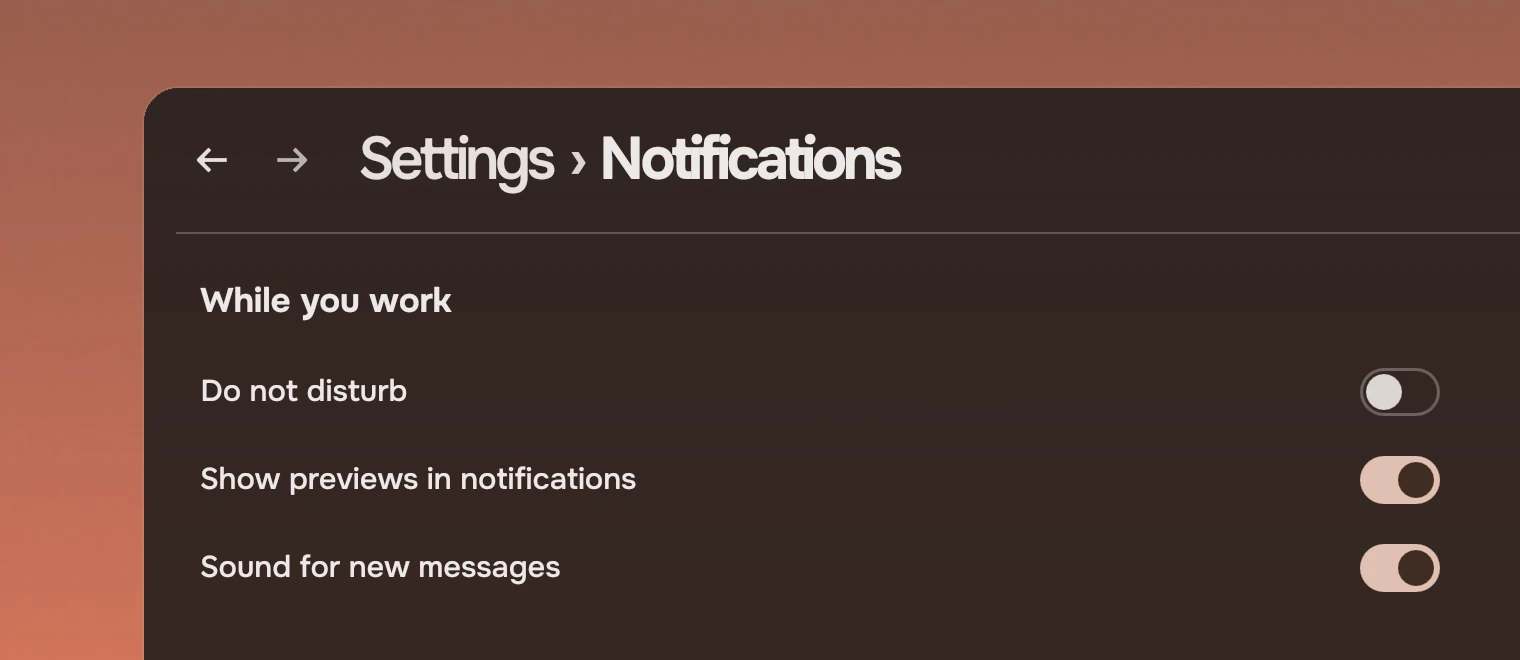
Use a switch for a setting with two states, in a row that says what the setting is. For an action, use a Slab. For a choice among three or more, use a menu. A tick box that is part of a form or a list of choices is a Check.
Anatomy
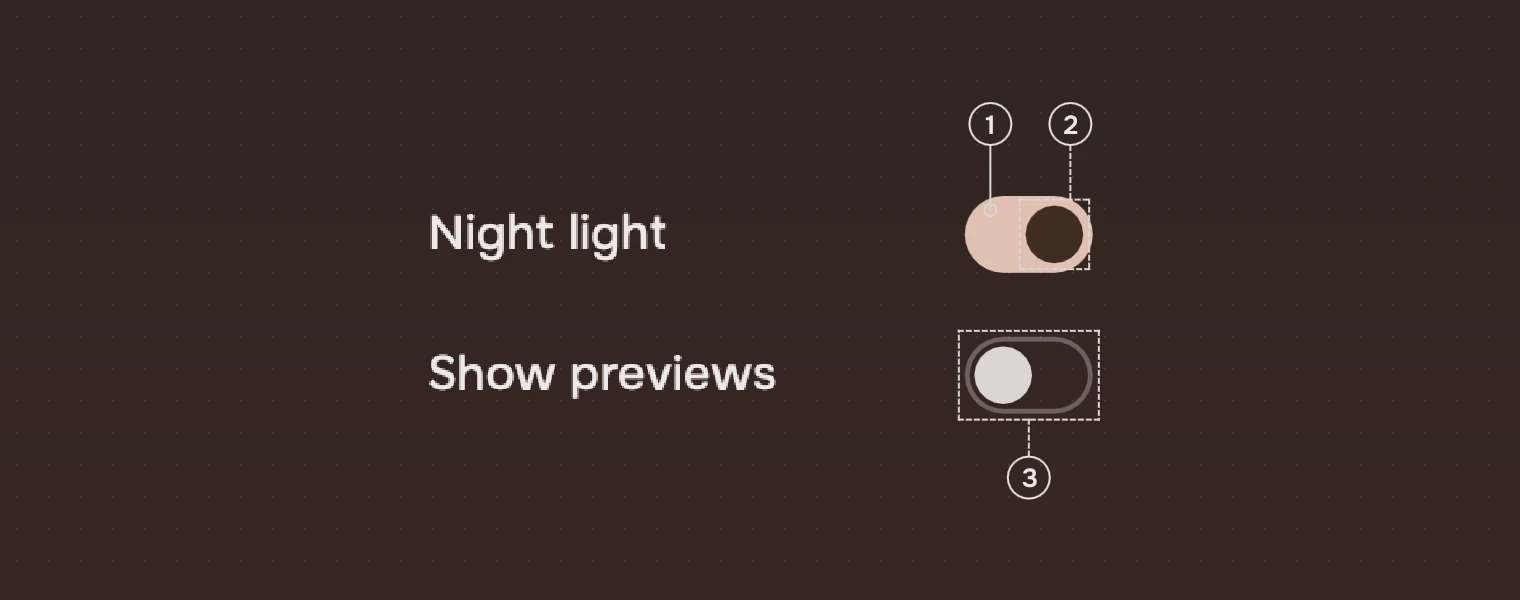
- TrackOn: a fill in the accent. Off: no fill, a 1.5-pixel outline in the main ink at 30 %.
- KnobOn: dark (the ink on the accent), at the right. Off: a quiet knob in the meta ink, at the left.
- OffThe outline and the pale knob show off at a glance, even in grey.
The name of the setting is the row's, in the main ink. The switch has a label for screen readers, which is the same name.
States
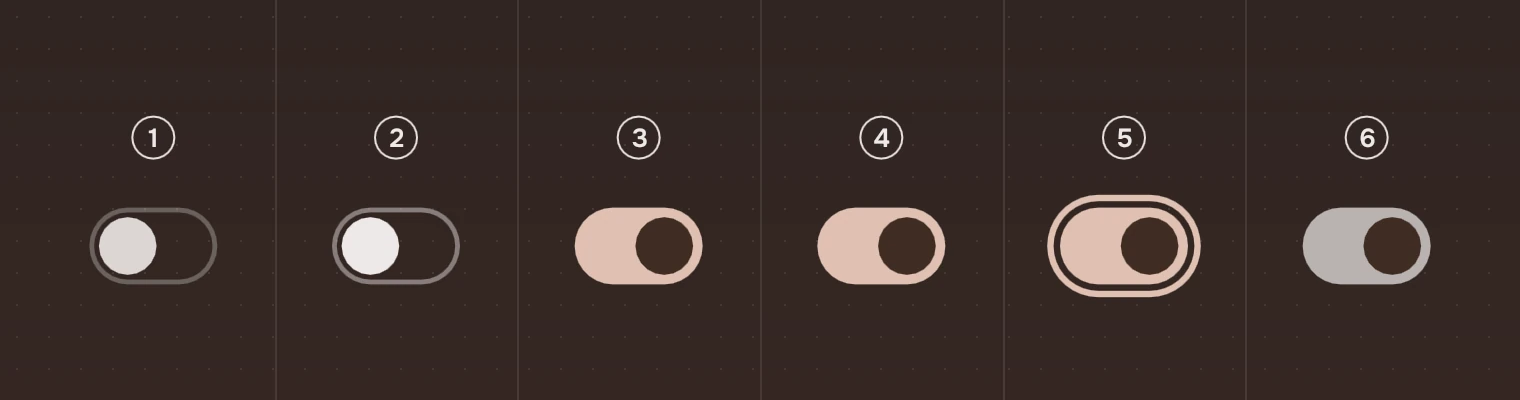
- OffThe outline and the quiet knob.
- Off, pointer over itThe outline at 45 %, the knob in the main ink.
- OnThe accent track and the dark knob.
- On, pointer over itThe same; the pointer is a hand.
- Keyboard focusThe ring around the track.
- UnavailableThe outline, knob and fill in the faint ink, no response.
The knob travels on the spring motion, 350 ms: it is small, direct feedback, the one place the kit lets something overshoot. The track's colour changes over 140 ms (tone). With reduced motion on, the knob jumps.
Sizes

| Part | Value |
|---|---|
| Track | 40 by 24, a full pill |
| Knob | 18 across, 3 from the track's edges |
| Off outline | 1.5 pixels |
Put the switch 16 from the row's right edge and centre it on the row.
Keys and pointer
| Do this | To |
|---|---|
| Tab | Move the focus to the switch |
| Space or Enter | Flip it |
| Click | Flip it |
Accessibility
- A switch is a checkbox with a name, and says whether it is checked. A screen reader can also toggle it.
- The state is told by shape and place (the knob's side and the fill), not by colour alone.
- Unavailable is the faint ink, and the switch leaves the Tab order. A screen reader hears it as disabled.
Writing
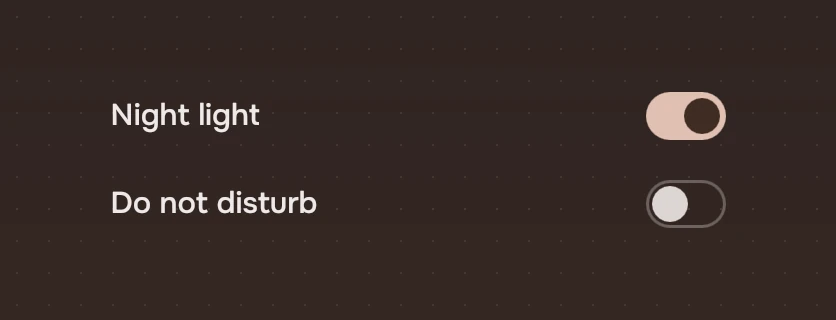
Name the setting, not the action: "Night light", not "Turn on night light". The switch says on or off; the name must make sense for both. Do not put "Enable" or "Disable" in the name.
Do and don't
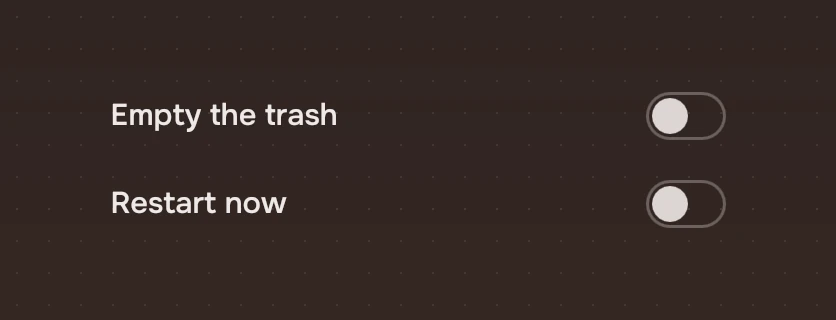
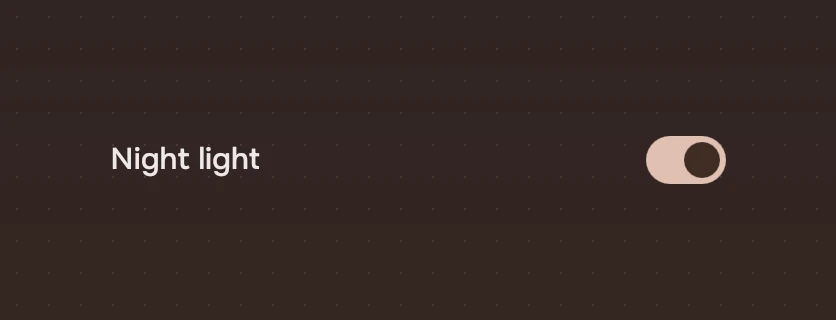
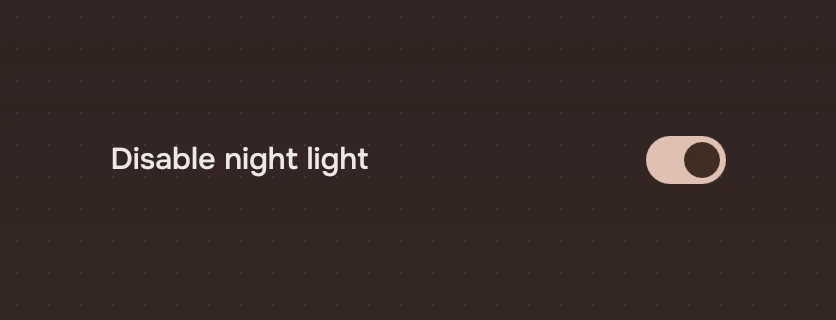
Code
import Tacit.Kit

Switch {
    label: "Night light"
    checked: settings.nightLight
    onToggled: value => settings.nightLight = value
}
| Property | What it does |
|---|---|
checked | On or off. The app sets it when it hears toggled |
label | What a screen reader says. Set it to the row's name |
enabled | False: the faint ink, no response and out of the Tab order |
toggled(checked) | Sent with the new state by a click, Space or Enter |
Experimental, in Tacit.Kit 0.1.
Text and figures: CC BY 4.0. Tacit.Kit: LGPL-3.0 code, OFL fonts. The Tacit name.