Slab
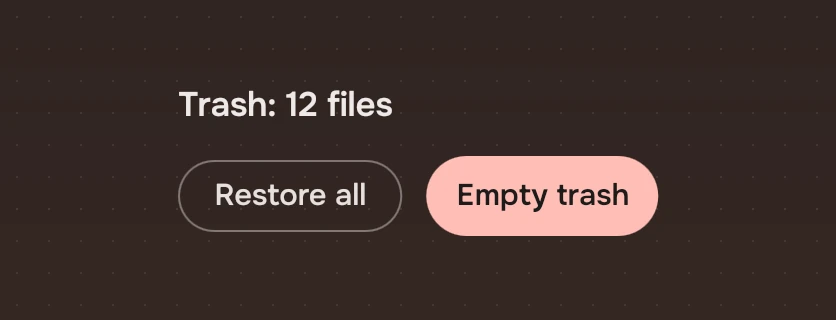
A button drawn as a ring, for the action a view is about. One per view is the way forward; the others are quiet.
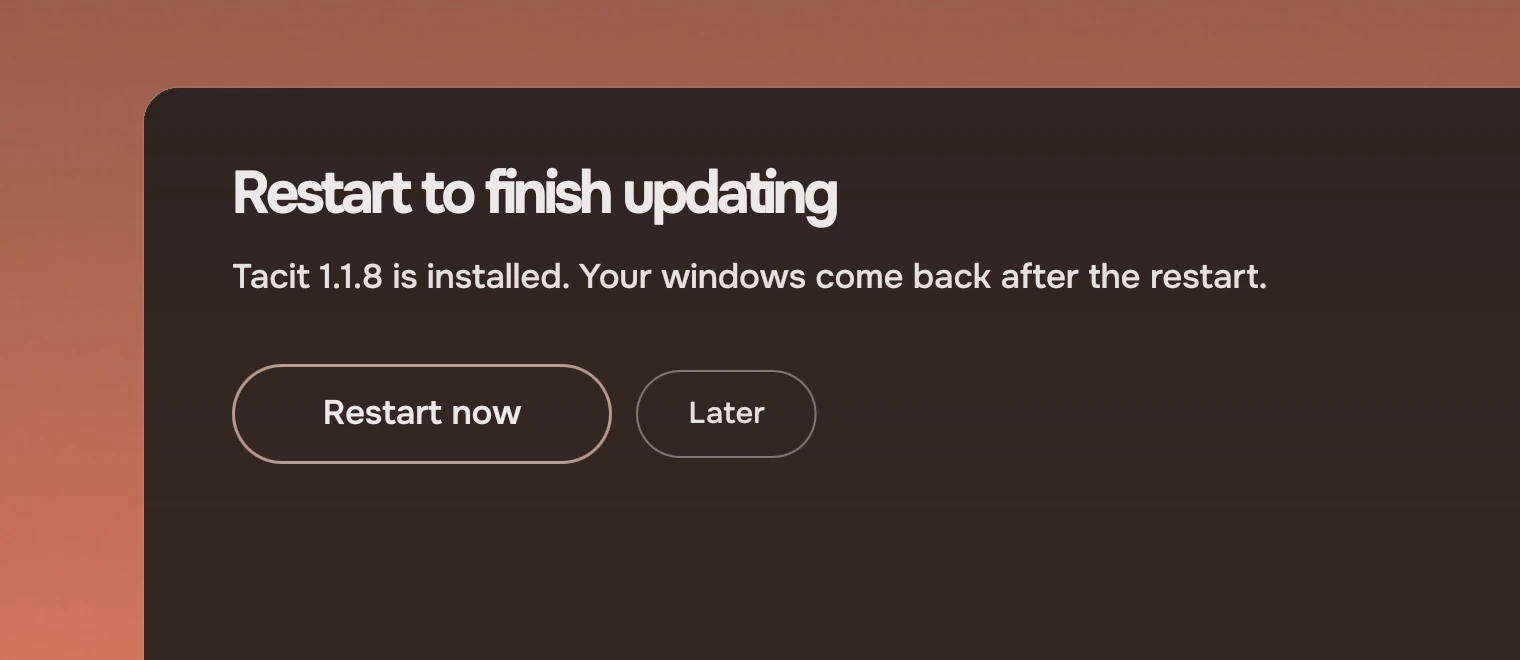
Use a Slab for the action a panel or a view exists for: "Restart now", "Open", "Delete". For the other actions in a list, use actions as words. For a symbol without words, use an icon button.
Anatomy
A Slab has a ring and a word. It has no fill at rest. The tone changes the ring and the word, never the shape. The three tones are called forward, quiet and risk on this page. In code, forward is tone: "default", quiet is tone: "" and risk is tone: "risk".
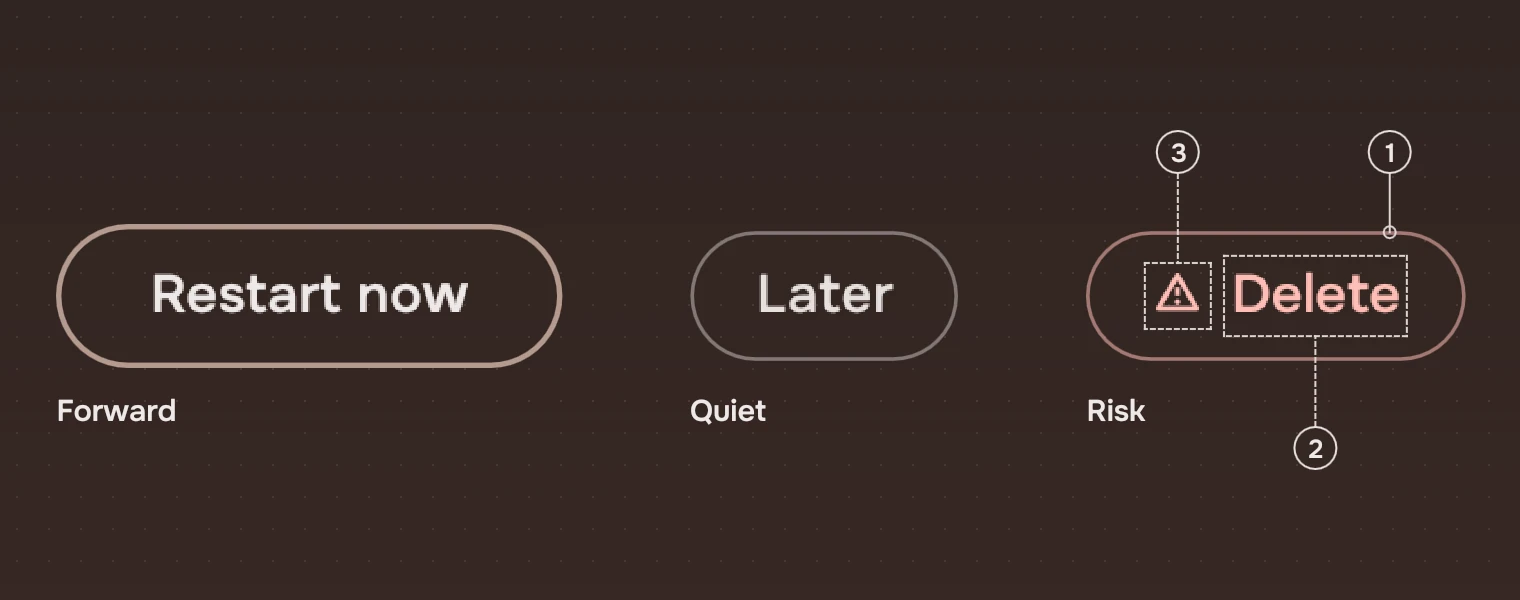
- RingA pill, drawn as a line. Forward: 1.5 pixels in the accent at 75 %. Quiet: 1 pixel in the main ink at 42 %. Risk: 1 pixel in the risk ink at 55 %.
- WordWhat the action does, as a verb. Forward: medium weight, in the main ink. Quiet: regular, in the secondary ink, and the main ink under the pointer. Risk: regular, in the risk ink.
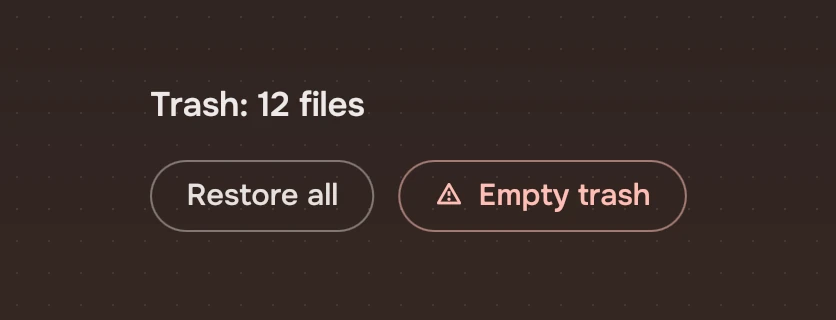
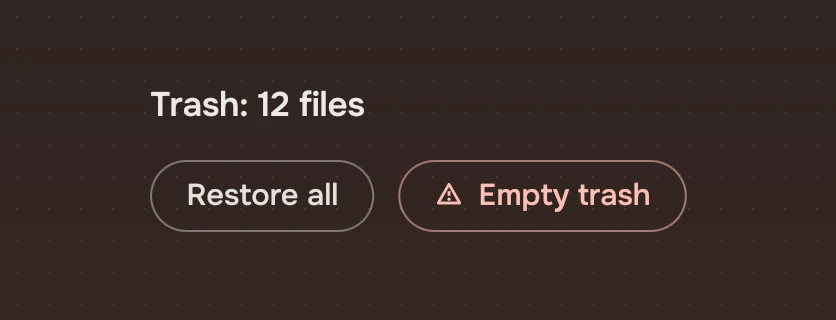
- Warning symbolOnly on a risk Slab, before its word, in the risk ink. A risk is never told by colour alone.
States
A state changes the fill or the size a little, never the ring or the words. The keyboard ring is the one addition. The values are on States.
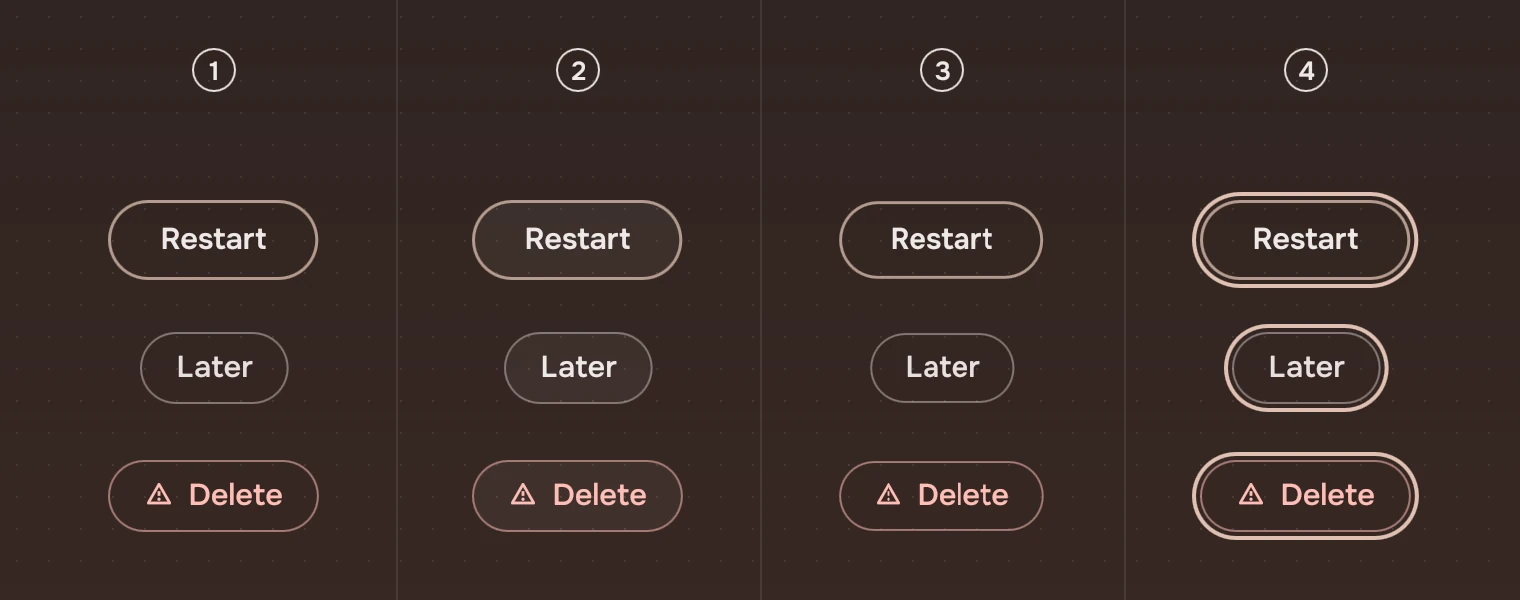
- RestNo fill.
- Pointer over itA faint fill of the main ink. The quiet word turns to the main ink.
- PressedThe Slab shrinks a little and returns when released.
- Keyboard focusThe ring, around the pill.
- Waiting
waiting: trueis a Slab that cannot be pressed now, because its job is running: the ring in the quiet ink, the word in the secondary ink, no response and no stop for Tab. A screen reader hears it as disabled.
Confirming in place
Set confirm on a Slab whose action cannot be undone, and the Slab asks for itself. The first press does not act: the words become the question, in the risk tone with the warning symbol and a faint risk fill, whatever the tone was, and the Slab grows to fit them where it is anchored. The second press says picked().
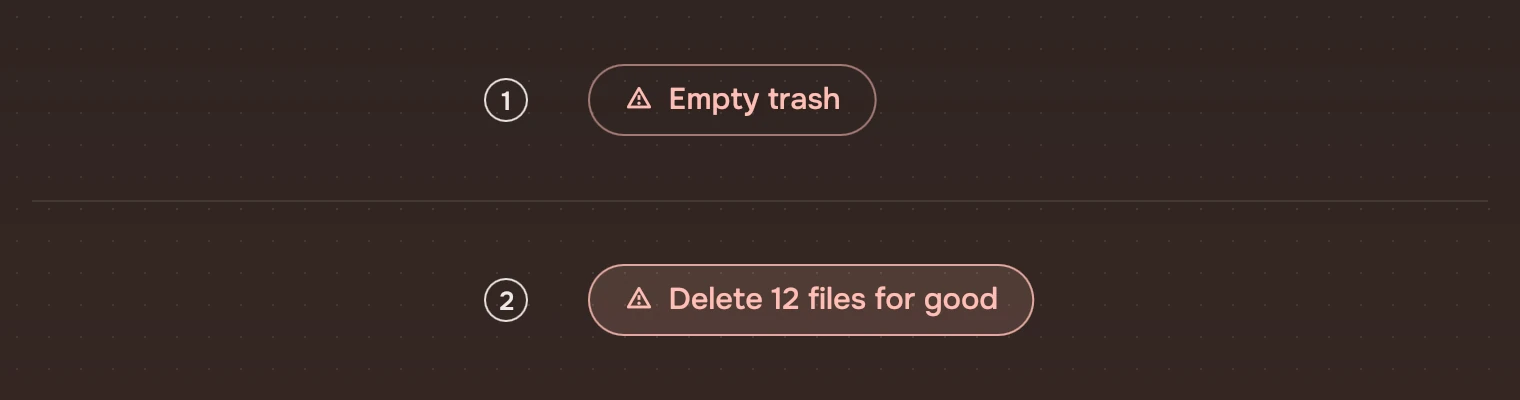
It goes back to its words, and says confirmCancelled(), when Esc is pressed, when the keyboard leaves it, when a pointer that pressed it leaves, or when 4 seconds (motion.confirmWait) pass untouched. A screen reader hears the question as the Slab's name. With reduced motion the words change at once. See Asking.
Sizes
| Part | Value |
|---|---|
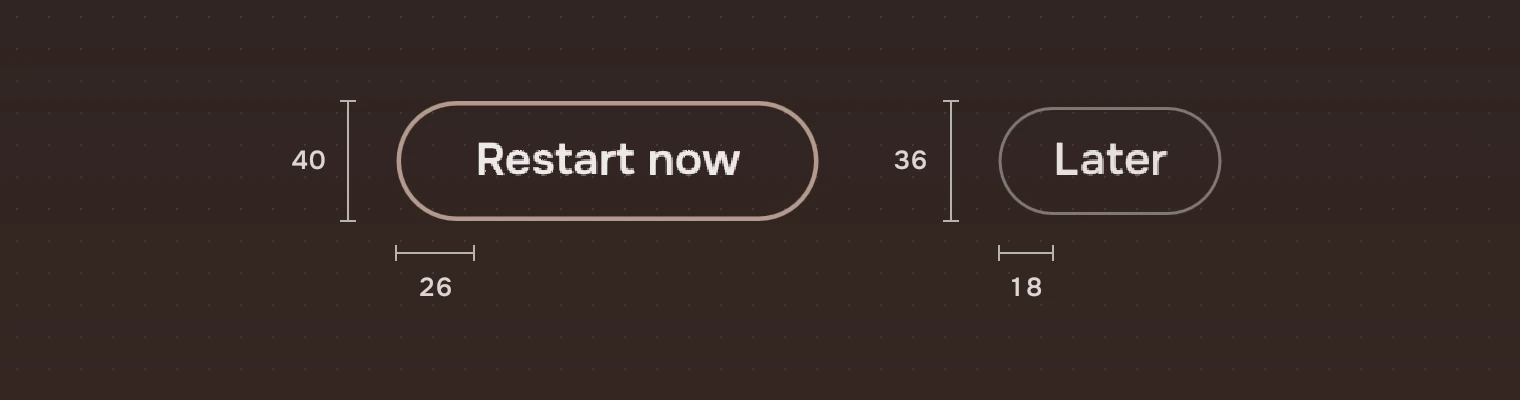
| Forward height | 40 (height.action) |
| Quiet and risk height | 36 (height.field) |
| Forward width | The word and 26 each side, at least 104 |
| Quiet and risk width | The word and 18 each side |
| Word | 15 pixels (row) |
| Warning symbol | 15 pixels, 7 before the word |
| Corner | Half the height, a full pill |
| Large | Forward 50 high, at least 190 wide, 36 each side, its word 17 pixels; quiet 44 high, 26 each side, the symbol 17 |
A quiet Slab keeps the forward Slab's height in its box and draws its ring at 36, so rings of both kinds sit on one centre line when they stand side by side. Use the large size for a first-run page or a page with one thing to do, where the Slab is the one thing to press.
Keys and pointer
| Do this | To |
|---|---|
| Tab | Move the focus to the Slab |
| Enter or Space | Pick it; with confirm, ask first, then pick |
| Esc | While asking, go back to the words |
| Click | Pick it |
| Hover | Show the fill; the pointer is a hand |
Accessibility
- A Slab is a button named by its word; while it asks, by the question.
- The risk word is marked by the warning symbol as well as its ink.
- The words are drawn in the kit's inks, which are solved for the wallpaper's palette. The ring is not the only sign of a button: the word is the label.
- The ring is shown after a key.
Writing
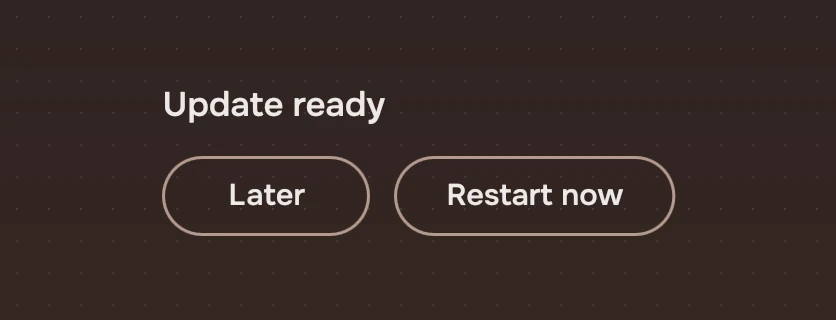
Say what the action does: "Restart now", "Delete", "Open". Not "OK", not "Yes". The quiet word that leaves things as they are is "Cancel" or "Later". Keep each to one or two words.
Do and don't
Code
import Tacit.Kit

Row {
    spacing: 12
    Slab { text: "Later"; onActivated: page.dismiss() }
    Slab { text: "Restart now"; tone: "default"; large: true; onActivated: system.restart() }
}
| Property | What it does |
|---|---|
text | The word |
tone | "default": the way forward. "risk": the warning symbol and the risk ink. "": quiet |
large | The large size: 50 and 44 high |
waiting | The job is running: a ring in the quiet ink that does not respond |
maxWidth | Caps the width (0 is no cap); the word is cut short in the middle |
confirm | The question for what cannot be undone: the first press shows it, the second picks |
activated() | Sent by a click, Enter or Space; with confirm, by the second press |
confirmCancelled() | The question was left unanswered: Esc, the keyboard or pointer left, or 4 seconds |
Experimental, in Tacit.Kit 0.1.
Text and figures: CC BY 4.0. Tacit.Kit: LGPL-3.0 code, OFL fonts. The Tacit name.