Tabs
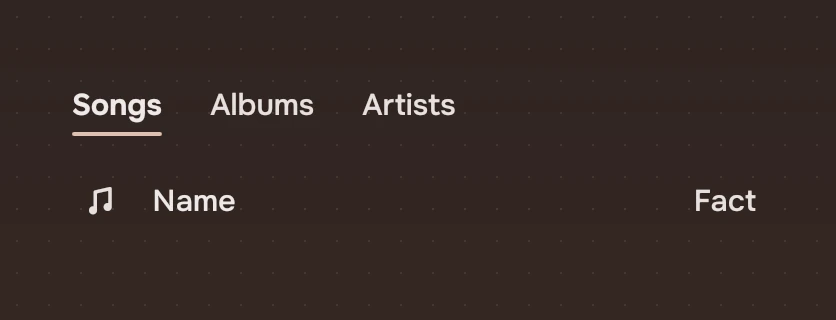
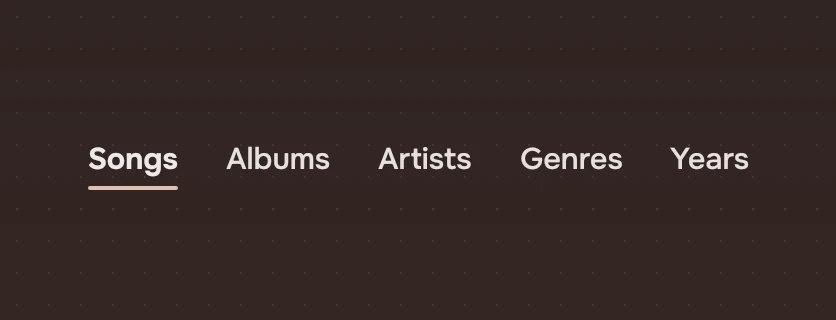
A few views of one thing, as words. The chosen word is strong and sits on a short accent line; the others wait in the secondary ink.
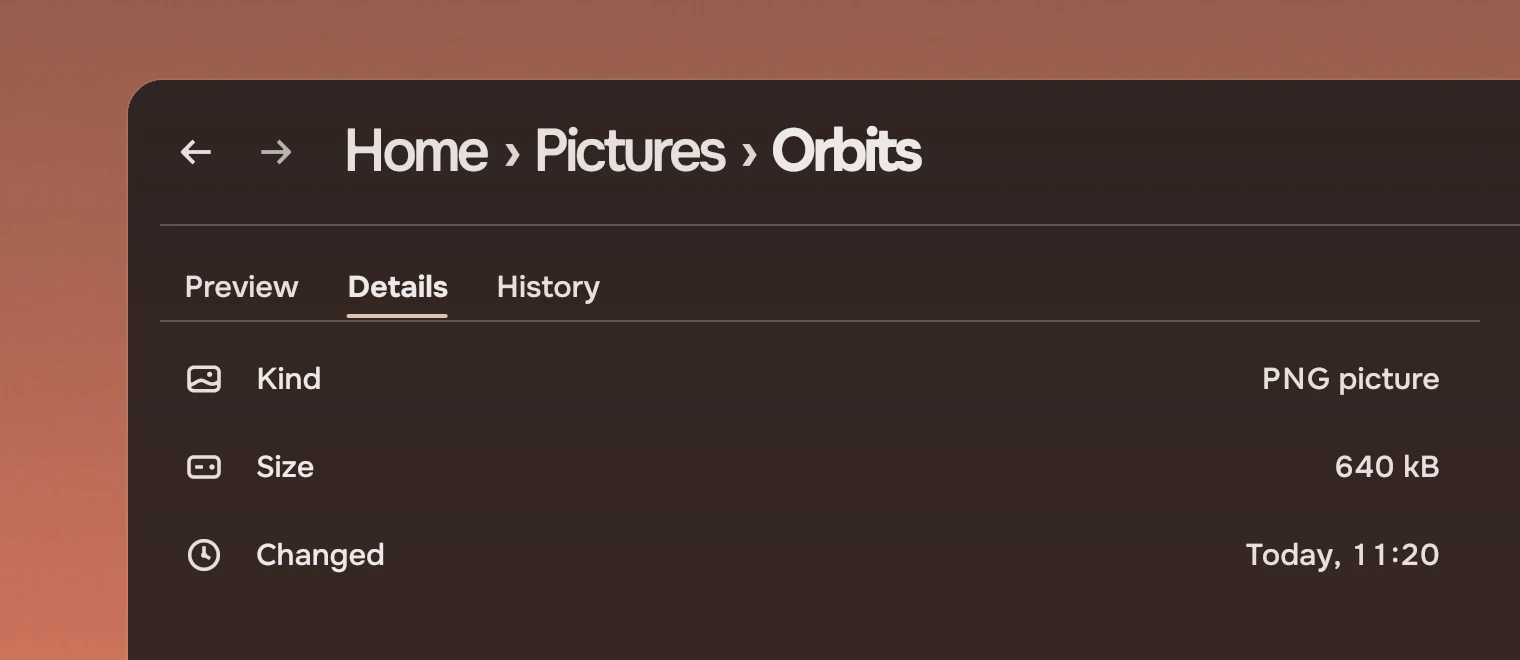
Use tabs for up to four views of the same thing: the panel for a file, with its preview, details and history. Past four, use a menu. Tabs do not move you to another place; for places, use the rail. The views of a whole page (List, Grid, Gallery) are also tabs, but they sit in the view bar, which owns their place and spacing.
Anatomy
Words only. There is no box, no icon and no count.
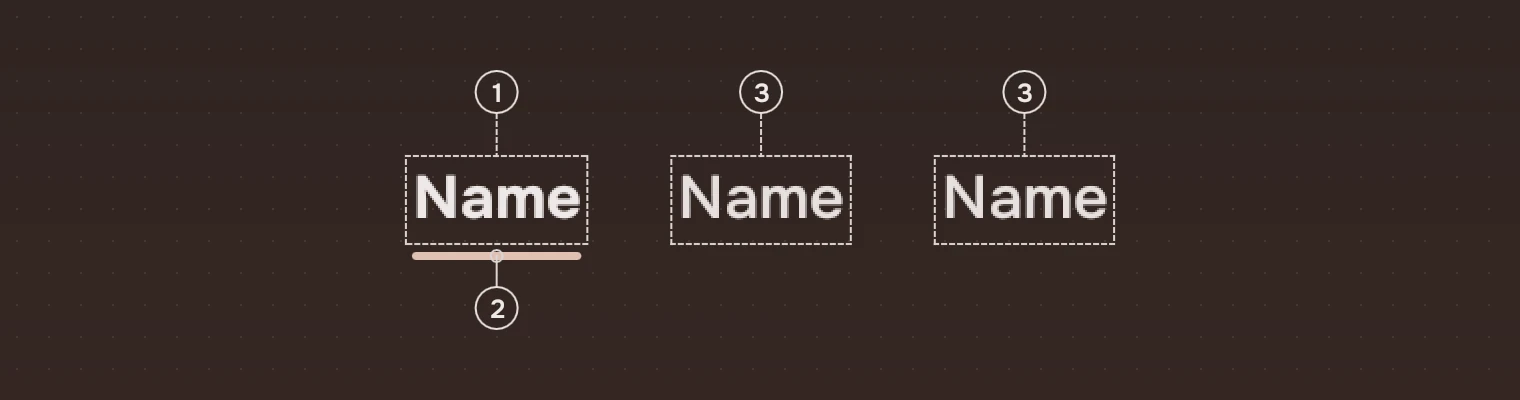
- Chosen wordThe main ink, strong weight.
- Line2 pixels, in the accent, as wide as the word and no wider. It is the only mark of the choice besides the weight.
- Other wordsThe secondary ink, regular weight.
States
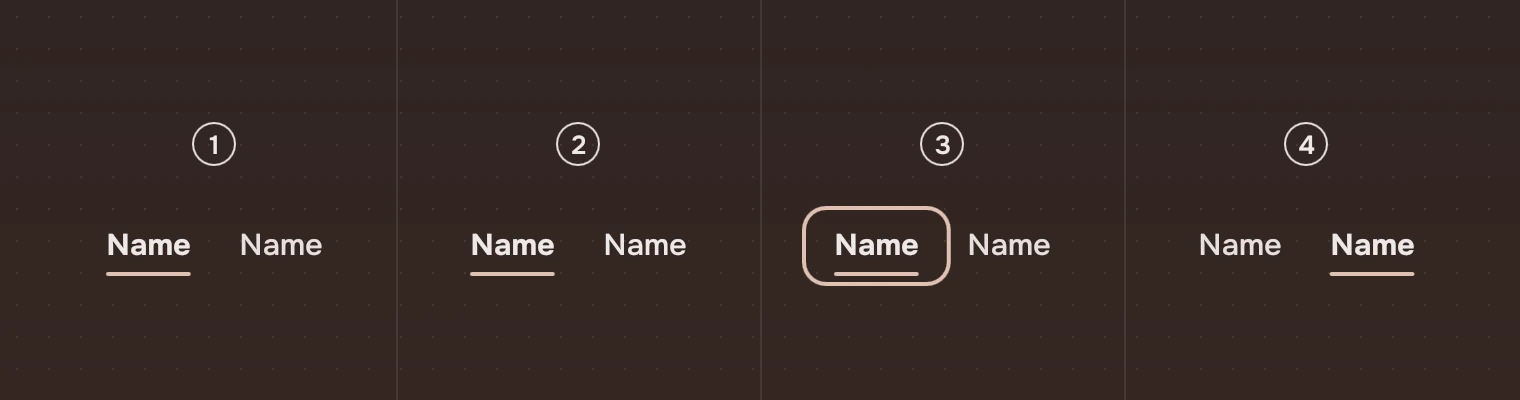
- RestThe chosen word as described above.
- Pointer over a wordThat word goes to the main ink, in regular weight. The line stays with the chosen word.
- Keyboard focusThe ring around the chosen tab.
- Another word chosenThe weight and the line move to it.
Sizes
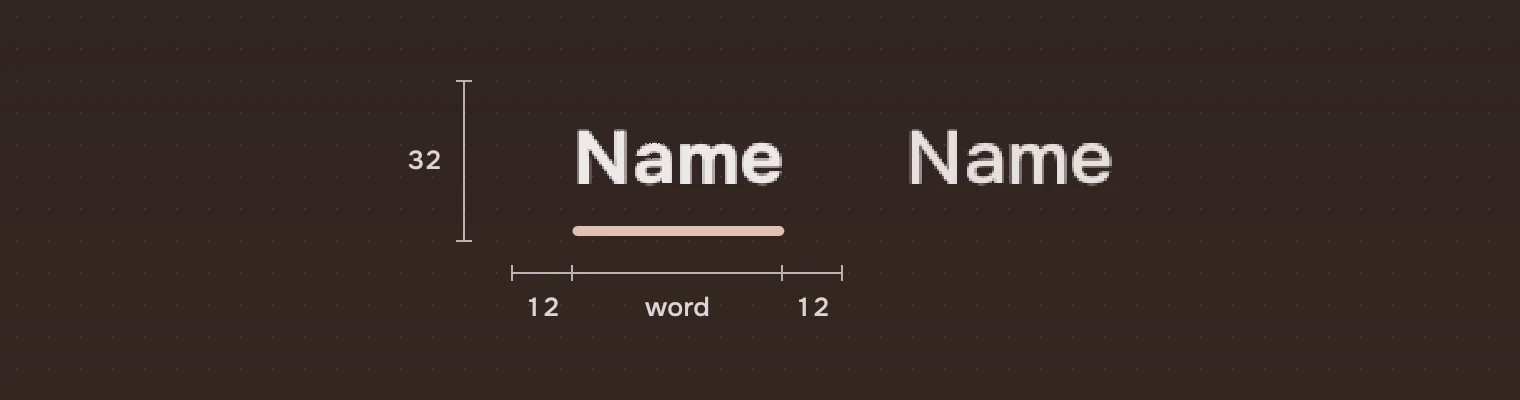
| Part | Value |
|---|---|
| Height | 32 |
| Space either side of the word | 12 (space.m) |
| Width of a tab | The word and 24 |
| Line | 2 pixels high, corner 1, 1 pixel above the bottom, the width of the word |
Keys and pointer
The row of tabs is one stop for Tab. The focus ring is on the chosen tab.
| Do this | To |
|---|---|
| ← → | Choose the tab before or after. At the first or last tab, nothing happens |
| Home End | Choose the first or the last tab |
| Click a word | Choose it |
| Pointer over a word | Main ink on that word |
Accessibility
- The row is a tab list named by
label("Views" unless the app says); each word is a tab named by its word, and says whether it is selected. - The chosen state is shown by weight and by the line, so it does not depend on colour alone.
- Pointer and keyboard do the same: both call
picked(index).
Writing
One word for each tab, a noun: "Preview", "Details", "History". Capital on the first letter only. Keep the words the same length where you can, so the row stays still when the labels change.
Do and don't
Code
import Tacit.Kit

Tabs {
    labels: ["Preview", "Details", "History"]
    current: panel.view              // an index into labels
    onPicked: index => panel.view = index
}
| Property | What it does |
|---|---|
labels | The words, in order |
current | The chosen index |
picked(index) | The pointer or a key chose this tab; the app sets current |
label | What a screen reader calls the group ("Views") |
Experimental, in Tacit.Kit 0.1.
Text and figures: CC BY 4.0. Tacit.Kit: LGPL-3.0 code, OFL fonts. The Tacit name.