Waveform
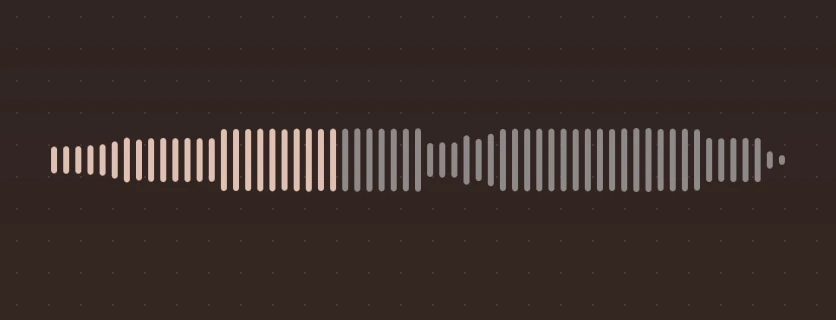
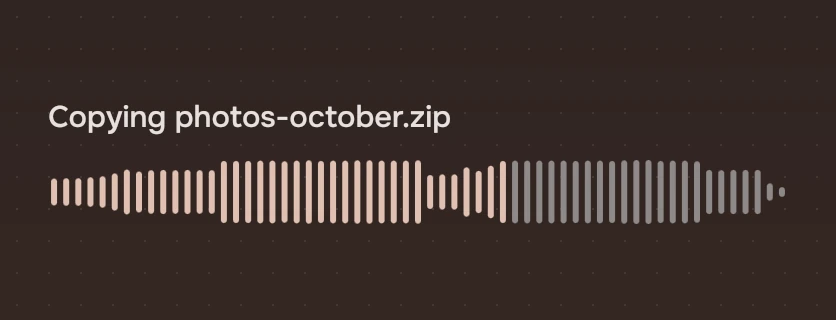
The scrubbing line for anything that plays: the sound as bars, the played part in the accent, the rest quiet.
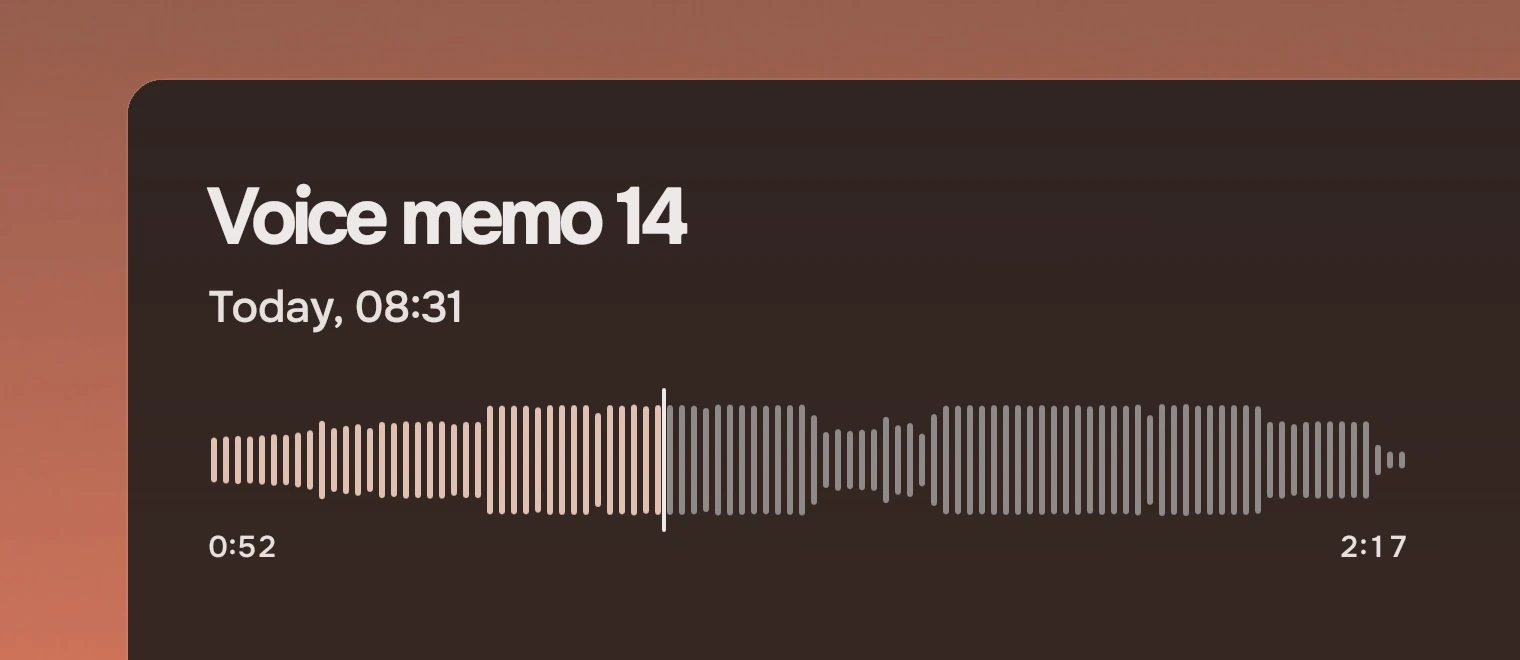
Use it to show where you are in a sound and to move to another place in it. The app gives it the levels; the part folds them into as many bars as fit and draws them.
Anatomy
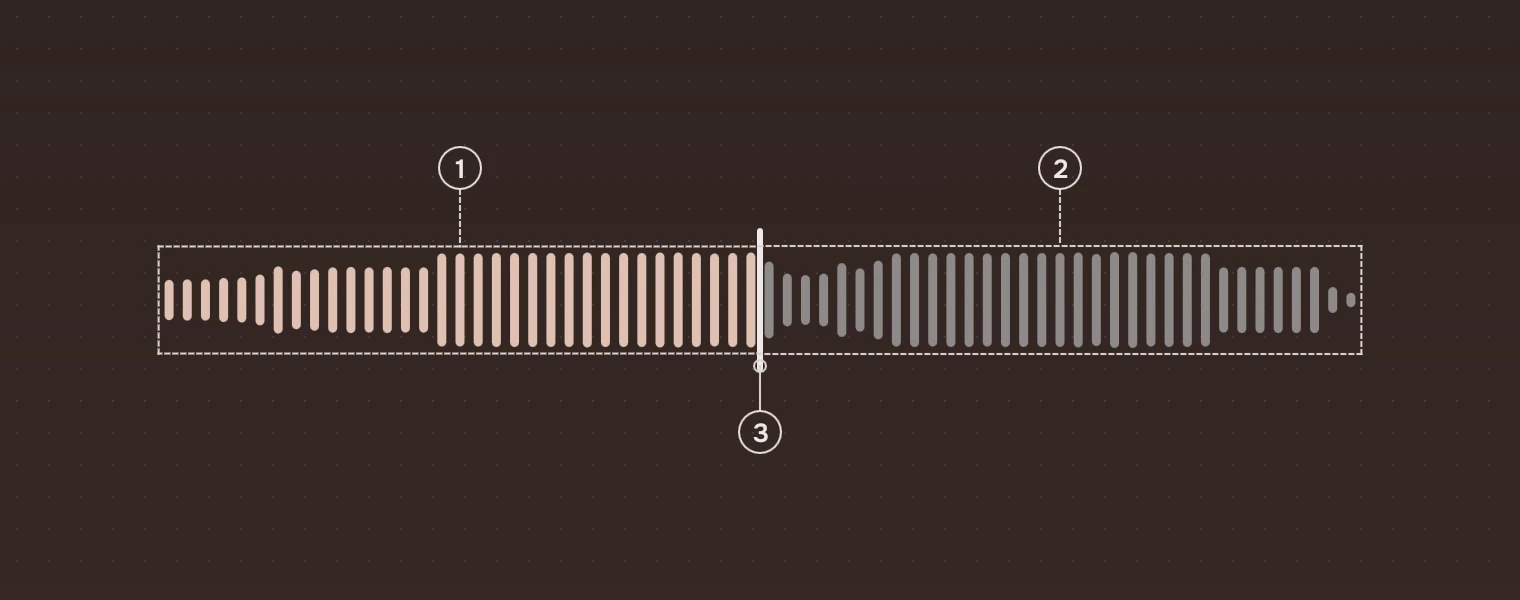
- PlayedBars in the accent, up to
position. - Not playedBars in the quiet ink, the one the kit uses for lines still to come.
- PlayheadA line in the main ink, 2 pixels wide and 8 above and below the bars. Only a stage page shows it (
playhead).
States
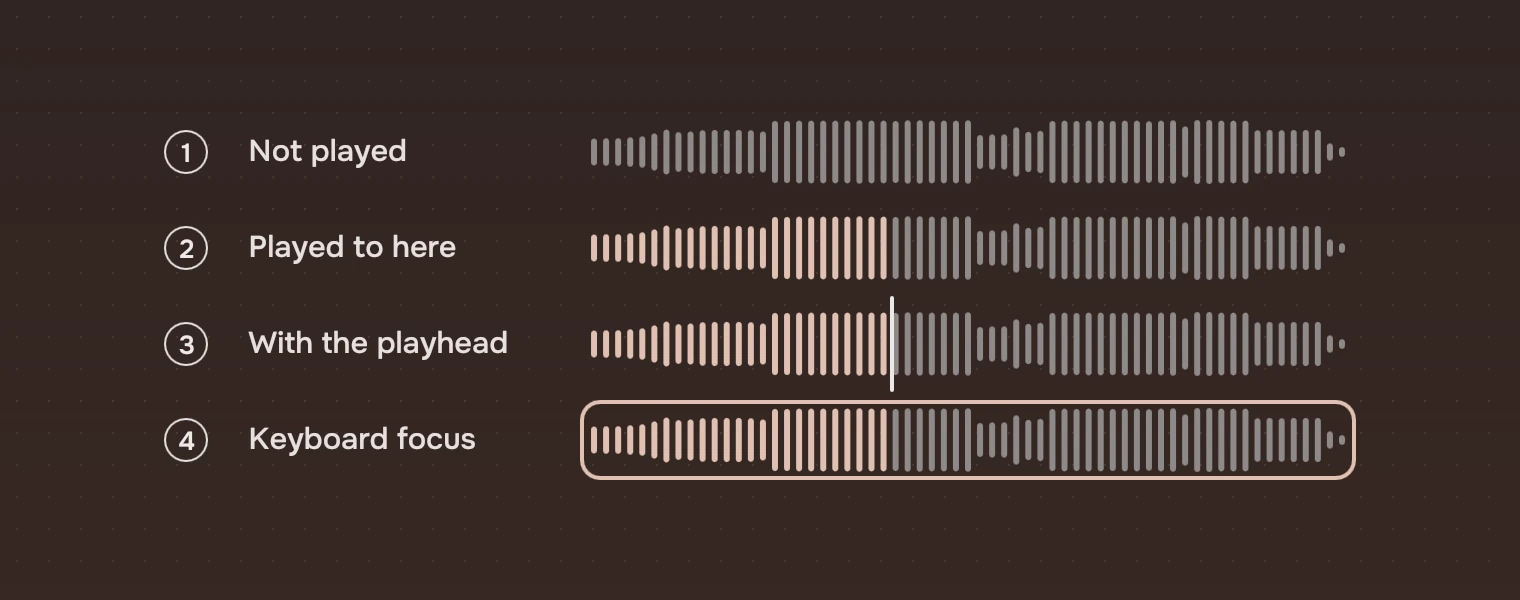
- Not playedEvery bar quiet.
- Played to hereThe bars before
positionin the accent. - With the playheadFor a stage page.
- Keyboard focusThe focus ring, with corner 6, around the whole line.
With seekable: false it only shows: no pointer cursor, no focus, no keys.
Sizes
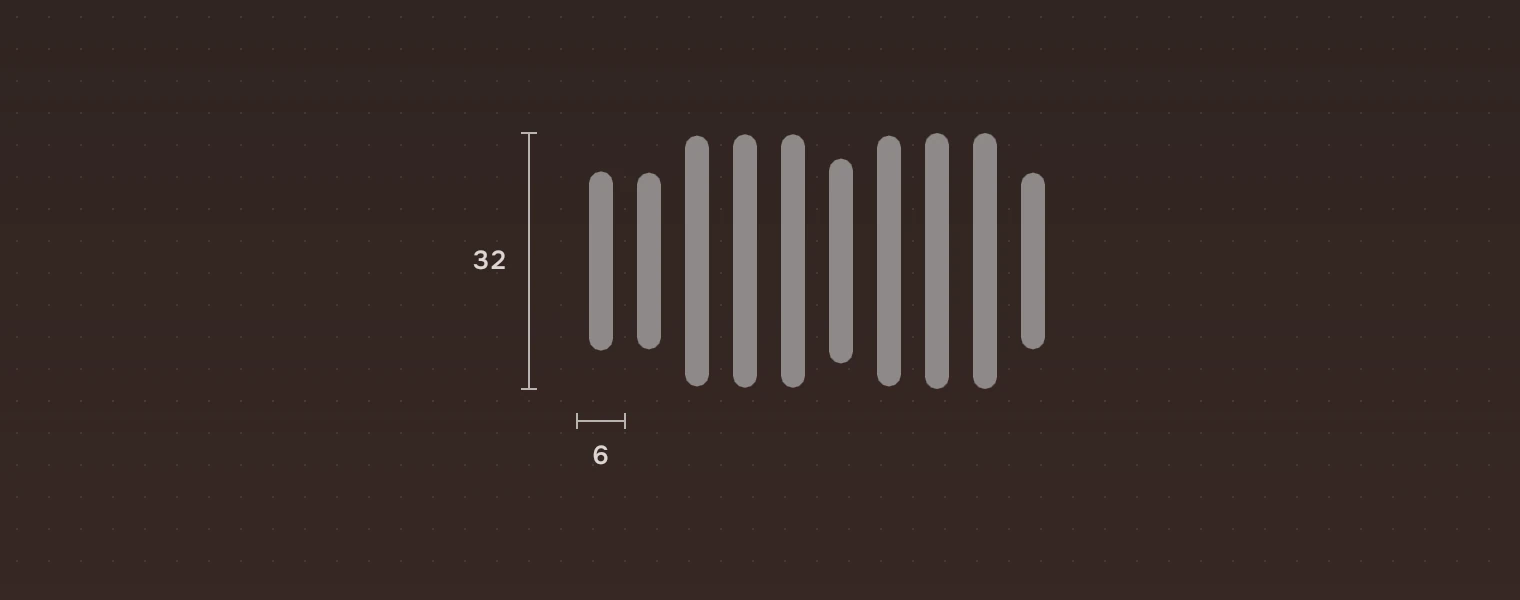
| Part | Value |
|---|---|
| Height | 32 by default; the app sets it (40 and 56 in the figures on this page) |
| Width | 380 by default; it takes the room it is given |
| Bar | 3 wide, with 3 of room beside it, so one bar every 6 |
| Height of a bar | The loudest level in its stretch times the height, never under 3 |
| Playhead | 2 wide, 8 above and below |
The number of bars is the width divided by 6, rounded down, so a wider waveform has more bars of the same shape.
Keys and pointer
The waveform is one stop for Tab.
| Do this | To |
|---|---|
| ← → | Seek back or forward by 2 % (keyStep) |
| Home End | Go to the start or the end |
| Click | Seek there |
| Drag | Seek as the pointer moves |
The part calls seek(at), from 0 to 1. The app moves position when it hears it.
Accessibility
- It is a slider named "Position" when
seekable, and a screen reader readspositionas its value, 0 to 1, in steps ofkeyStep. Show the time as text beside it as well, as the figures do: a fraction of the length means little without the length. - Played and not played differ by colour and by lightness together; the times in words carry the same facts.
Writing
Put the time played under the left end and the length under the right, in the numbers cut so the digits do not move: "0:52", "2:17".
Do and don't
Code
import Tacit.Kit

Waveform {
    width: parent.width
    height: 40
    peaks: track.levels              // 0 to 1, as many as the app has
    position: player.position / player.length
    playhead: true                   // on a stage page
    onSeek: at => player.seek(at * player.length)
}
| Property | What it does |
|---|---|
peaks | The levels, 0 to 1; the part takes the loudest of each stretch |
position | The played part, 0 to 1 |
bar, keyStep | Bar width (3) and the key step (0.02) |
playhead, seekable | Show the playhead; allow seeking |
value, minimumValue, maximumValue, stepSize | Read only, for a screen reader: position, 0, 1 and keyStep |
seek(at) | The person moved to at, 0 to 1 |
Experimental, in Tacit.Kit 0.1.
Text and figures: CC BY 4.0. Tacit.Kit: LGPL-3.0 code, OFL fonts. The Tacit name.