Jump index
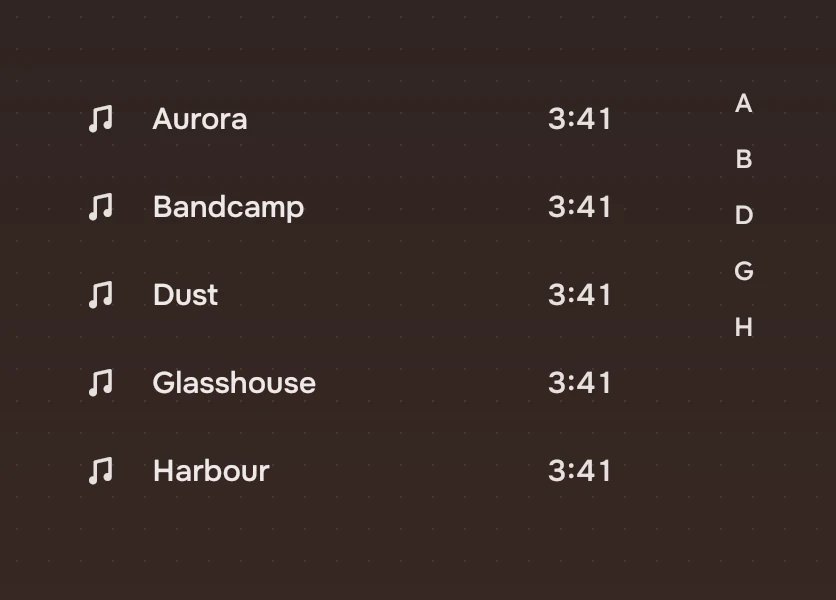
A strip of letters, or of months and years, at the right edge of a long list. Press a mark to jump to that part of the list.
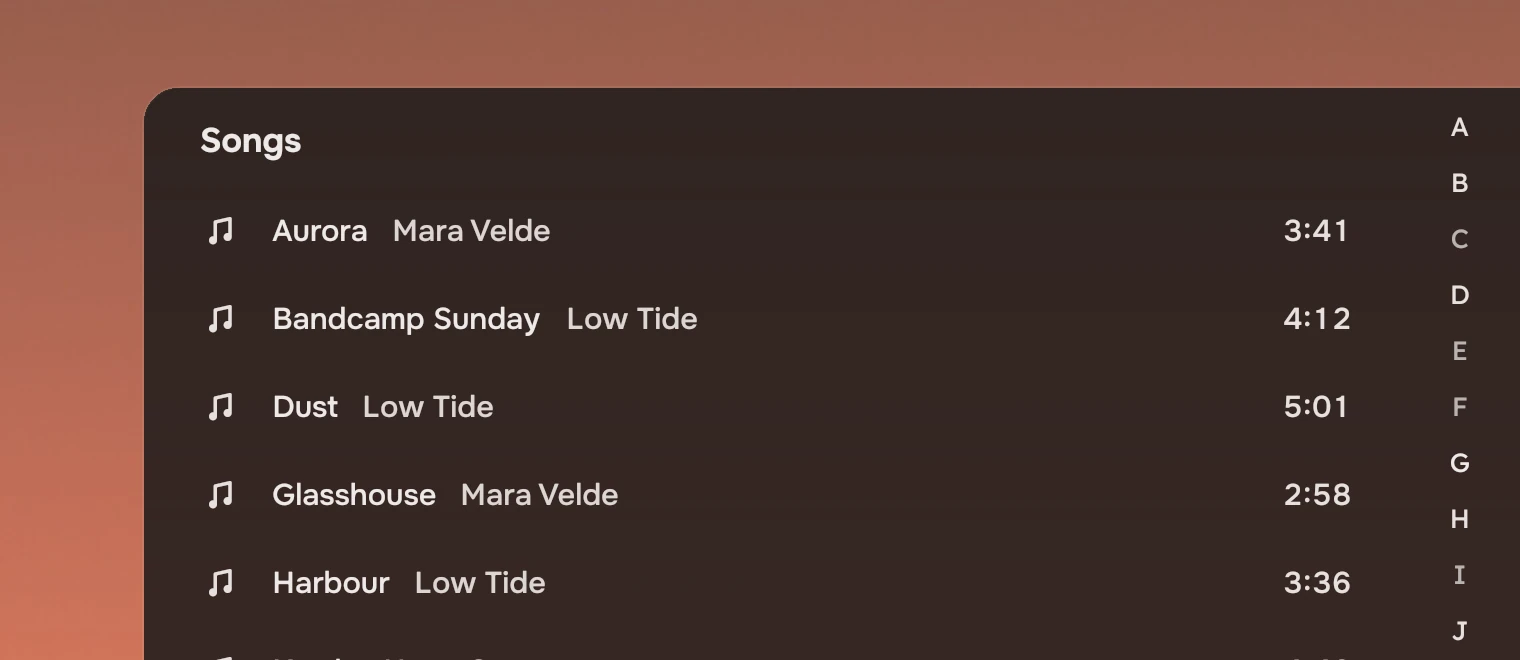
Use it for a list long enough that scrolling costs more than a jump: a library of songs, a long folder sorted by name. A short list needs none. The index is a second way in: it never replaces the list's own keys, where typing a name does the same.
Anatomy
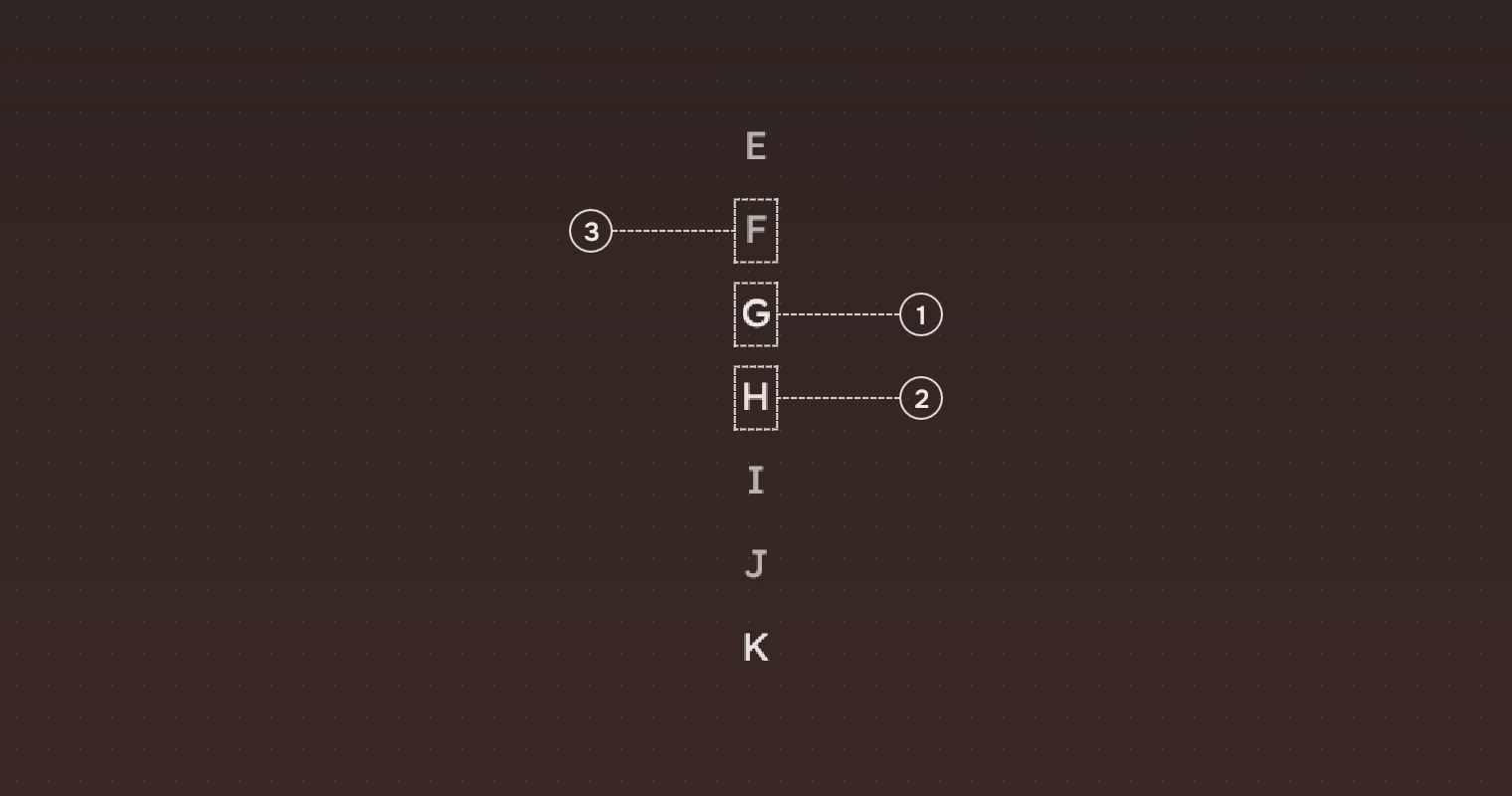
- Under the pointerThe mark the pointer is on, or the one a press has reached, in the main ink.
- In the listA mark the list has something for, in the secondary ink.
- Not in the listA mark the list has nothing for, in the faint ink. It does not react, and a press on it does nothing.
The marks are letters by default. For a list sorted by date they are months and years instead (marks), and present says which of them the list has.
States
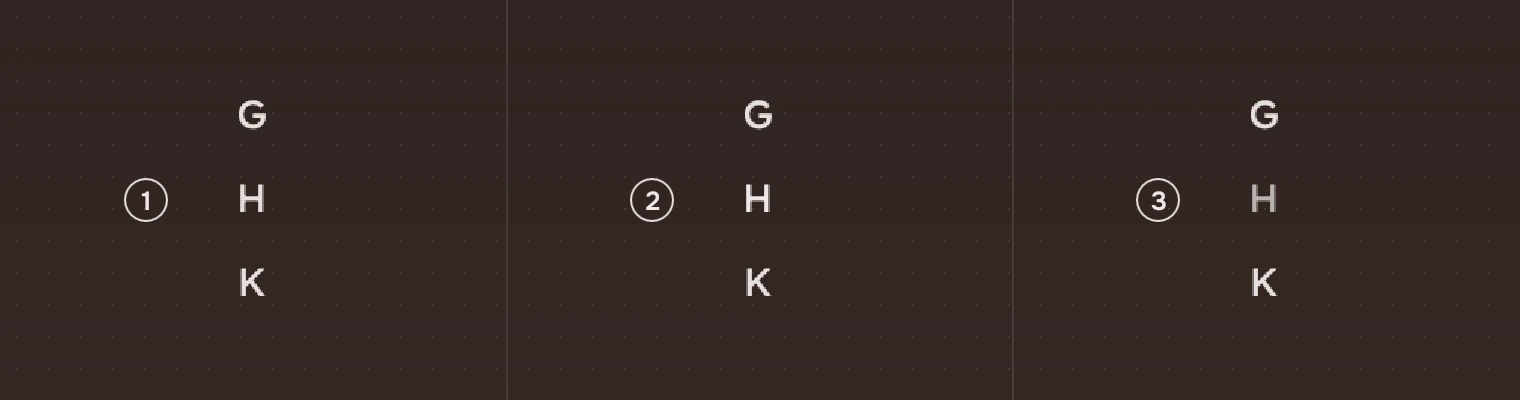
- In the listThe secondary ink.
- Under the pointerThe main ink. The same while a press is held on it or a slide is passing over it.
- Not in the listThe faint ink. The mark is not pressable and the pointer stays an arrow.
Sizes

| Part | Value |
|---|---|
| Width | 44 |
| Step | 28 pixels for each mark, the whole height of a mark's target |
| Text | 13 pixels (meta), centred in the step |
| A full alphabet | 26 marks, 728 pixels |
Anchor the index's top and bottom to the list so it knows the room it has. With less than 728 pixels the step shrinks, down to 18.
Folding
When every mark at 18 pixels no longer fits, the index folds: every other place shows a dot standing for the marks between its neighbours (A, a dot, C, a dot, E, and on to Z). A press or a slide on a dot goes to the first of those marks the list has, and a screen reader hears the dot as the stretch it covers ("D to F"). A folded mark takes 24 pixels around its middle for a press, and the dot between two marks the 12 pixels that are left.
Keys and pointer
The index is not a stop for Tab. Anyone with a keyboard types a name in the list instead.
| Do this | To |
|---|---|
| Press a mark | Jump to it (jump(mark)) |
| Press and slide along the index | Keep jumping, from mark to mark, as the pointer passes over them |
| Touch and drag | The same as the slide |
Accessibility
- The index has the role of a list named "Jump to". Each mark in the list is a button named by its letter, and a screen reader's press action jumps.
- A mark that the list lacks is hidden from a screen reader, so it hears only places it can go.
- The index adds nothing a keyboard cannot do: typing a name in a row list goes to the first row that starts with it.
- The faint ink is below the APCA floor of 75 that the other inks keep, as a mark the list lacks does nothing; it is never the only way to a place.
Writing
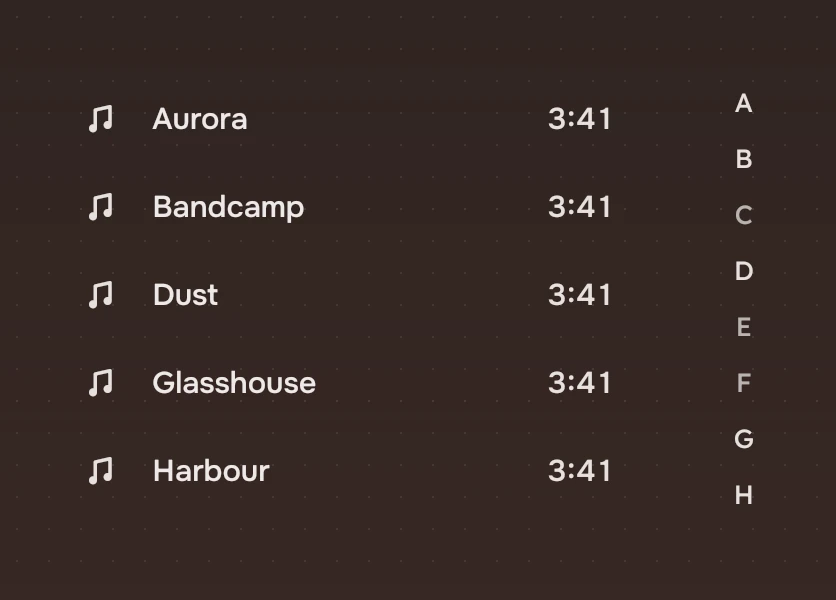
Marks are single letters, or a month or a year. Do not abbreviate a letter into a range ("A-C"): a mark is one place.
Do and don't
Code
import Tacit.Kit

Item {
    RowList { id: list; width: 640; height: 400; model: songs; delegate: SongRow {} }
    JumpIndex {
        anchors.right: parent.right
        present: songs.firstLetters()             // the letters the list has
        onJump: mark => list.moveTo(songs.firstIndexOf(mark), "select")
    }
}
| Property or signal | What it does |
|---|---|
marks | The marks, in order: the alphabet by default, or months and years |
present | The marks the list has; the rest go faint and inert (all of them by default) |
jump(mark) | A press, or a slide that has reached a mark the list has. On a dot, the first mark it covers that the list has |
Experimental, in Tacit.Kit 0.1.
Text and figures: CC BY 4.0. Tacit.Kit: LGPL-3.0 code, OFL fonts. The Tacit name.