Transport
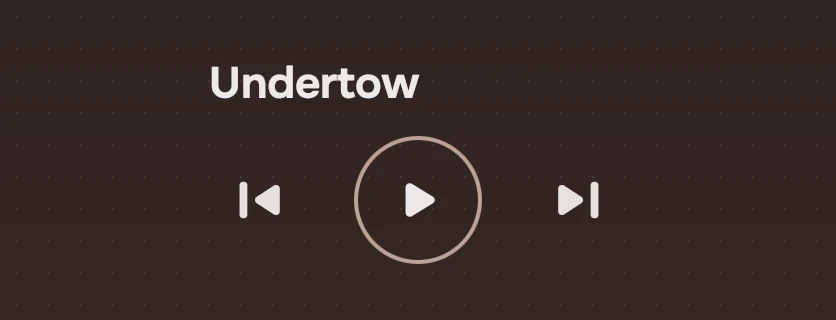
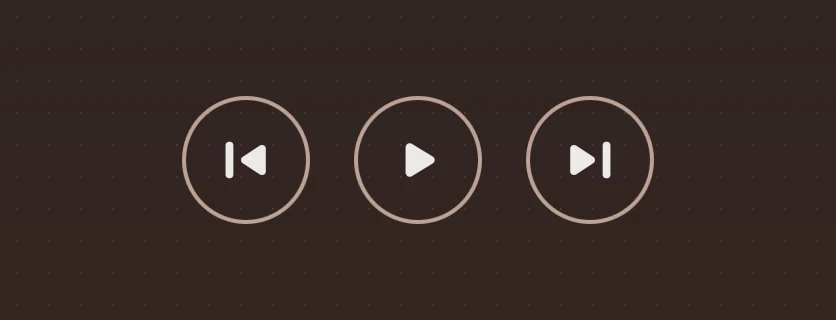
Previous, play or pause in an accent ring, next. These are the controls of anything that plays.
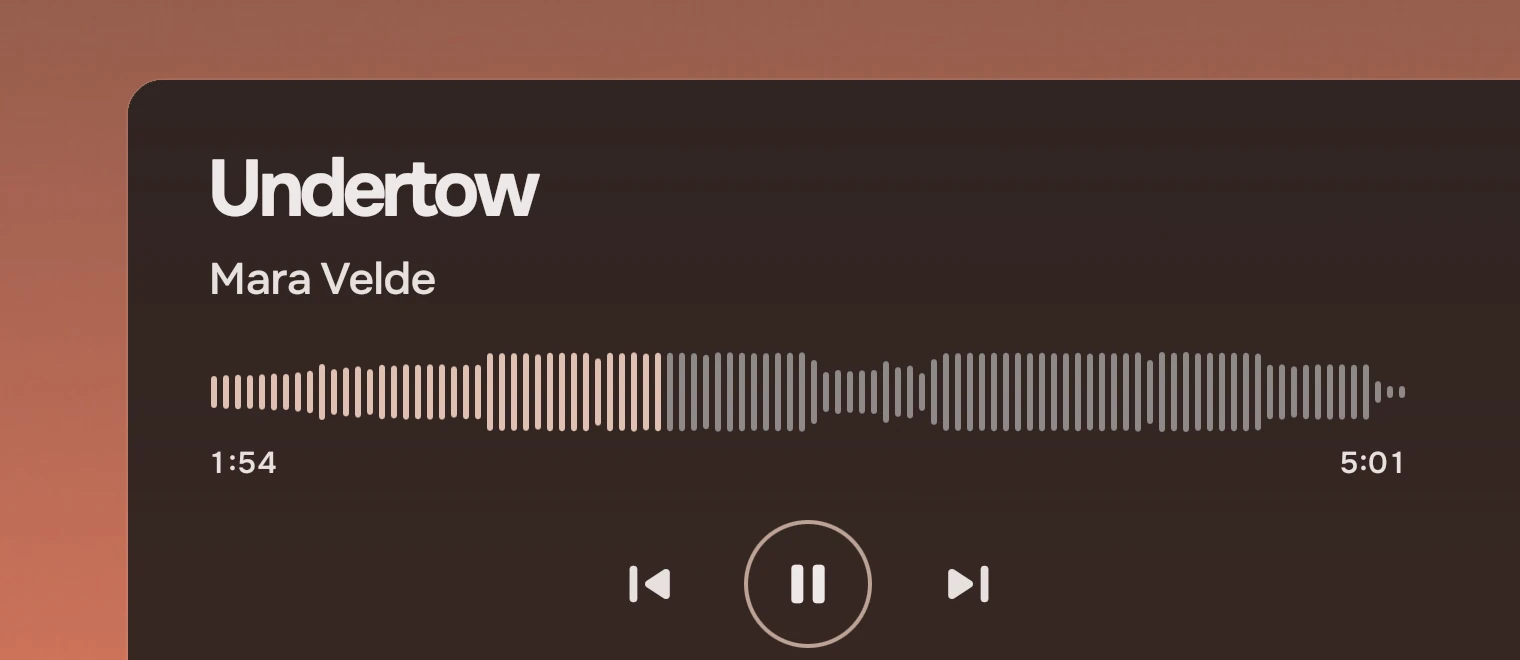
Use it for one thing that plays: a song, a recording, a video. It has the three controls and nothing more. The ring is the one primary action on the page, so it is the one place the accent draws a line.
Anatomy
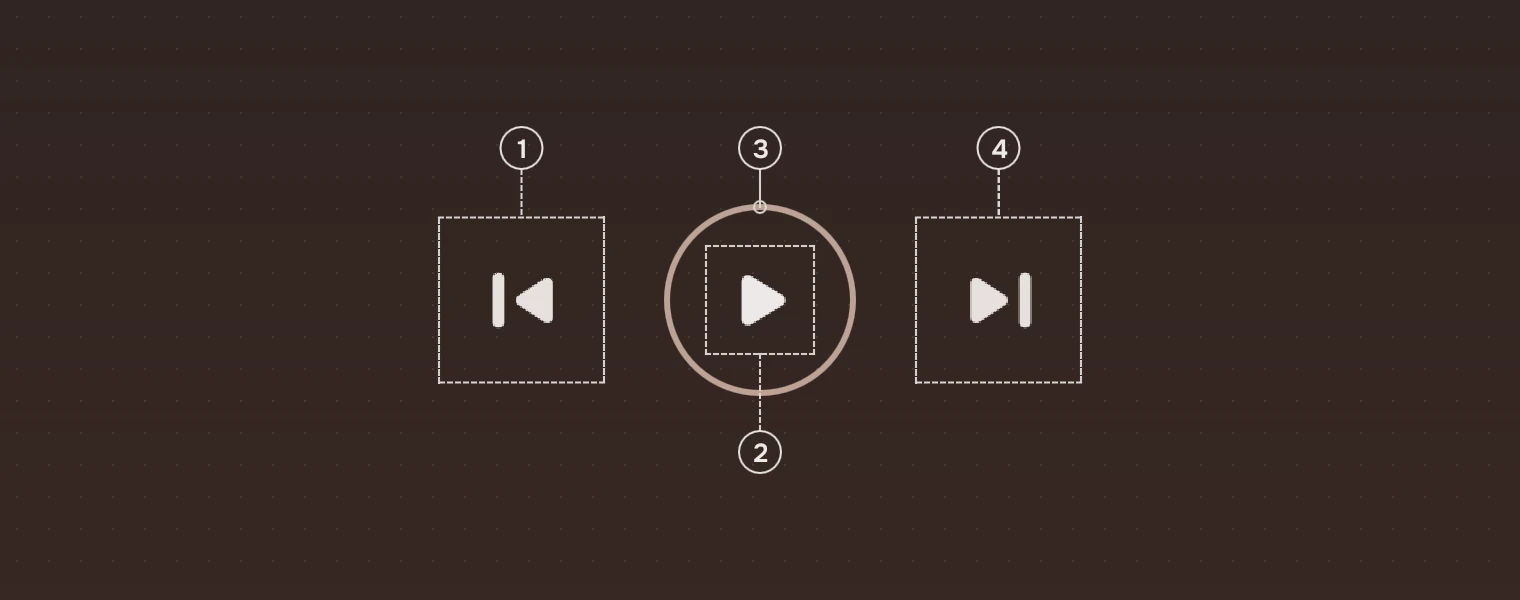
- PreviousAn icon button, half the transport's size.
- Play or pause symbol
play_arrowwhile stopped andpausewhile playing, half the ring's size, in the main ink. - Ring2 pixels in the accent at 80 %, as wide as
size. - NextAs previous.
States
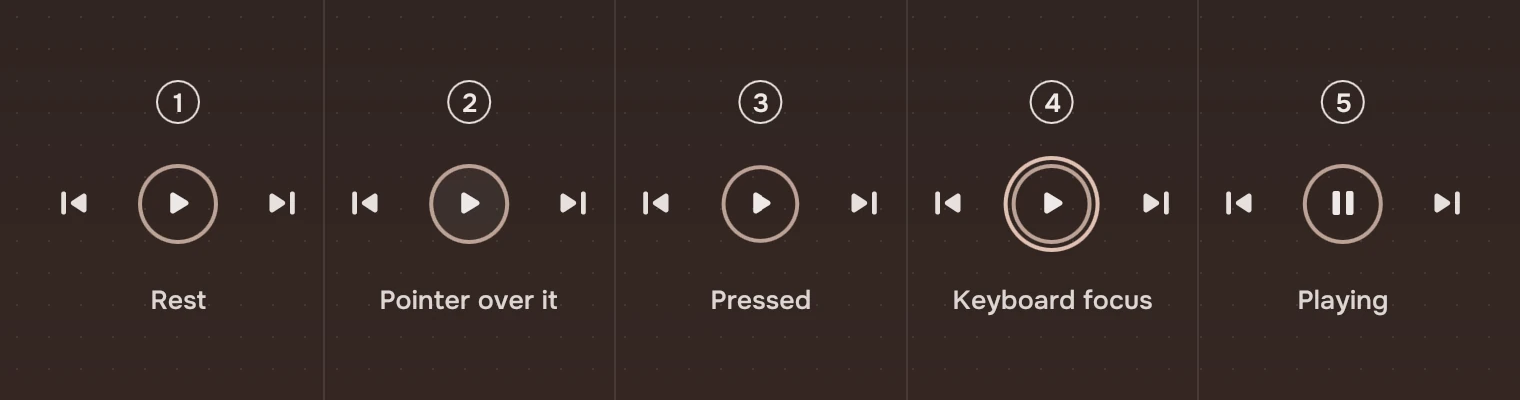
- RestThe ring empty.
- Pointer over itThe hover wash inside the ring.
- PressedThe ring shrinks a little while held and comes back.
- Keyboard focusThe ring around the ring, round.
- PlayingThe pause symbol;
playingis the app's to set.
A side button with nothing to go to (canPrevious or canNext false) is an icon button that is not enabled: its symbol in the faint ink, with no response and no stop for Tab.
Sizes
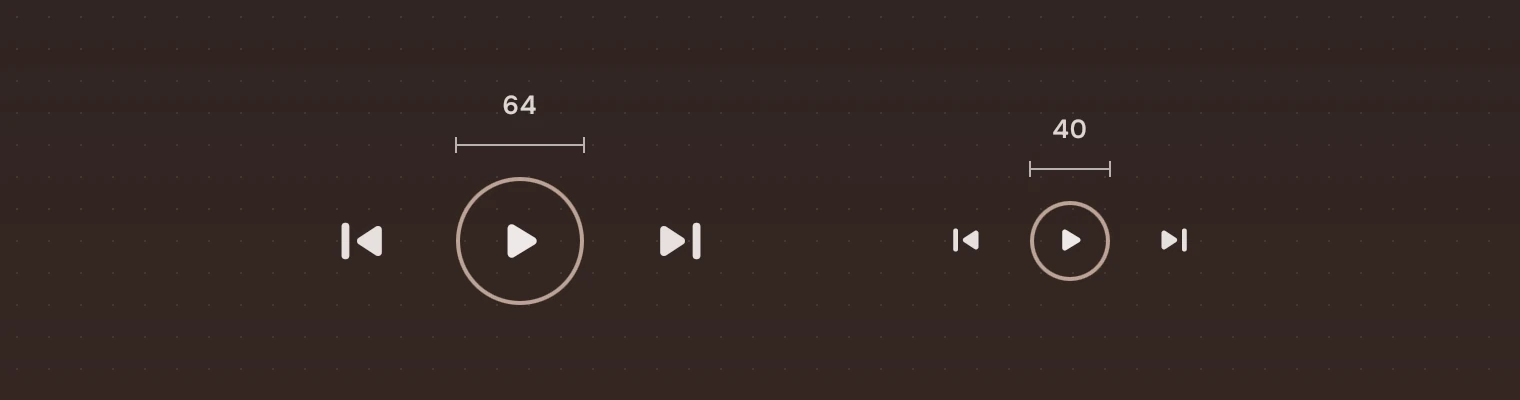
| Part | At 64 | At 40 |
|---|---|---|
| Ring | 64 | 40 |
| Symbols | 32 | 20 |
| Side buttons (hit area) | 51 | 36 |
| Space between the three | 22 | 14 |
size is the ring's width. The symbols are half of it, the space is 35 % of it, and a side button is never under 36, so it stays easy to hit.
Keys and pointer
The previous button, the ring and the next button are each a stop for Tab, except a side button that is not enabled.
| Do this | To |
|---|---|
| Enter or Space on the ring | Play or pause |
| Click the ring | Play or pause |
| Enter or Space on a side button, or a click | Previous, or next |
Play and pause on Space anywhere in the window belongs to the app, not to this part.
Accessibility
- The row is a toolbar named by
label("Playback" unless the app says). The ring is a button named "Play" or "Pause" for what it will do; the sides are "Previous" and "Next". - The ring is shown by an accent line and by its symbol, so it does not depend on colour alone.
Writing
The transport has no words. Put the title and the artist beside or above it, and the times on a waveform or a slider.
Do and don't
Code
import Tacit.Kit

Transport {
    size: 64                               // 40 in a player bar
    playing: player.playing
    canPrevious: player.index > 0
    canNext: player.index < player.count - 1
    onPrevious: player.previous()
    onPlayPause: player.toggle()
    onNext: player.next()
}
| Property | What it does |
|---|---|
size | The ring's width: 64 on a stage page, 40 in a player bar |
playing | Shows the pause symbol |
canPrevious, canNext | Turn the side buttons off |
previous(), playPause(), next() | What the person asked for |
label | What a screen reader calls the controls ("Playback") |
Experimental, in Tacit.Kit 0.1.
Text and figures: CC BY 4.0. Tacit.Kit: LGPL-3.0 code, OFL fonts. The Tacit name.