Text
TacitText is how every Tacit surface draws words: Tacit Sans, sized and inked by role, never dimmed by opacity.
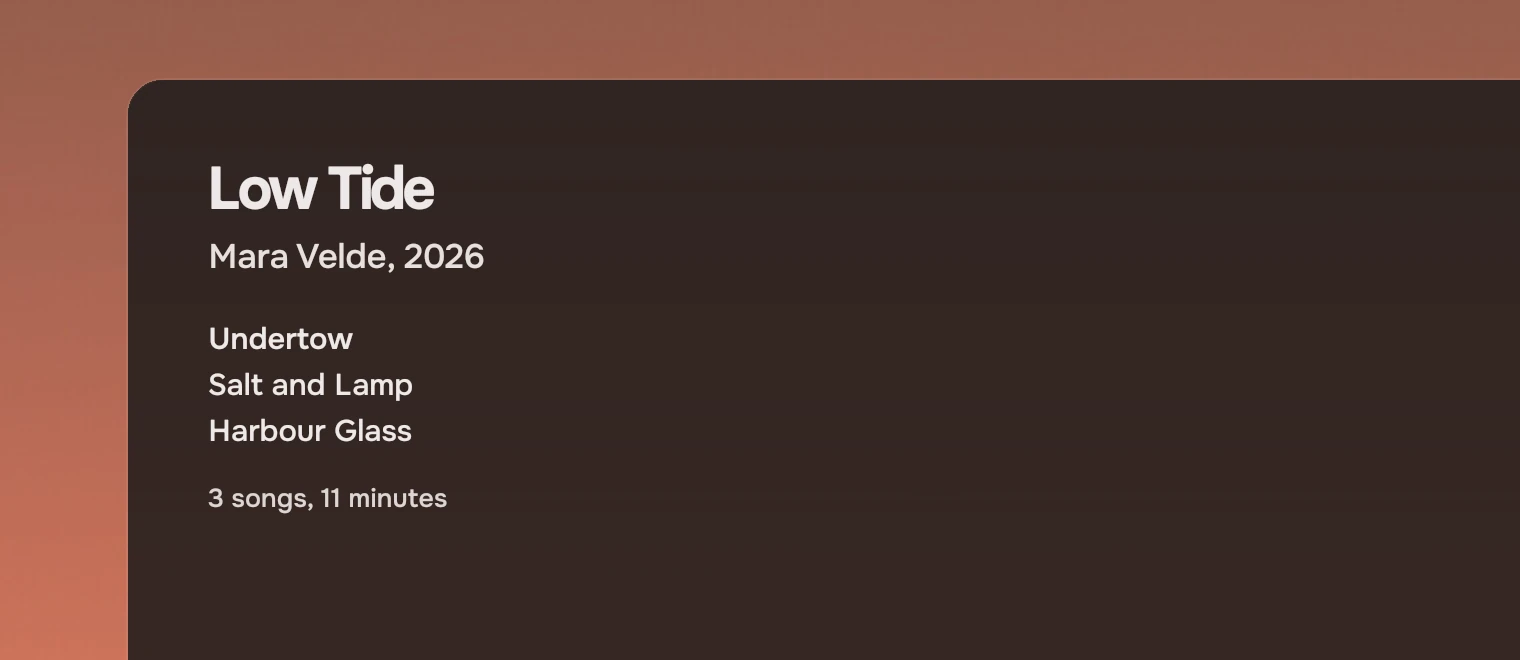
Use TacitText for every word in an app, and size, ink, weight and cut to say what the words are. Do not set a font, a colour or an opacity yourself: the part keeps text the same across apps, and the type page explains why. The size, weight and cut tables are on this page; Type gives the reasons.
Properties
Four properties say what a piece of text is. Each has a default, so a plain TacitText { text: "Name" } is a row name.

- Title
size: "section",weight: "strong",ink: "main". - Secondary line
size: "body",ink: "sec". - Fact
size: "row",ink: "sec",cut: "numbers". - Beside a name
size: "meta",ink: "meta".
Sizes
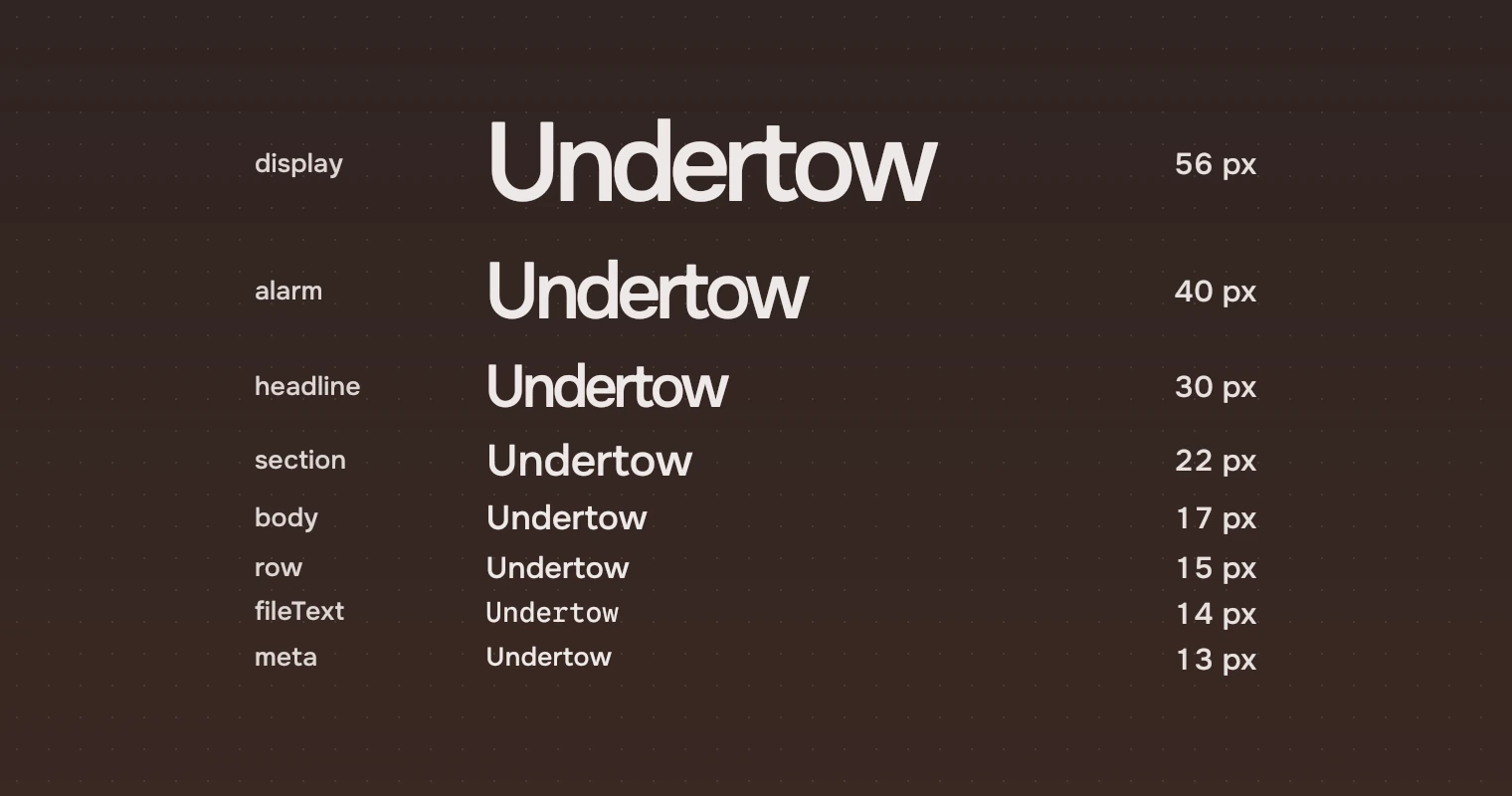
size | Pixels | Used for |
|---|---|---|
display | 56 | A stage subject: the song playing |
alarm | 40 | Big lines such as lyrics |
headline | 30 | The page title, the path |
section | 22 | An album on an artist page, the line under a stage subject |
body | 17 | Section headings, rich row titles, the one sentence of an empty or failed page |
row | 15 | Row names and facts, actions, rail labels (the default) |
fileText | 14 | File text, in Tacit Code |
meta | 13 | Rail counts, the jump index |
Inks
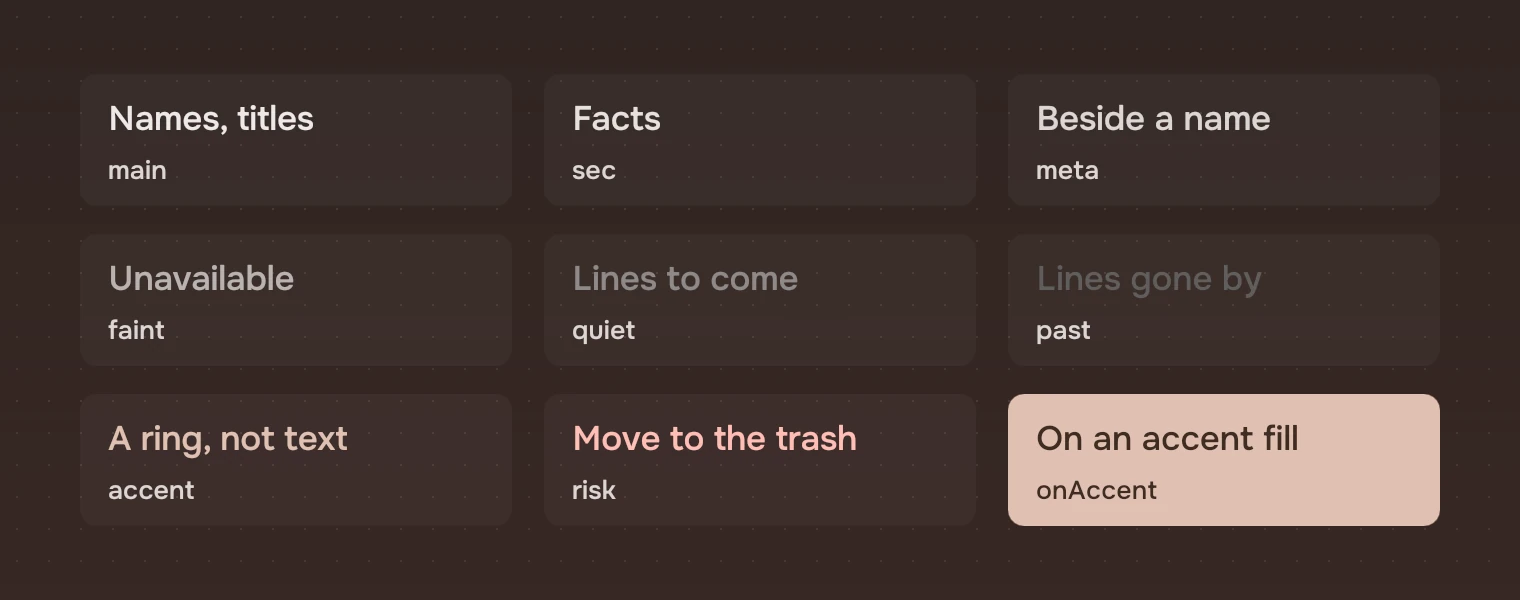
ink | Used for |
|---|---|
main | Names, titles, the line in focus (the default) |
sec | Facts: size, time, length, details |
meta | A name beside a name, ordinals, rail counts |
faint | Unavailable |
quiet | Context lines: lyrics still to come |
past | Lyrics already sung |
accent | The current place and the primary action's ring; not for running text |
risk | A destructive action, always last and with the warning symbol |
onAccent | Text on an accent fill |
overlayMeta, overlayRisk | The meta and risk inks for text on a menu's overlay, solved on its lit line |
The nine inks above are the colours of text on the page; the two overlay inks are for a menu. Small text uses no ink below meta. faint, quiet and past are for what is unavailable or already gone, and for large lines.
Weights and cuts
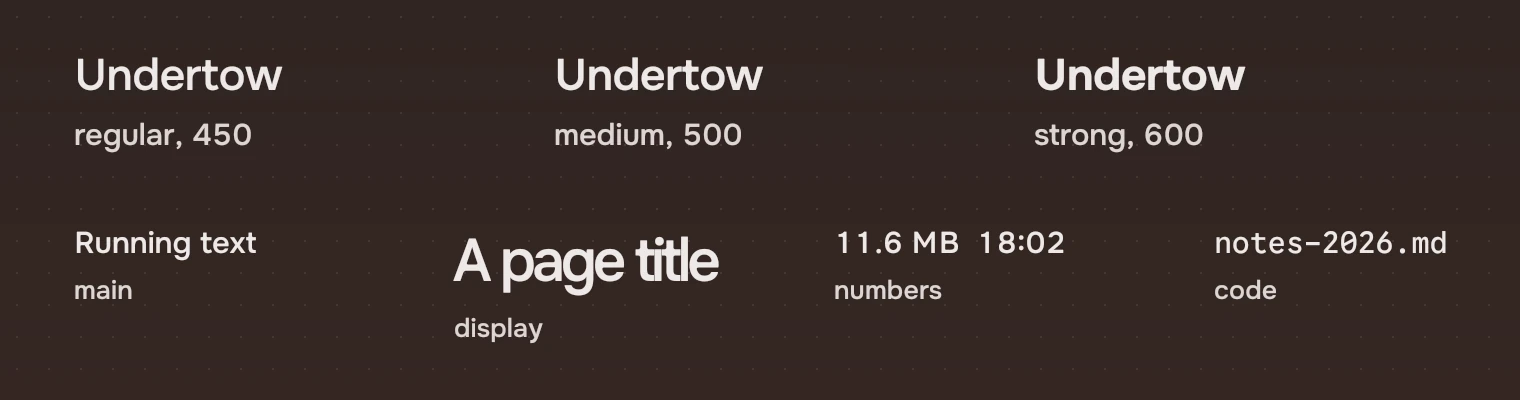
weight | Axis | Used for |
|---|---|---|
regular | 450 | Ordinary text |
medium | 500 | A current row, a rich row's title |
strong | 600 | Headings and titles |
cut | Face | Used for |
|---|---|---|
main | Tacit Sans | Everything by default |
display | Tacit Sans Display | One-line titles at 30 pixels and above |
numbers | Tacit Sans, tabular figures | Figures in rows and columns |
code | Tacit Code | File text and code |
States
Text has none, is not a stop for Tab and does not answer the pointer. The pointer, the keyboard and selection change the part that holds the text, never the text itself. A name that is not one of the lists above falls back to the default for that property.
Accessibility
- Text is read as its words. Name a thing by its words, not by a symbol next to them.
- The main, secondary and meta inks reach an APCA contrast of 92, 85 and 75 on both palettes, as do the risk ink and the menu inks. The faint, quiet and past inks do not, by design. See accessibility.
- Text is drawn with native rendering and no hinting, which is Tacit's text standard, so it looks the same in every app.
Writing
Put figures in the numbers cut where they line up in a column: sizes, times, counts. What the words say is on Writing.
Do and don't


Code
import Tacit.Kit

Column {
    TacitText { text: song.title; size: "section"; weight: "strong" }
    TacitText { text: song.artist; size: "body"; ink: "sec" }
    TacitText { text: song.length; ink: "sec"; cut: "numbers" }
}
| Property | What it does |
|---|---|
size | One of the eight sizes; row by default |
ink | One of the inks; main by default |
weight | regular, medium or strong |
cut | main, display, numbers or code |
Everything else of Qt's Text works as it does in Qt: text, elide, wrapMode and the rest.
Experimental, in Tacit.Kit 0.1.
Text and figures: CC BY 4.0. Tacit.Kit: LGPL-3.0 code, OFL fonts. The Tacit name.