Cover grid
Square covers in even columns, each with a title and a line under it: albums, playlists, books. It is for choosing a thing by its picture and its name.
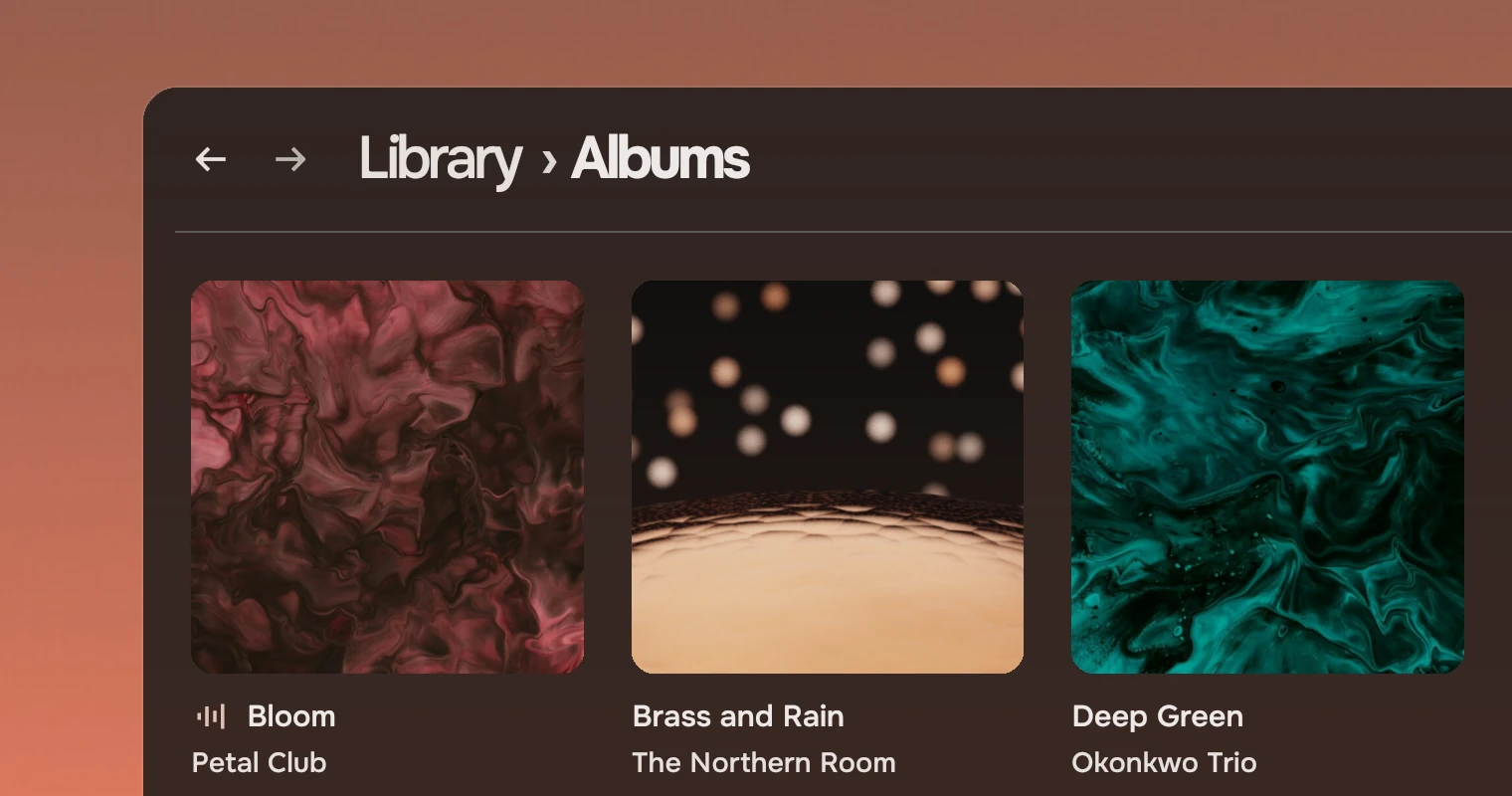
Use it where each thing has a cover and a name, and people pick by either: an album and its artist, a playlist and its owner, a book and its author. This is the grid of Music's Albums page. Where the picture is the whole thing and has no words, such as a camera roll, use a picture grid. Where people look a thing up by its name, use a row list, and give an album's songs a row each.
How it differs from the picture grid
The two are siblings, not modes of one part. The cover grid sets one shape in columns and keeps words under every cover. The picture grid keeps each picture's own shape and sets none.
| Picture grid | Cover grid | |
|---|---|---|
| Shape | Each picture's own | One square |
| Layout | Rows filled to both edges, at a row height | Columns of covers about 180 across |
| Words | None; a heading for each group | A title and a subtitle under every cover |
| Gap | 6 pixels | 24 pixels |
| Selected | Several, with Shift and Ctrl | One, the one the keys act on |
| Used for | Photographs, screenshots | Albums, playlists, books |
Anatomy
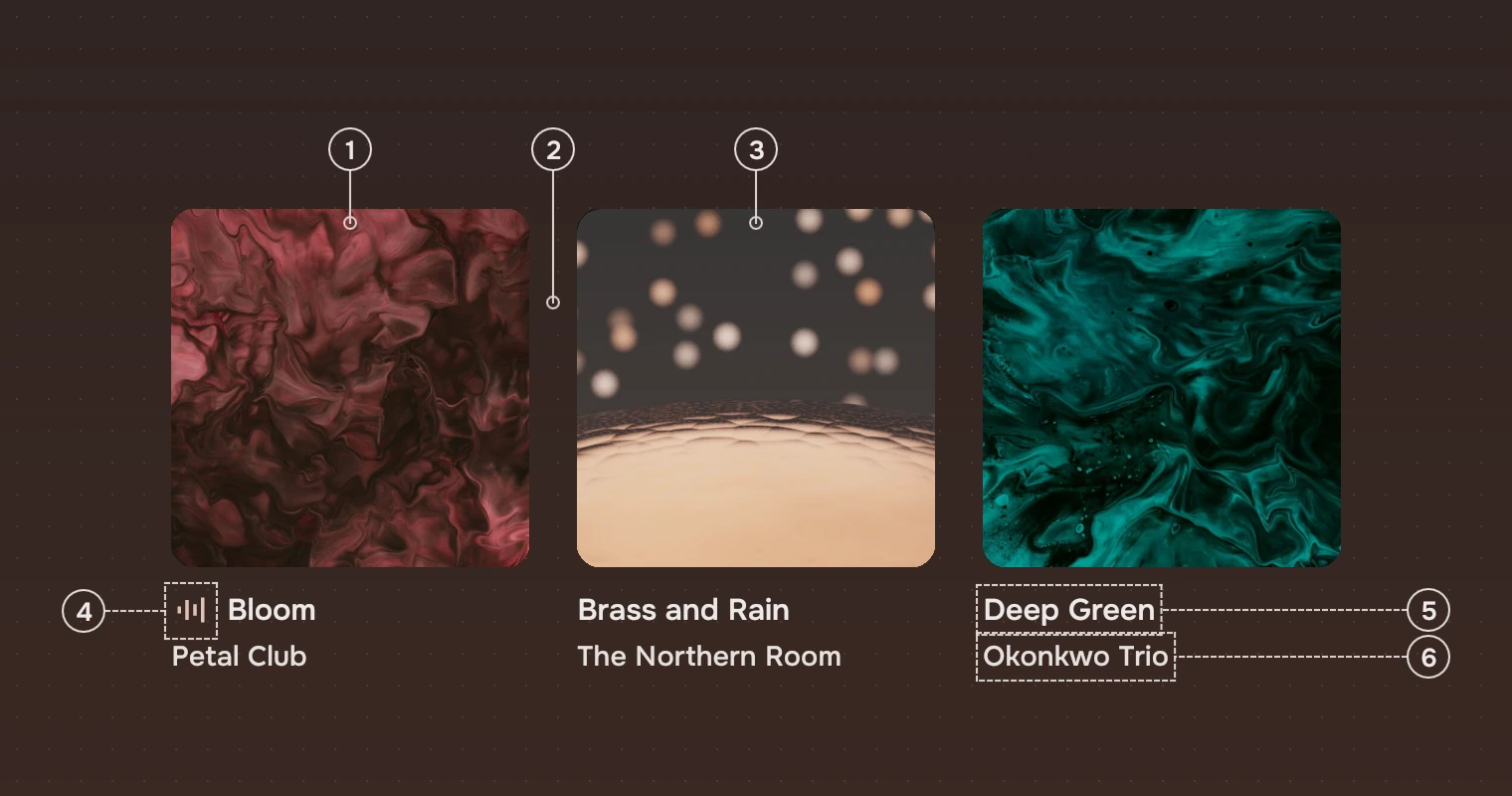
- CoverThe picture, square, cropped to fit and rounded at the corners. A cover that has no picture, or cannot load it, shows a symbol (
glyph) on the container colour. - Gap24 pixels between covers, across and down.
- SelectionA wash of the main ink at 22 % over the cover. The cover keeps its size.
- MarkThe accent mark before the title of the cover that is in use (
current), such as the album that is playing. - TitleThe name, in the main ink, Medium. It shortens at its end.
- SubtitleWho it is by, or what it is, in the secondary ink. It shortens at its end.
The grid chooses the number of columns from its width and then widens the covers a little to fill the row, so a row never ends ragged. Only the rows on screen are made.
States
Every state is a wash on the cover, and the cover never changes its shape. The keyboard's ring is the one exception.
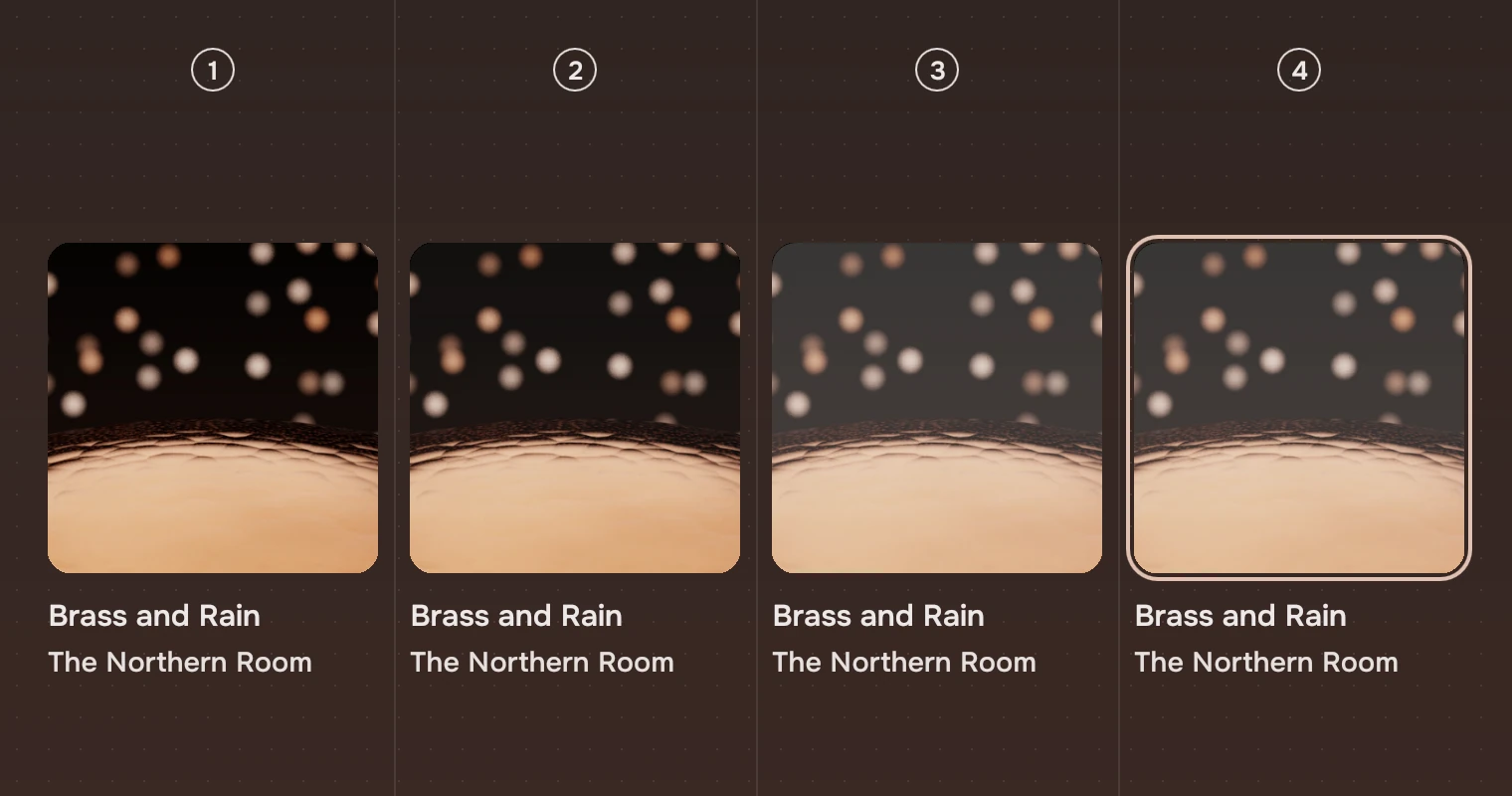
- RestThe cover as it is.
- Pointer over itThe hover wash, 5 %.
- SelectedThe wash at 22 %.
- Keyboard focusThe ring, 4 pixels outside the cover, on the selected one.
A press also washes at 22 %. The pointer moves a wash over the cover but never the selection; a click selects. States gives the washes and the ring for every part.
Sizes
| Part | Value |
|---|---|
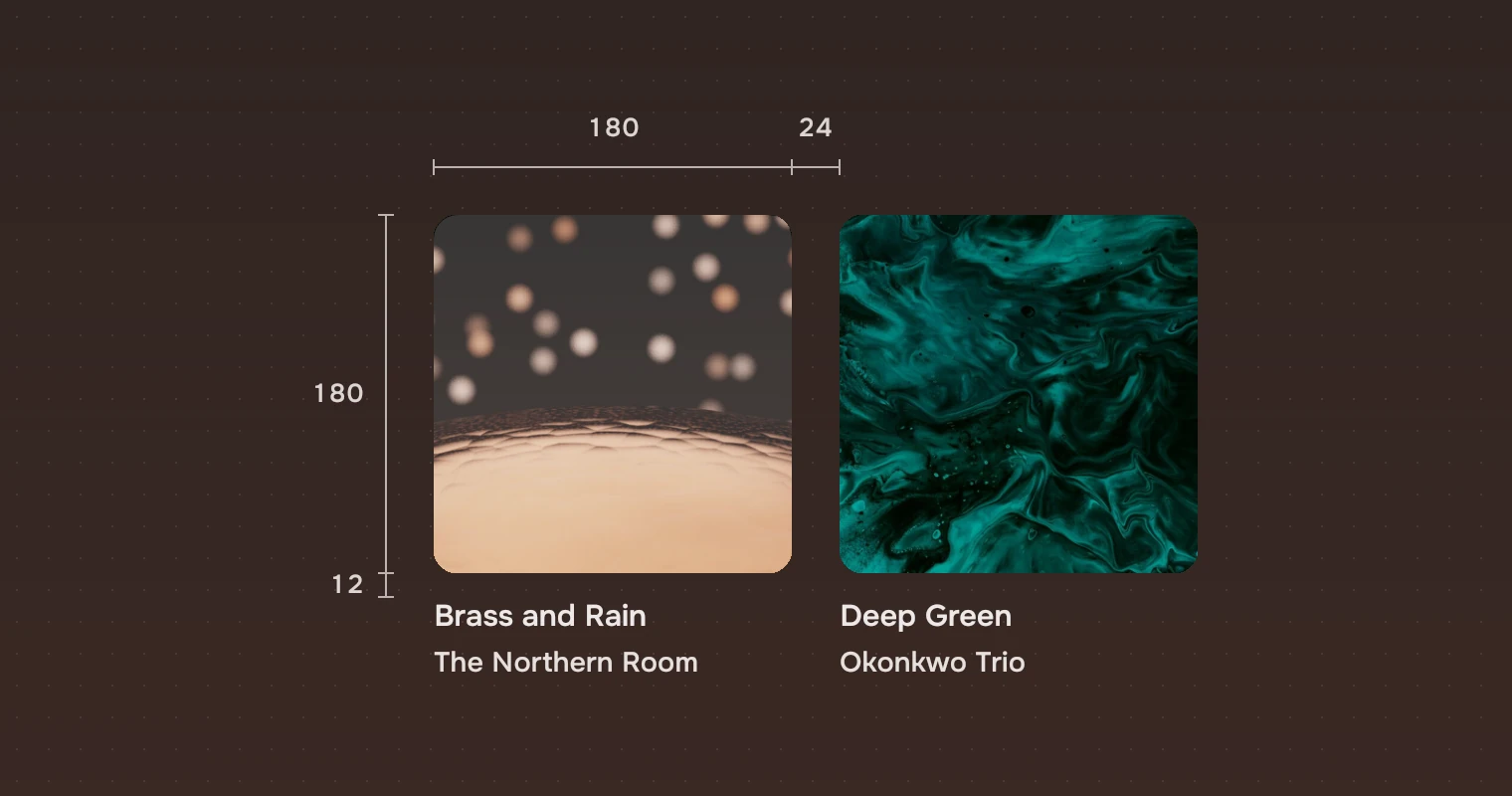
| Cover | 180 across, aimed at (cover); the columns widen it to fill the row |
| Gap | 24 pixels, across and down (gap) |
| Cover corner | 12 |
| Title | 12 pixels below the cover; the subtitle 4 below the title |
| Row | The cover, its two lines and a gap: the cover's width plus 48 |
| Focus ring | 2 pixels wide, 4 pixels outside the cover, corner 16 |
| Room for the ring | 6 pixels around the grid, kept inside its clip (ringRoom) |
| Default size | 900 by 600 |
Keys and pointer
The grid is one stop for Tab, as a row list is. Tab lands on the selected cover, or the first.
| Do this | To |
|---|---|
| ← → | Select the cover before or after |
| ↑ ↓ | Select the cover in the row above or below |
| Home End | Go to the first or the last cover |
| Enter | Open |
| Menu | The cover's menu |
| Click | Select |
| Double-click | Open |
| Right-click | The cover's menu; the cover is selected first |
Unlike a list, the grid has no Shift or Ctrl selection, no Space and no type-to-jump.
Accessibility
- The grid has the role of a list, named by its
label("Covers" by default; say "Albums"). Each cover is a list item named by its title and subtitle, "Low Tide, Mara Velde", and says whether it is selected. - Selection is shown by the wash and the keyboard's place by the ring, never by colour alone. The mark for what is in use is a symbol before the title, but the screen reader hears only the title and subtitle, so say it elsewhere too (a player bar).
Writing
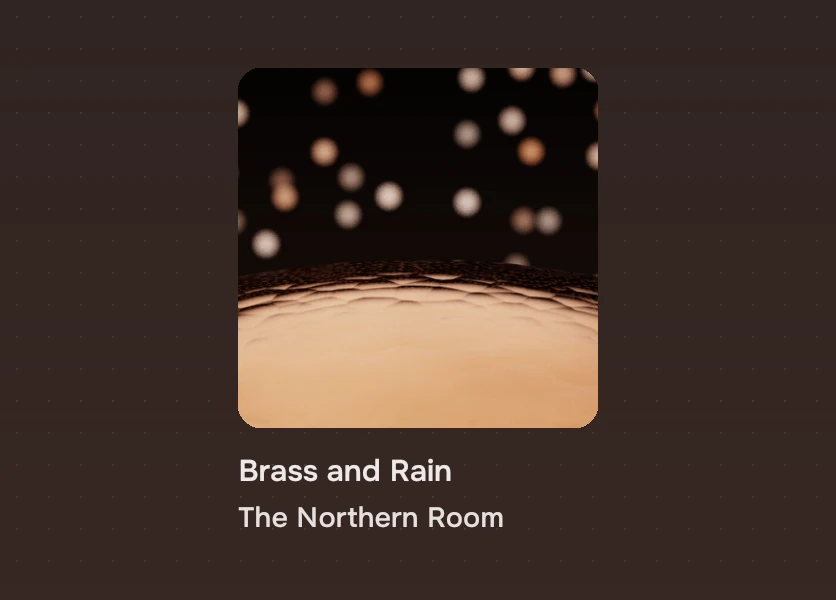
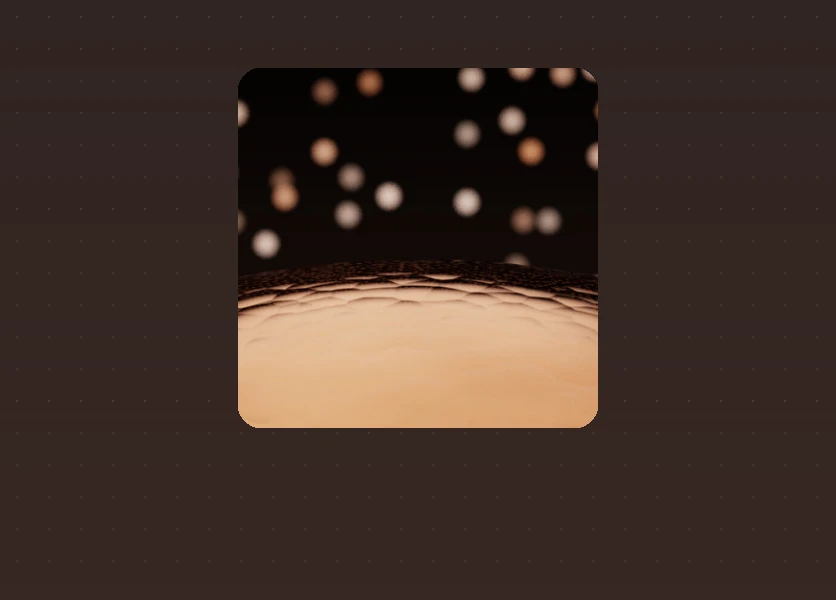
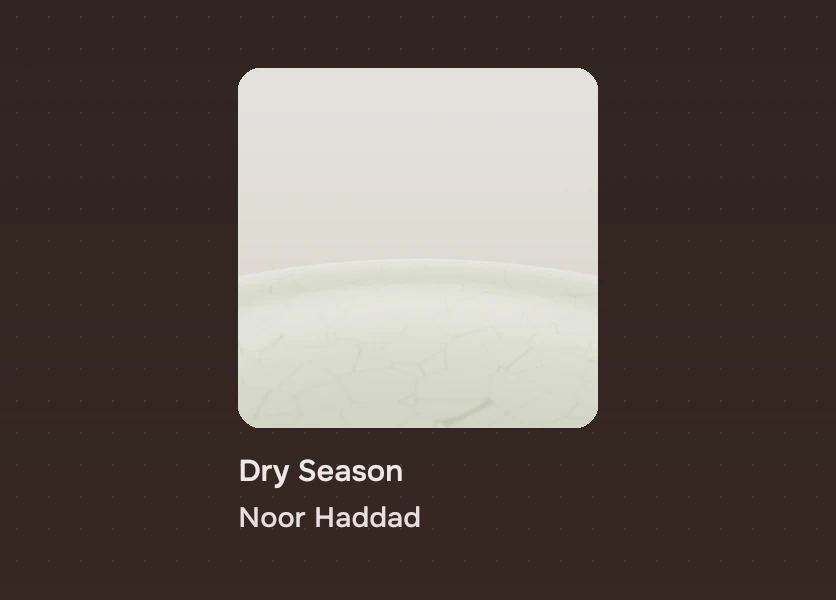
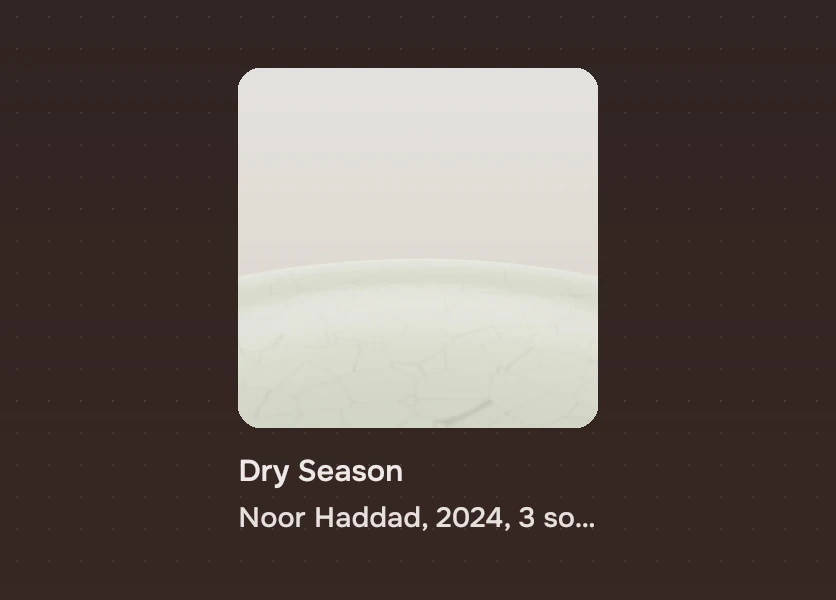
The title is the thing's name as it is. The subtitle is one fact that tells two of the same name apart: the artist, the owner, the author. Put counts, years and lengths on the thing's own page. Both lines shorten at their end, so what matters comes first.
Do and don't
Code
import Tacit.Kit

CoverGrid {
    width: 900; height: 600
    label: "Albums"
    glyph: "music_note"
    items: library.albums.map(a => ({
        source: a.cover, title: a.name, subtitle: a.artist, current: a.key === player.albumKey }))
    onActivated: i => open(library.albums[i])
    onContextRequested: (i, at) => menu.openAt(this, at.x, at.y)
}
| Property or signal | What it does |
|---|---|
items | The covers in order: source, title, subtitle, and current for the one in use |
glyph | The symbol for a cover with no picture ("image" by default) |
label | What a screen reader calls the grid |
cursor, moveTo(index) | The cover the keys act on (-1 for none), and a way to move it, scrolling it into view |
cover, gap, columns, cell, count | Read only: the aimed cover size (180), the gap (24), how many columns the width gives, the cell's width and how many covers there are |
activated(index), contextRequested(index, at) | Open, and ask for the cover's menu |
Experimental, in Tacit.Kit 0.1. It selects one cover at a time.
Text and figures: CC BY 4.0. Tacit.Kit: LGPL-3.0 code, OFL fonts. The Tacit name.