Choices
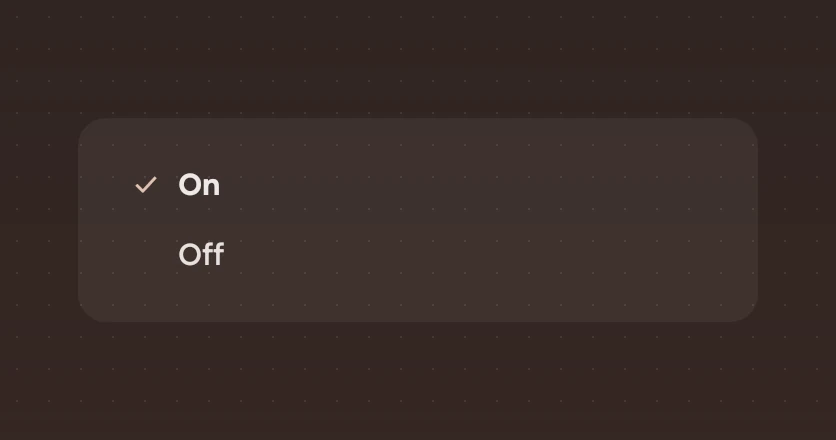
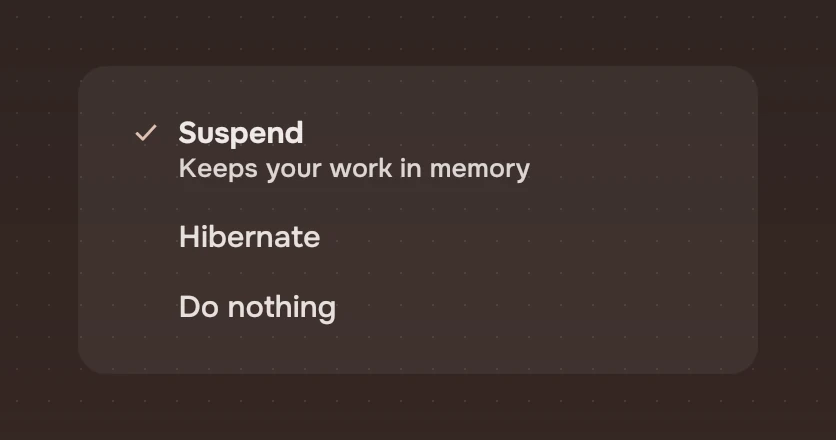
One of a few, shown all at once as lines of words. The chosen one carries the accent tick and is set strong.
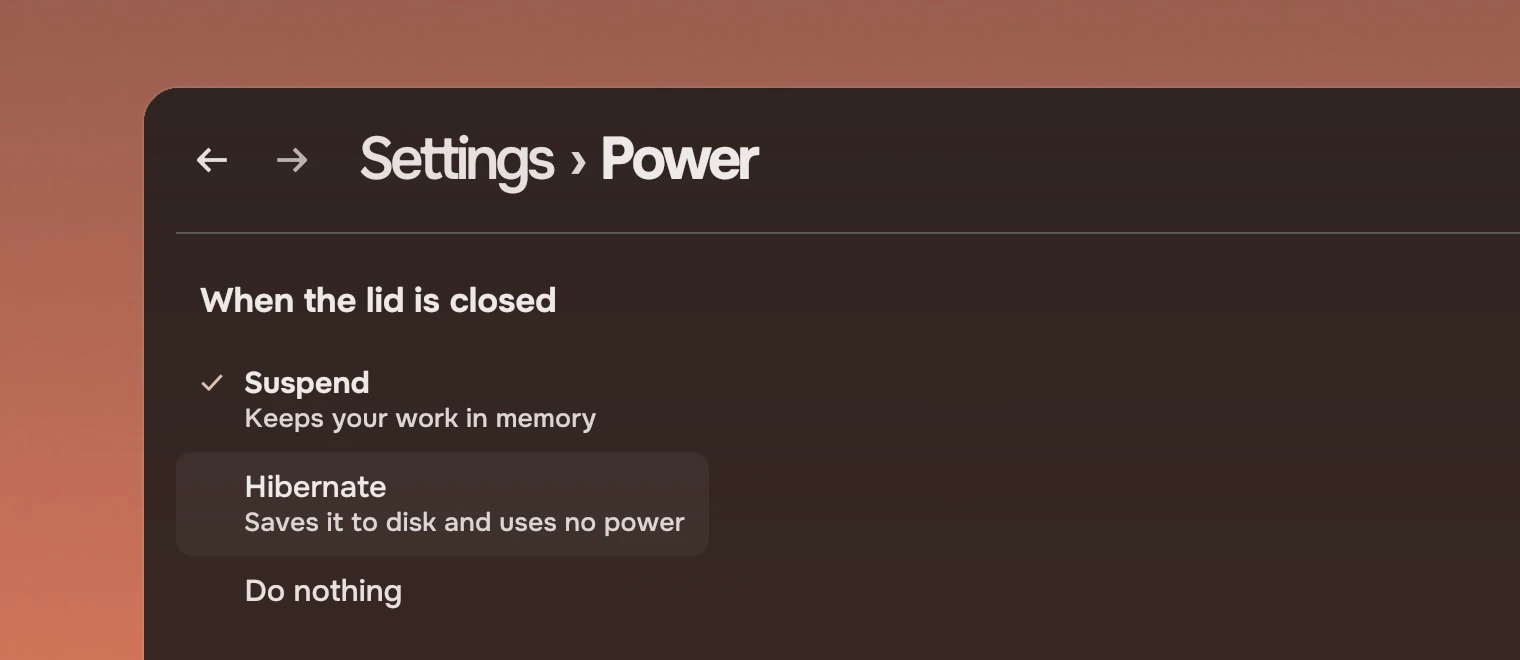
Use choices when a setting takes one of up to six values and each is worth reading: a column of lines, so nothing is hidden behind a click. A line can carry a quiet second line that says what the choice does. Others do close jobs:
- Tabs also set one word apart from the others, but they pick a view of one thing, and the page changes with them. Choices set a value; the page stays.
- A check lets several be on.
- A switch is for two states of one setting: on or off.
- For more than six, or where there is no room for the whole column, use a select.
Anatomy
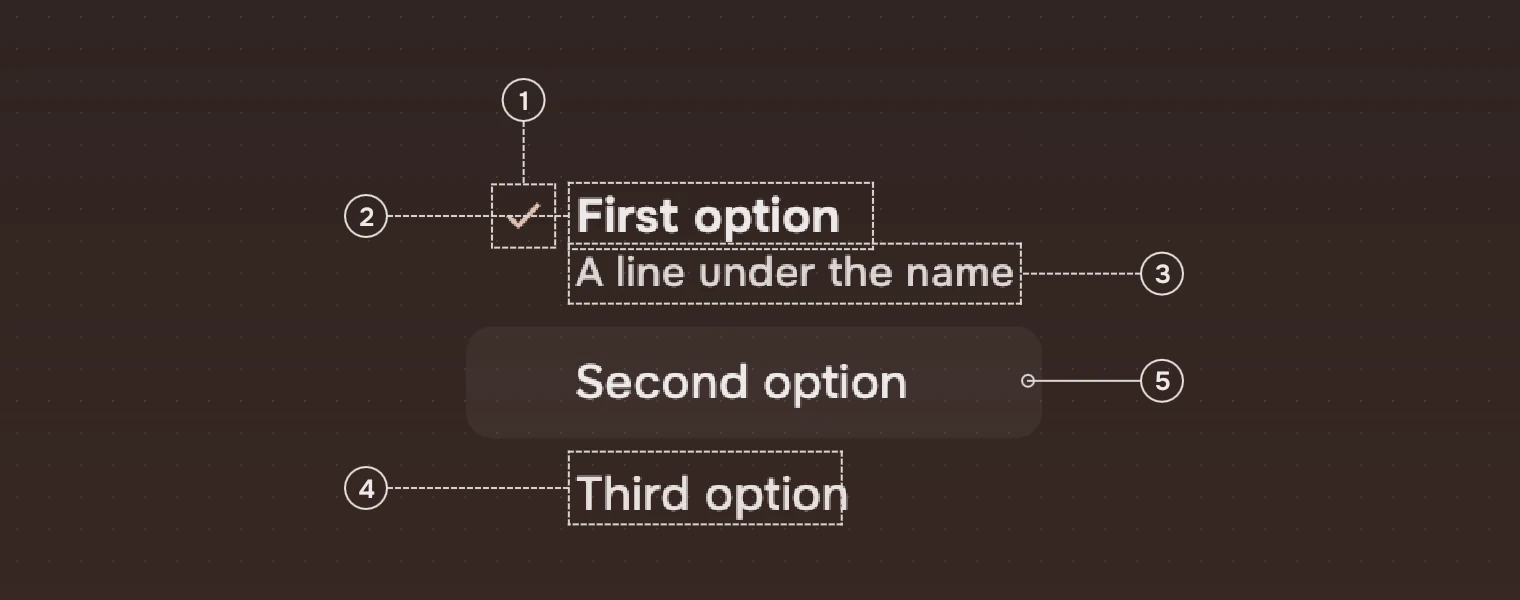
- TickThe
checksymbol in the accent, in front of the chosen line only. - Chosen nameThe main ink, strong weight. This is the only other mark of the choice, so it reads without colour.
- DetailAn optional line under the name in the meta ink, for what the choice does.
- Other namesThe secondary ink, regular weight, in line with the chosen name.
- WashUnder the pointer, a wash of the main ink in the row's corner.
A line with a detail is taller; every line is 34 high at least.
States
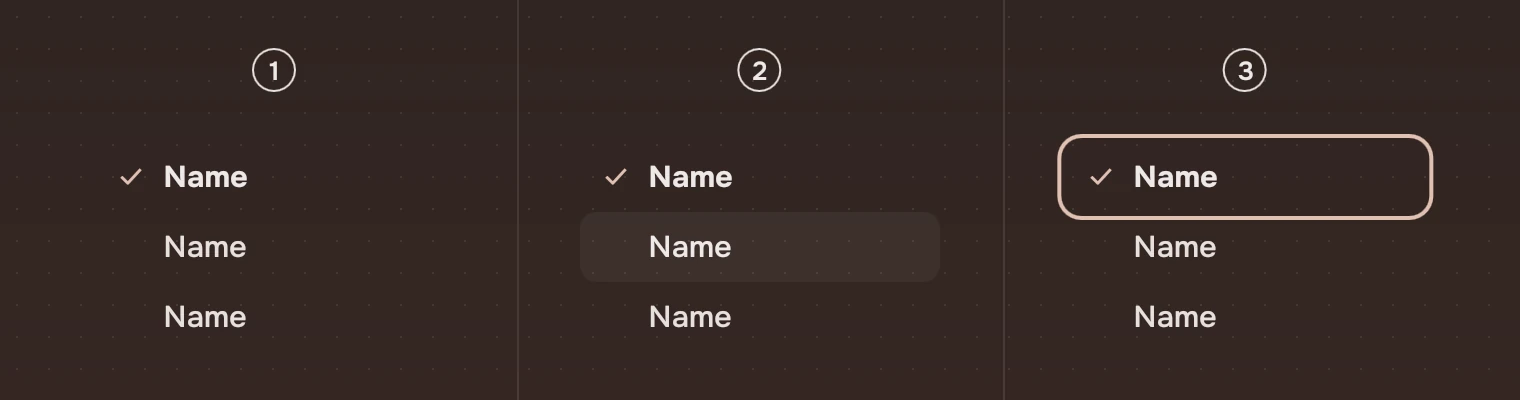
- RestThe chosen line as described above.
- Pointer over a lineA wash of 5 % under that line and its name in the main ink; the pointer is a hand. See States.
- Keyboard focusThe ring around the chosen line.
Choices has no pressed state of its own: a click chooses at once. Unavailable (enabled: false) sets every line in the faint ink and ignores pointer and keys. The wash comes and goes over 80 ms (hover).
Sizes

| Part | Value |
|---|---|
| Line height | 34 (height.menuRow) at least; with a detail, 16 plus the two lines of text |
| Line width | 180 at least, otherwise the longest name or detail and 46 |
| Tick | 16 pixels, 10 from the edge |
| Name | 34 from the edge, 8 above and below |
| Wash corner | 8 (radius.row) |
Keep a set to six lines or fewer.
Keys and pointer
The whole set is one Tab stop.
| Do this | To |
|---|---|
| Tab | Move the focus to the set, onto the chosen line |
| ↓ or → | Choose the next line |
| ↑ or ← | Choose the previous line |
| Home, End | Choose the first or the last line |
| Click | Choose that line |
The arrows choose as they move, so there is nothing to confirm.
Accessibility
- A screen reader finds a group named by
label, whose lines are radio buttons, one of them checked. A detail is read as the line's description. - The chosen line is told by the tick and the strong weight, not by colour alone.
- Unavailable choices are in the faint ink and leave the Tab order.
Writing
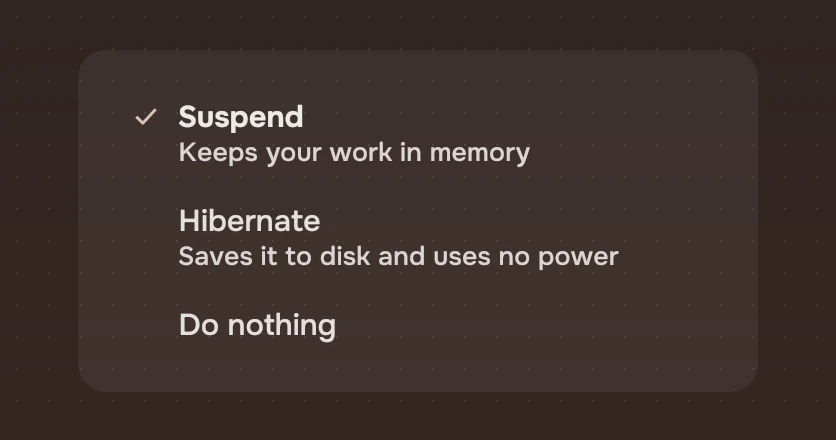
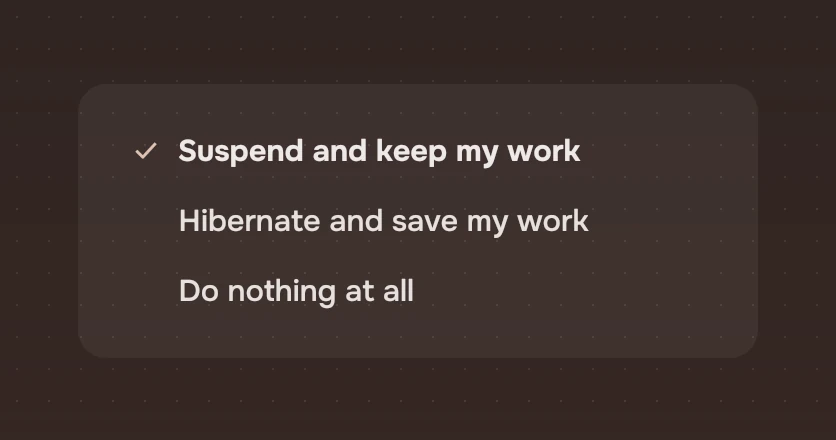
Name each value in a word or two: "Suspend", "Hibernate". Put what it does in the detail, in a short phrase. Name the group by what is being set, in the heading above it ("When the lid is closed"), and give label the same words.
Do and don't
Code
import Tacit.Kit

Choices {
    label: "When the lid is closed"
    model: [
        { label: "Suspend", detail: "Keeps your work in memory" },
        { label: "Hibernate", detail: "Saves it to disk and uses no power" },
        "Do nothing"
    ]
    current: settings.lidAction
    onPicked: index => settings.lidAction = index
}
| Property | What it does |
|---|---|
model | The lines: a list of names, or of { label, detail } |
current | The index of the chosen line, or -1 for none. The app sets it when it hears picked |
label | The name of the group, said by a screen reader. Set it |
enabled | False: every line in the faint ink, no pointer or keys |
picked(index) | Sent when a line is chosen by a click or a key |
Experimental, in Tacit.Kit 0.1.
Text and figures: CC BY 4.0. Tacit.Kit: LGPL-3.0 code, OFL fonts. The Tacit name.